How to move your records to a new phone
The new phone gets all your records — products, sales, debts — just like the old one.
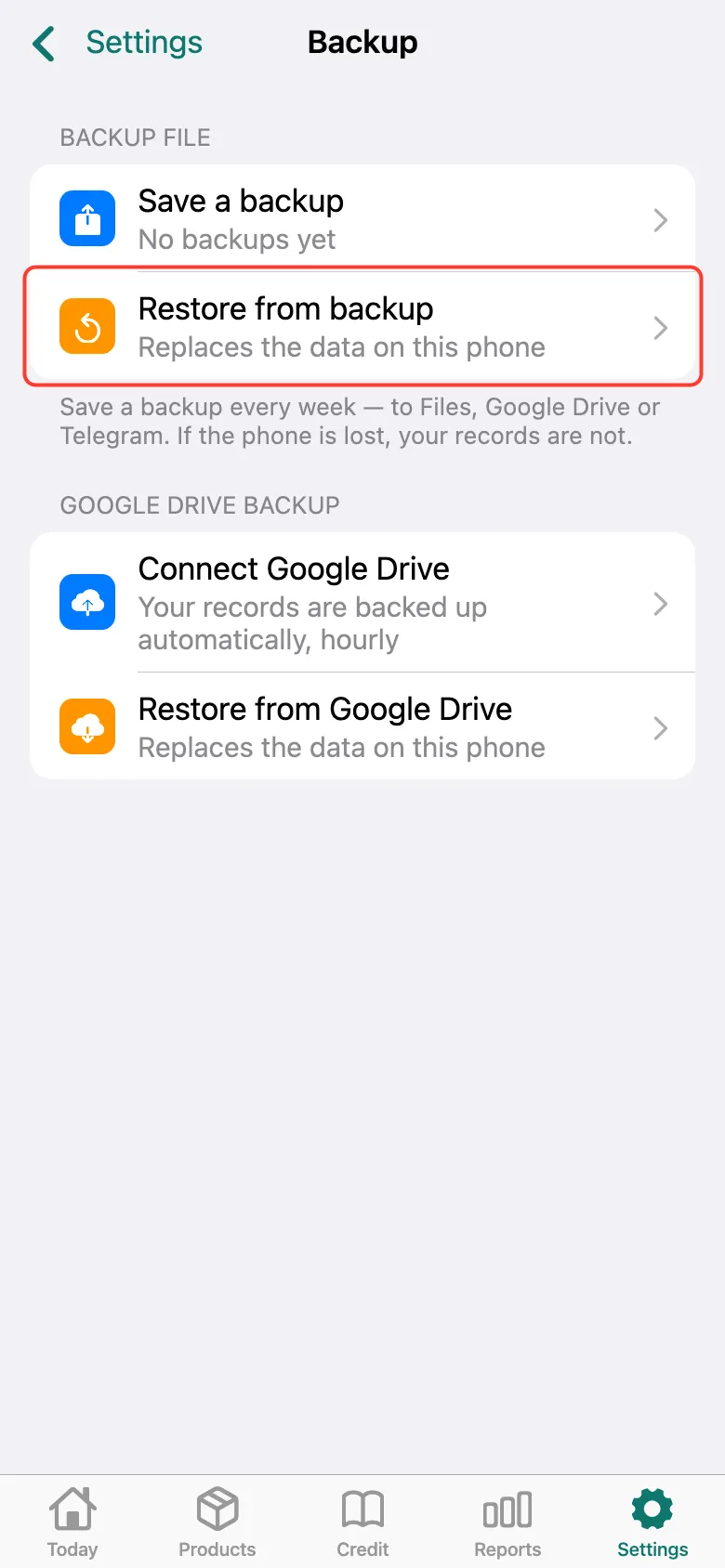
Make a fresh backup on the old phone: to a file or Google Drive. Install Tijorat on the new phone and sign in to the same account. Backup in a file — open Settings → Backup → Restore from backup and pick the file.
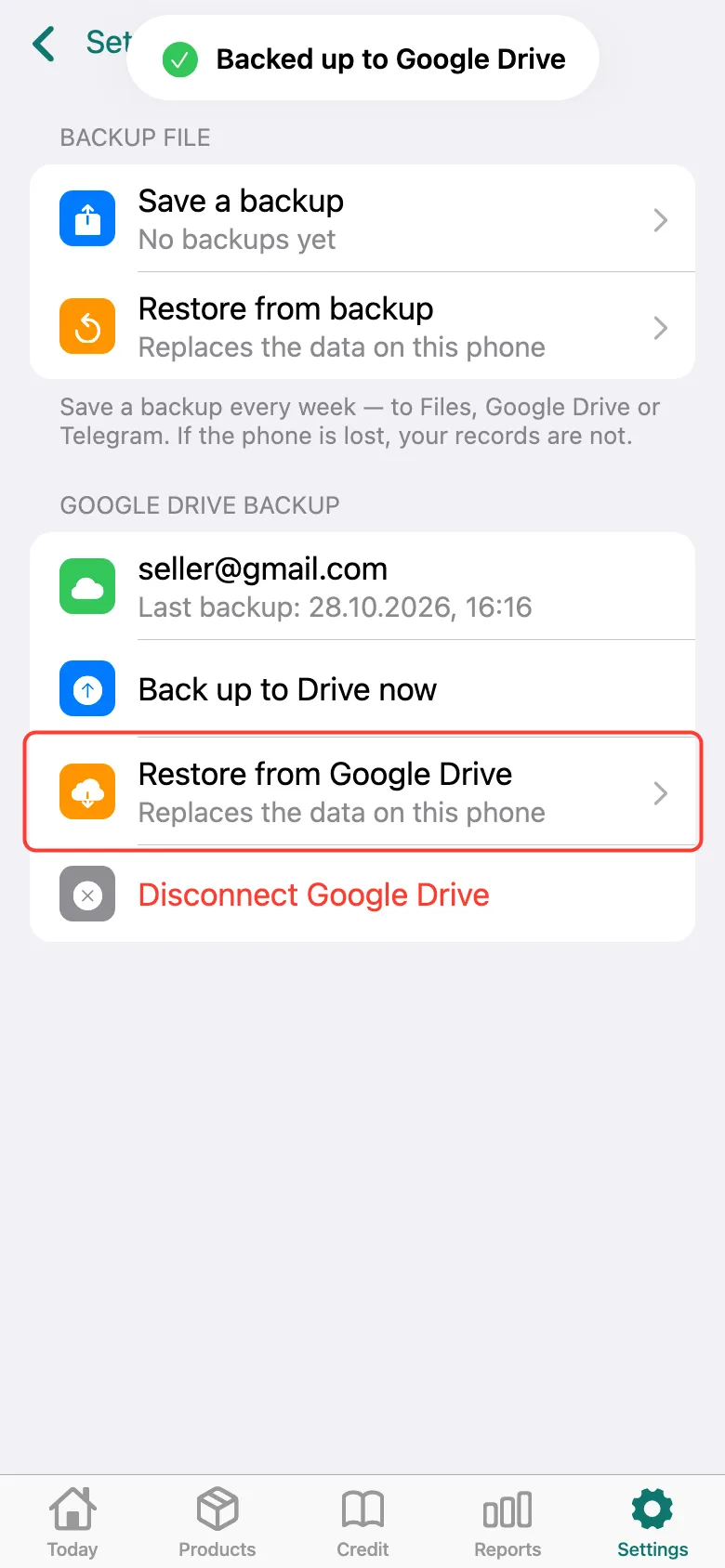
Backup on Google Drive — Tijorat offers it on first sign-in (“Used Tijorat before?”). Or on the same screen tap Connect Google Drive, then Restore from Google Drive and choose the backup. The data on the new phone is replaced by the backup.
What next
Didn’t work? Message us on Telegram