How to change your password and sign out
You can sign out, and replace a forgotten or old password with a new one by email.
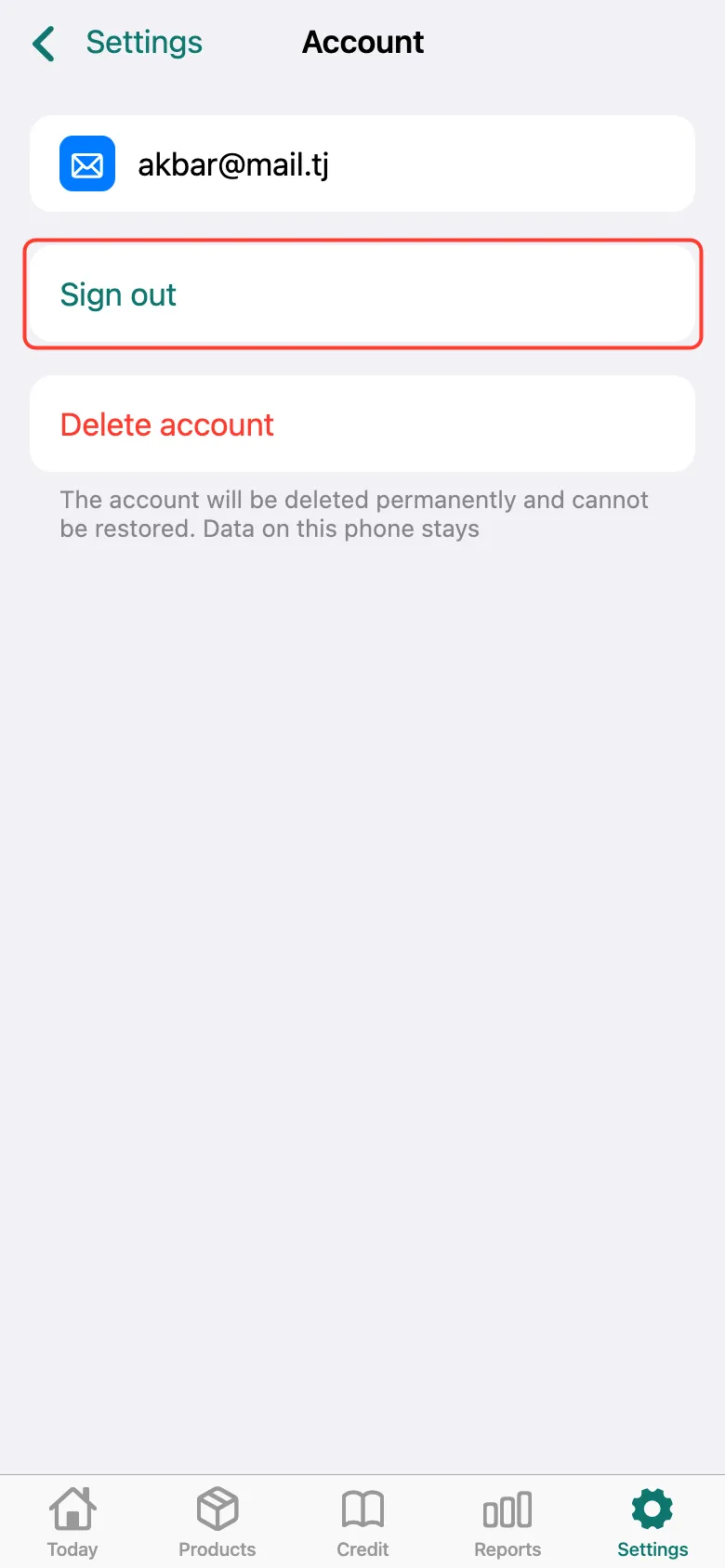
Open Settings, tap your account at the top and tap Sign out.
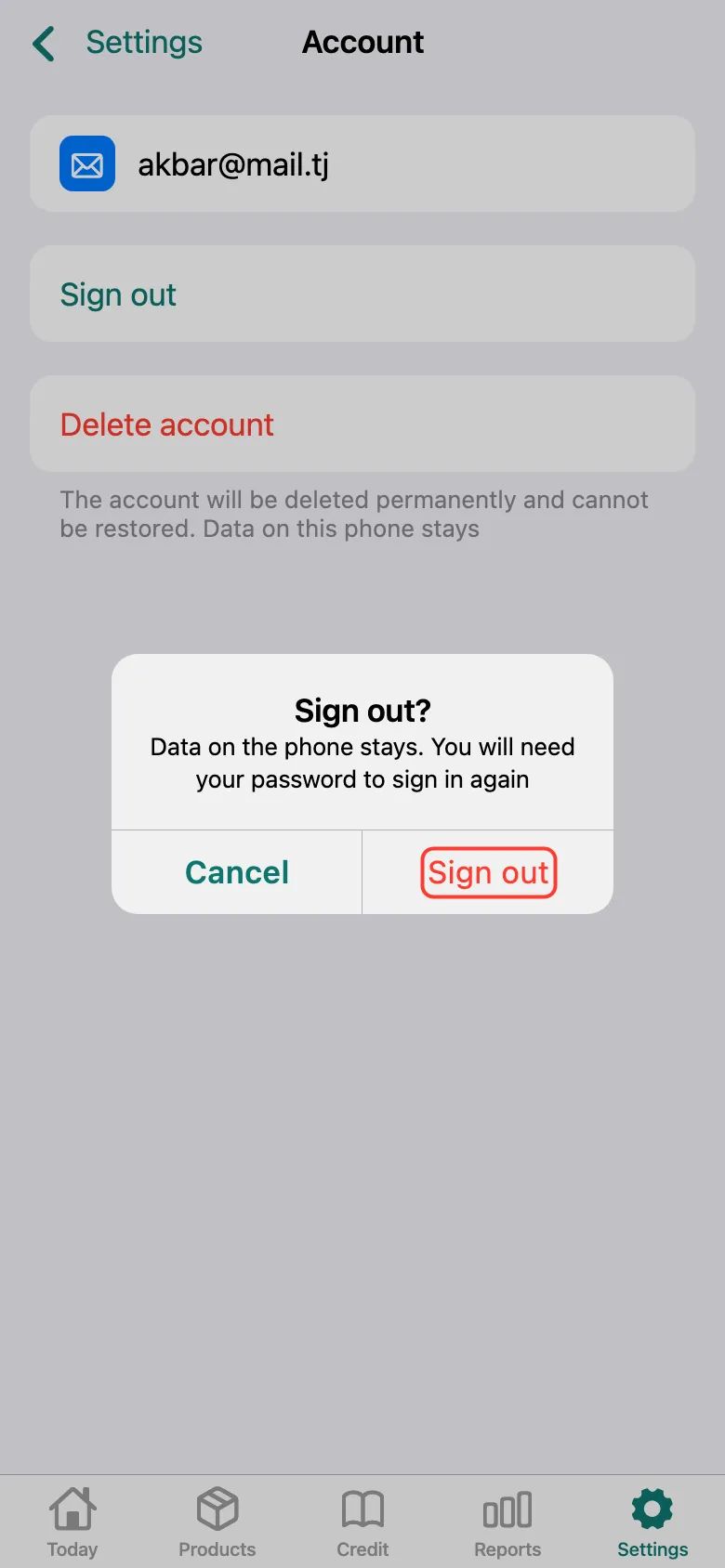
Confirm — Sign out. The data stays on the phone; you’ll need the password to sign in again.
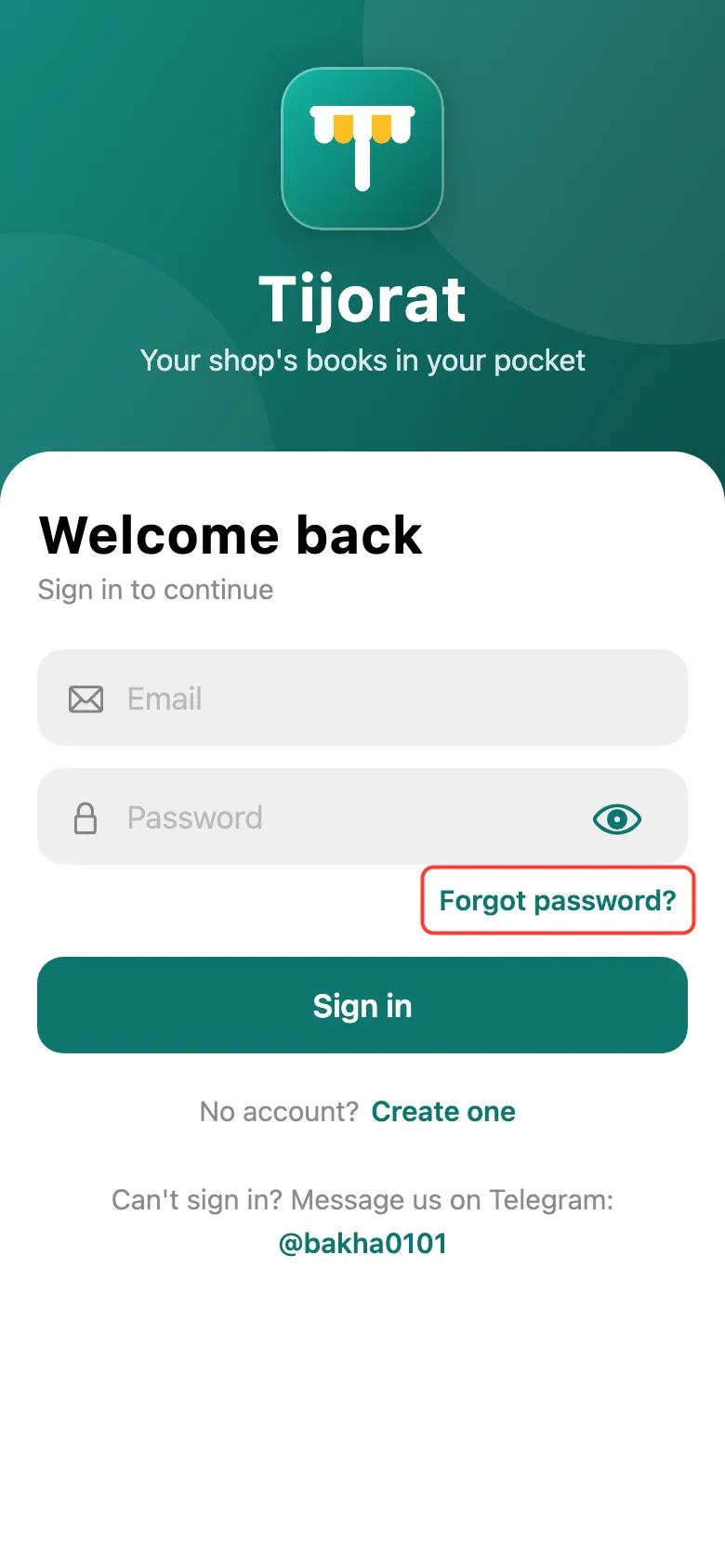
To set a new password, tap Forgot password? on the sign-in screen.
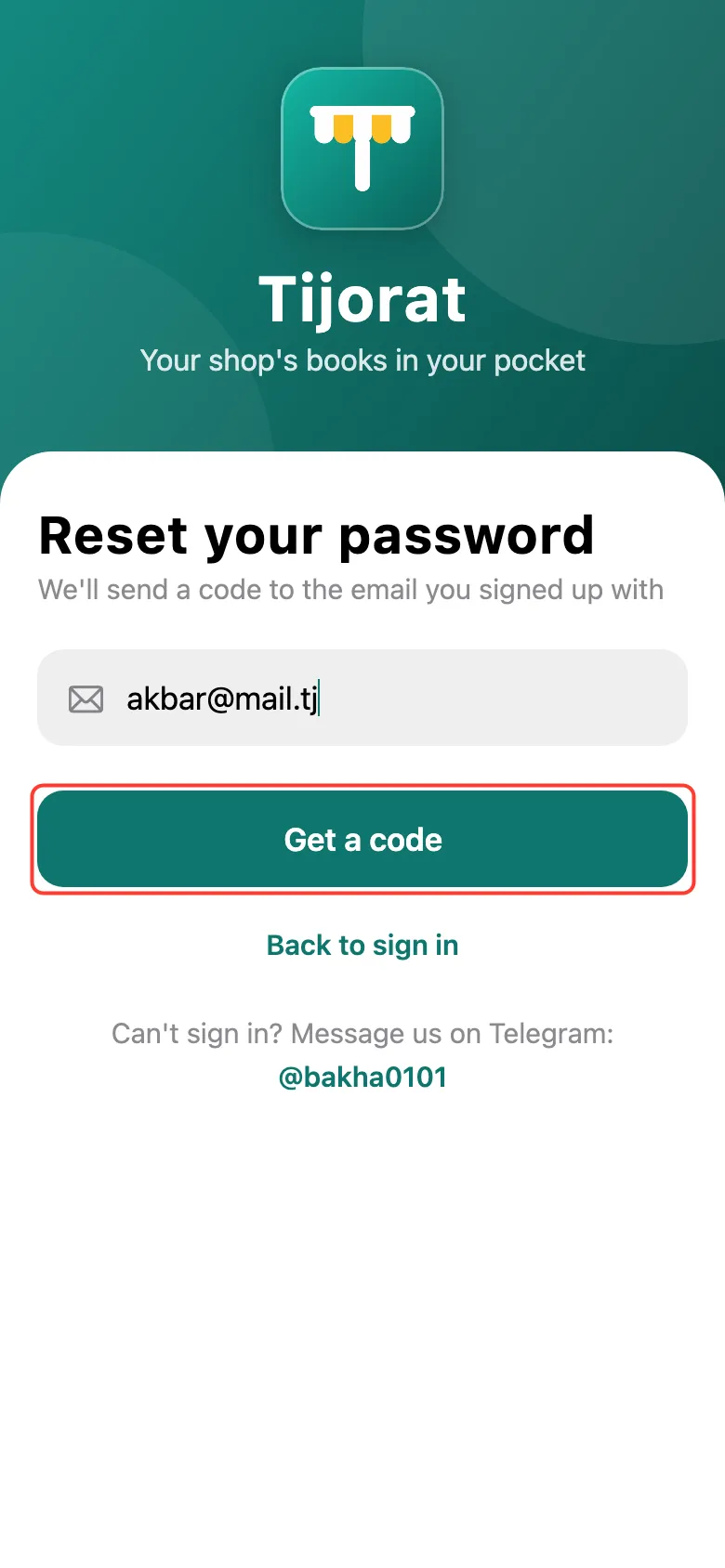
Enter your account email and tap Get a code. Enter the code from the email, make up a New password and tap Save and sign in. To delete the account for good, use Delete account next to Sign out.
What next
Didn’t work? Message us on Telegram