How to sign up and sign in
You will have a Tijorat account, and your records will be tied to it.
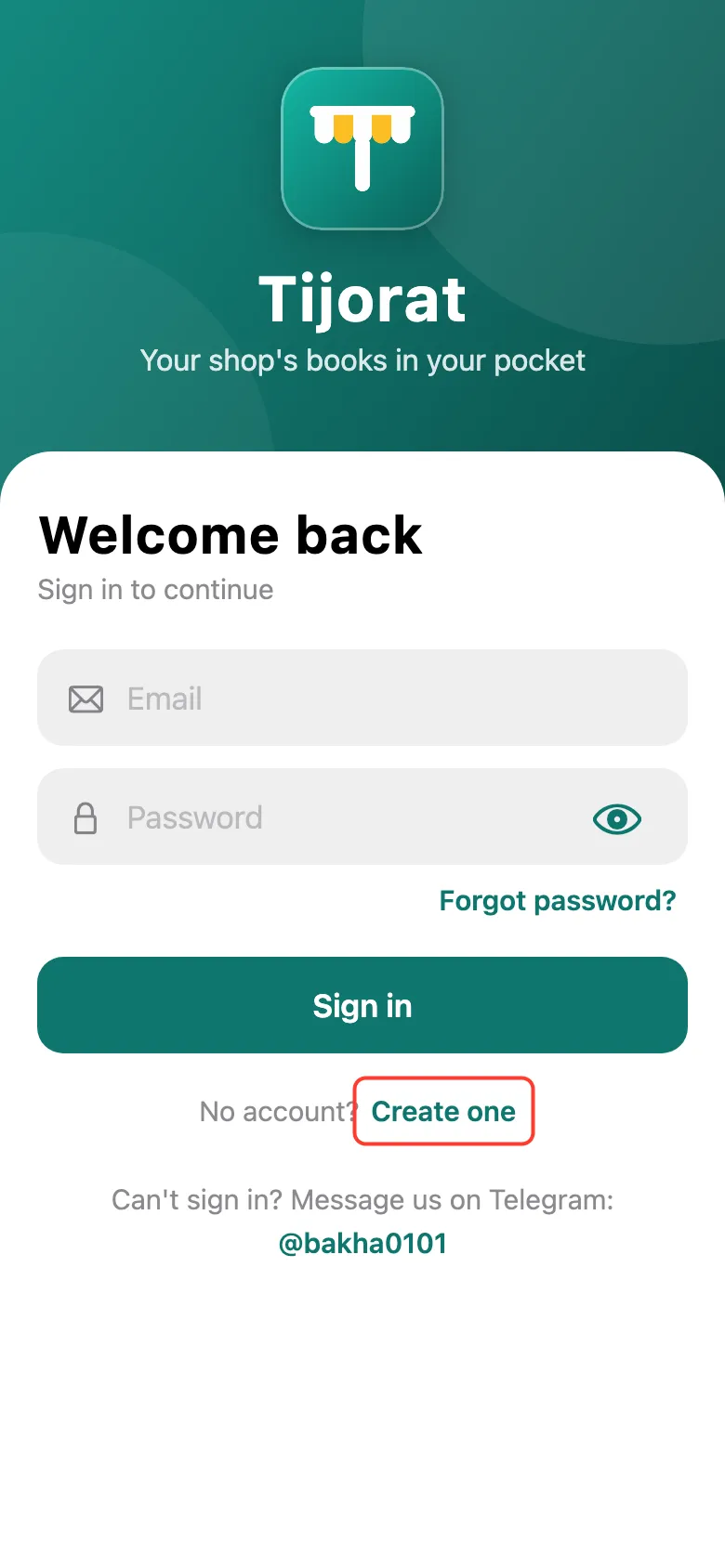
Open Tijorat. If you don’t have an account yet, tap Create one next to “No account?” on the first screen.
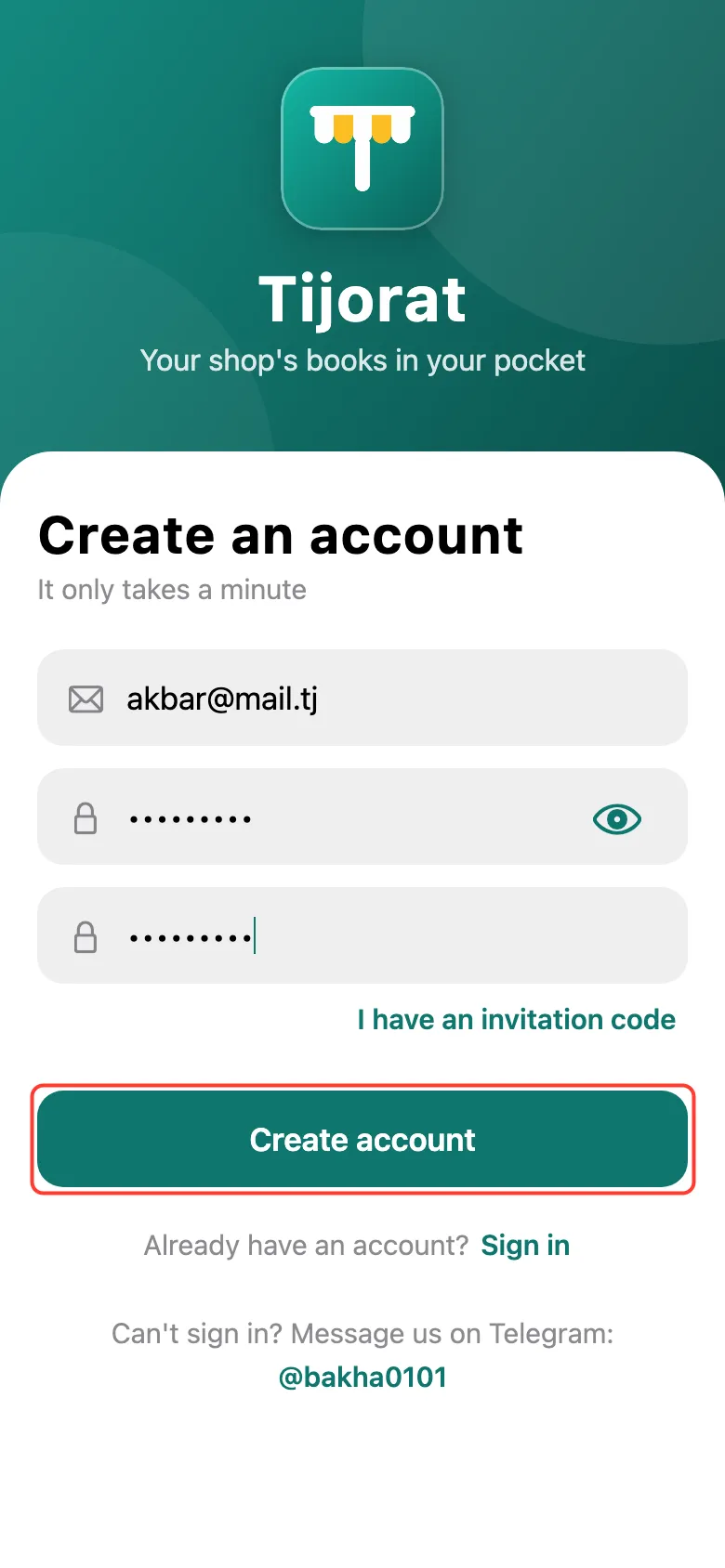
Enter your email and make up a password of at least 8 characters. Repeat the password and tap Create account.
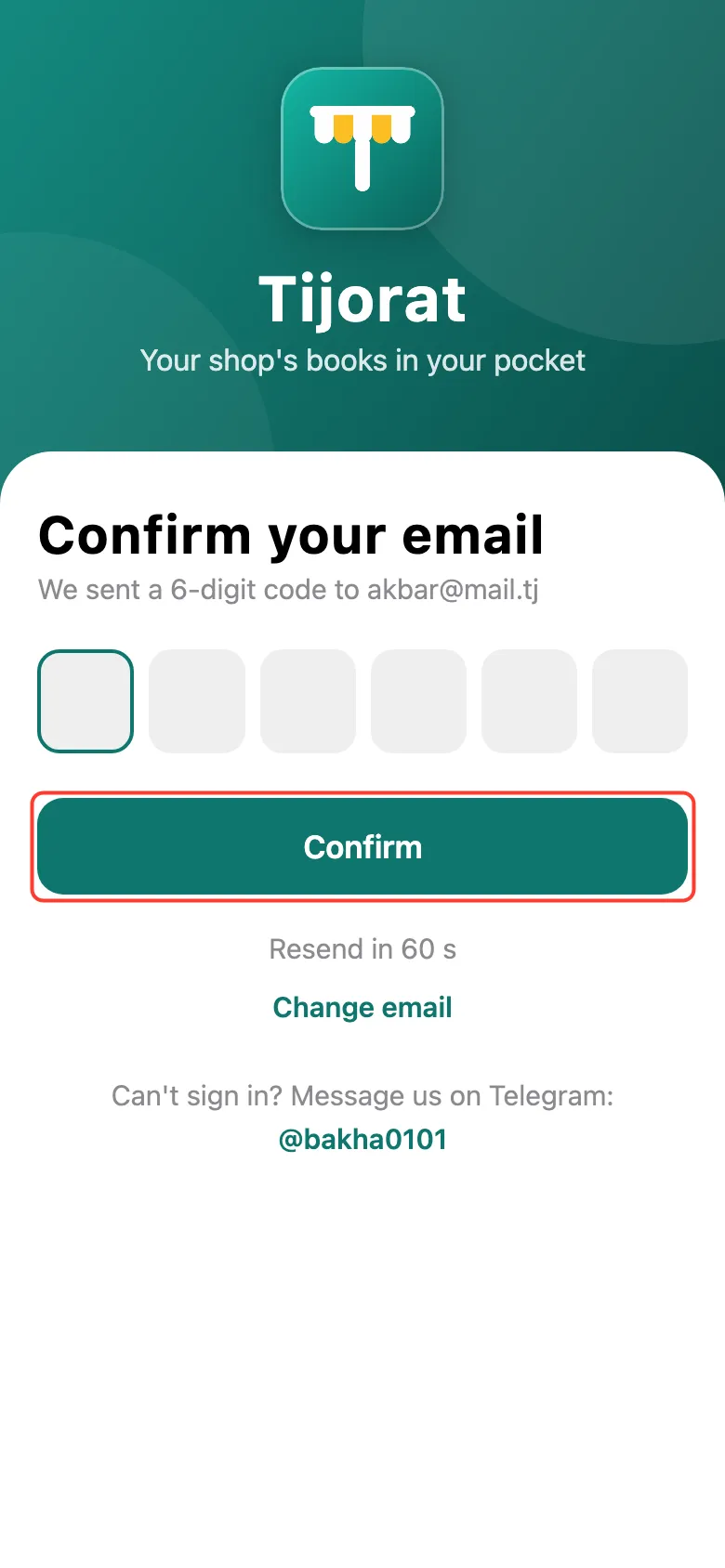
An email with a 6-digit code will arrive. Enter the code and tap Confirm. No email? Check the Spam folder or tap Send the code again.
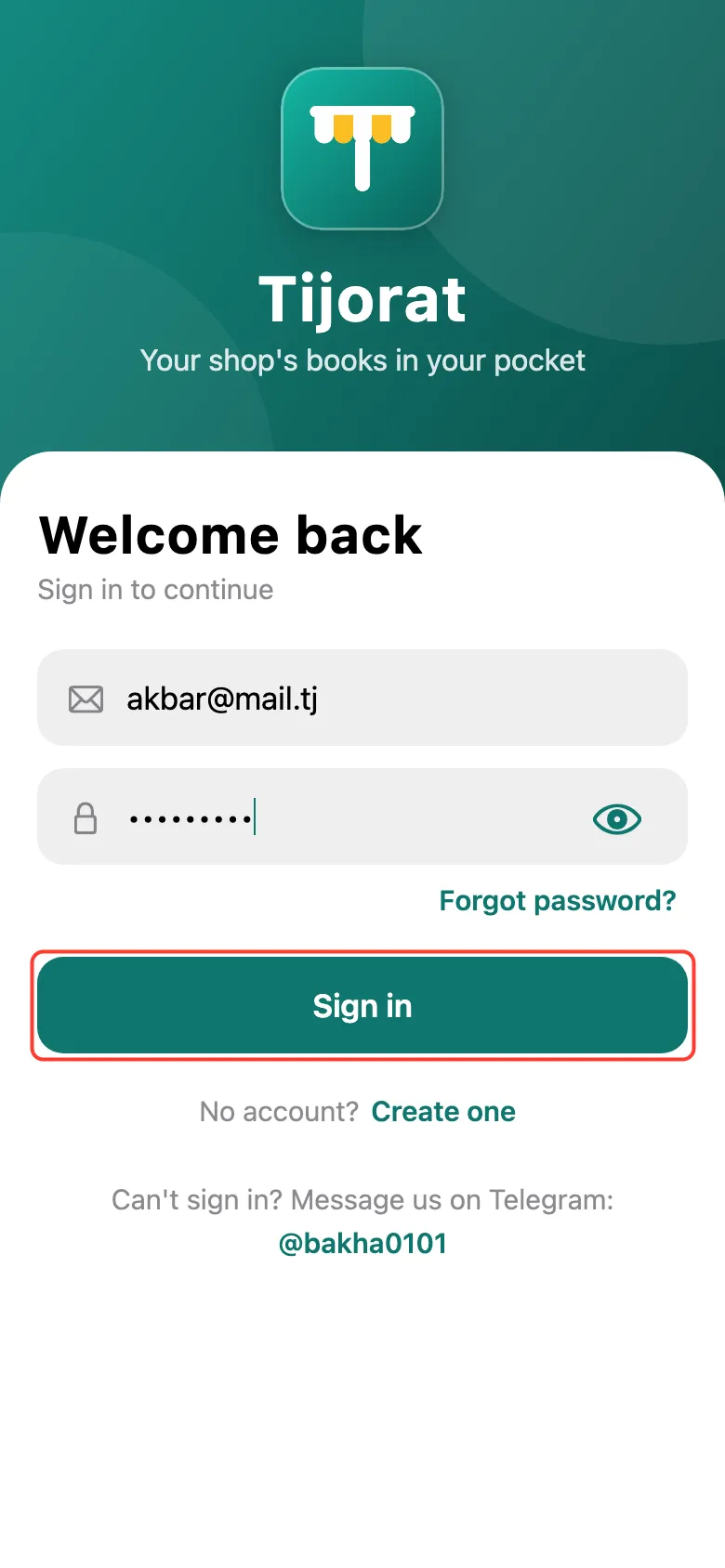
Next time, enter your email and password on the first screen and tap Sign in. Forgot your password? Tap Forgot password? and a code for a new one will come by email.
You can also sign in without a password: tap Continue with Google, and on iPhone also Sign in with Apple.
What next
Didn’t work? Message us on Telegram