What the Today screen shows
You will know what every figure on the main screen means.
The Today screen opens first. At the top are the day’s totals: Revenue, Profit, Total assets, On credit and In hand. Below are all of today’s sales, payments and expenses.
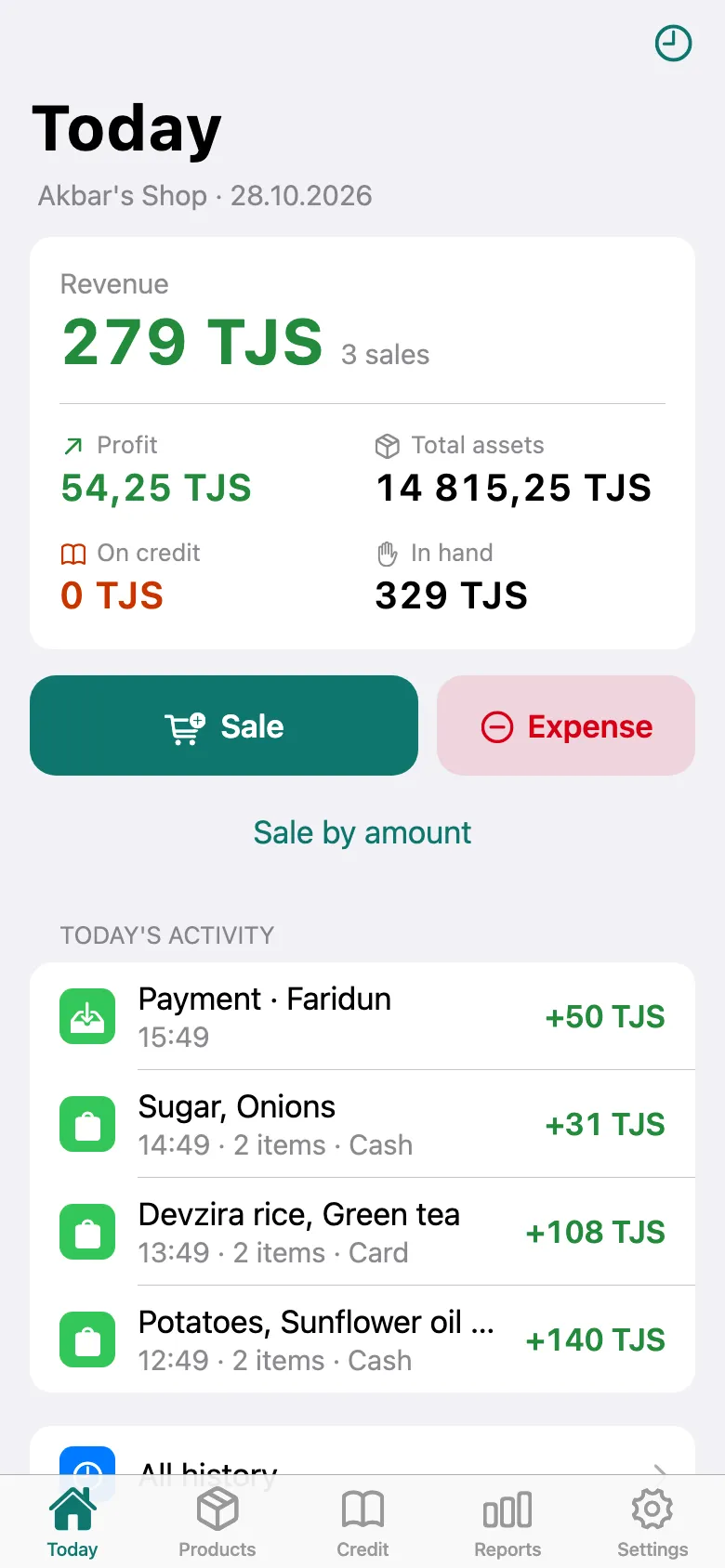
Don’t remember what a figure means? Tap it — for example, Profit.
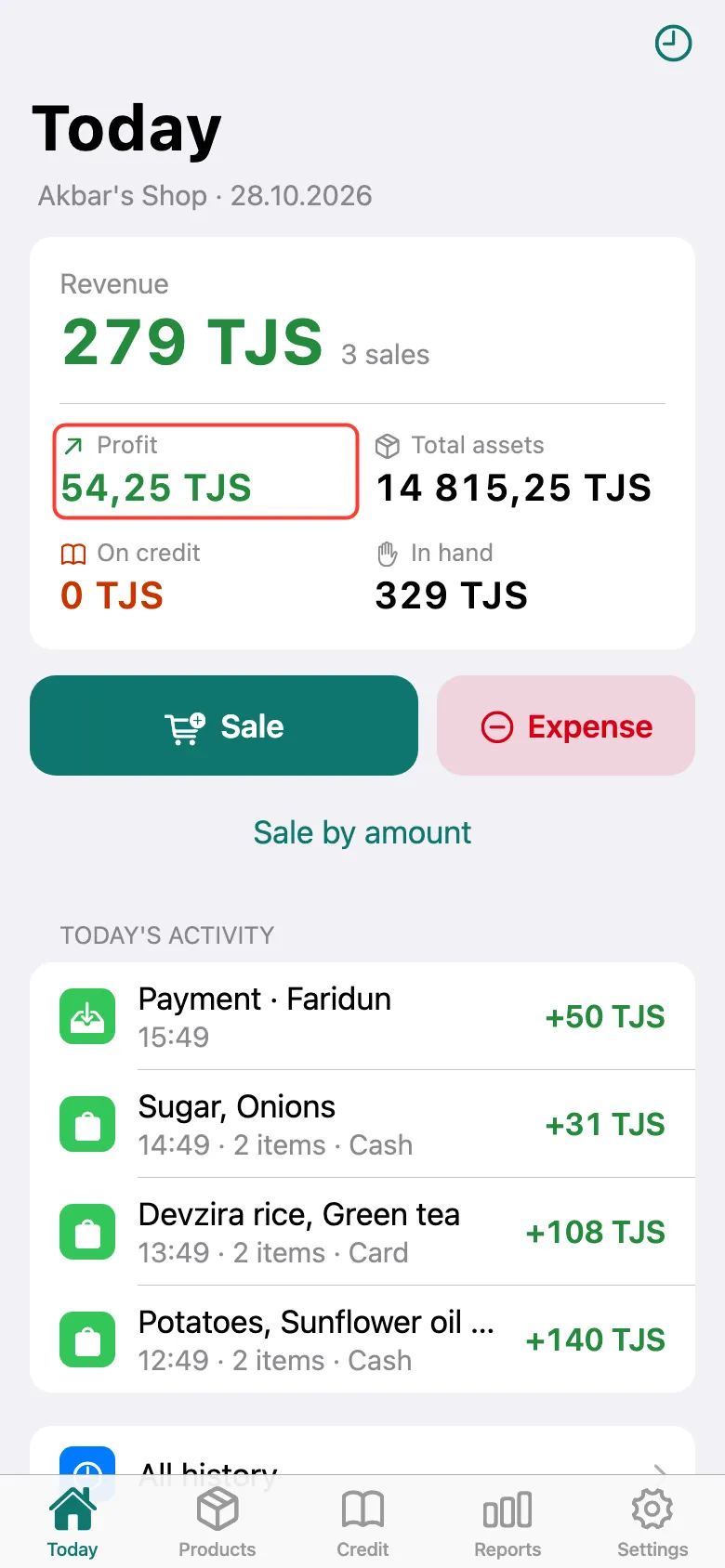
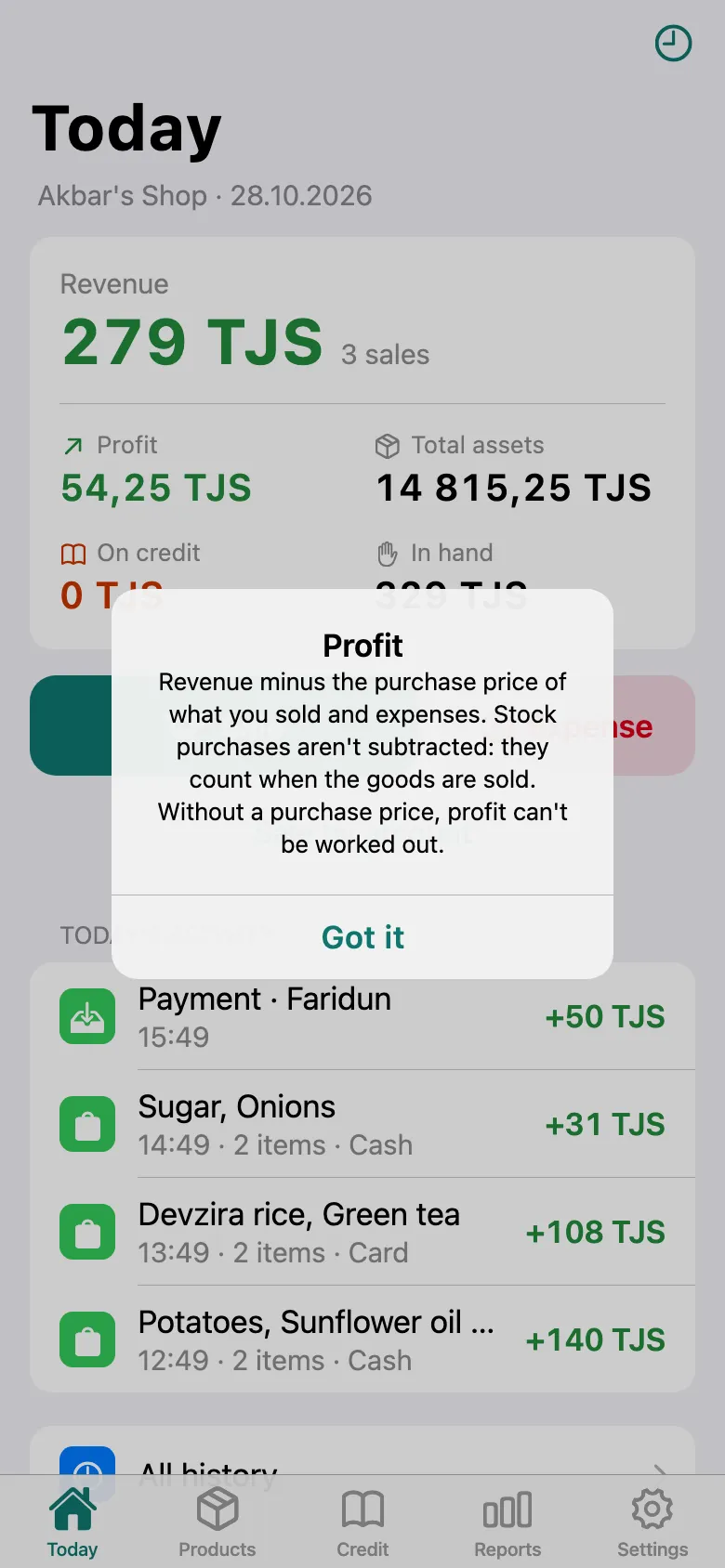
A short explanation appears. Profit is revenue minus the purchase price of what you sold and expenses. If a product has no purchase price, its profit isn’t counted. Tap Got it.
This is also where work starts: Sale records a product sale, Expense records spending, Sale by amount is a sale without picking products.
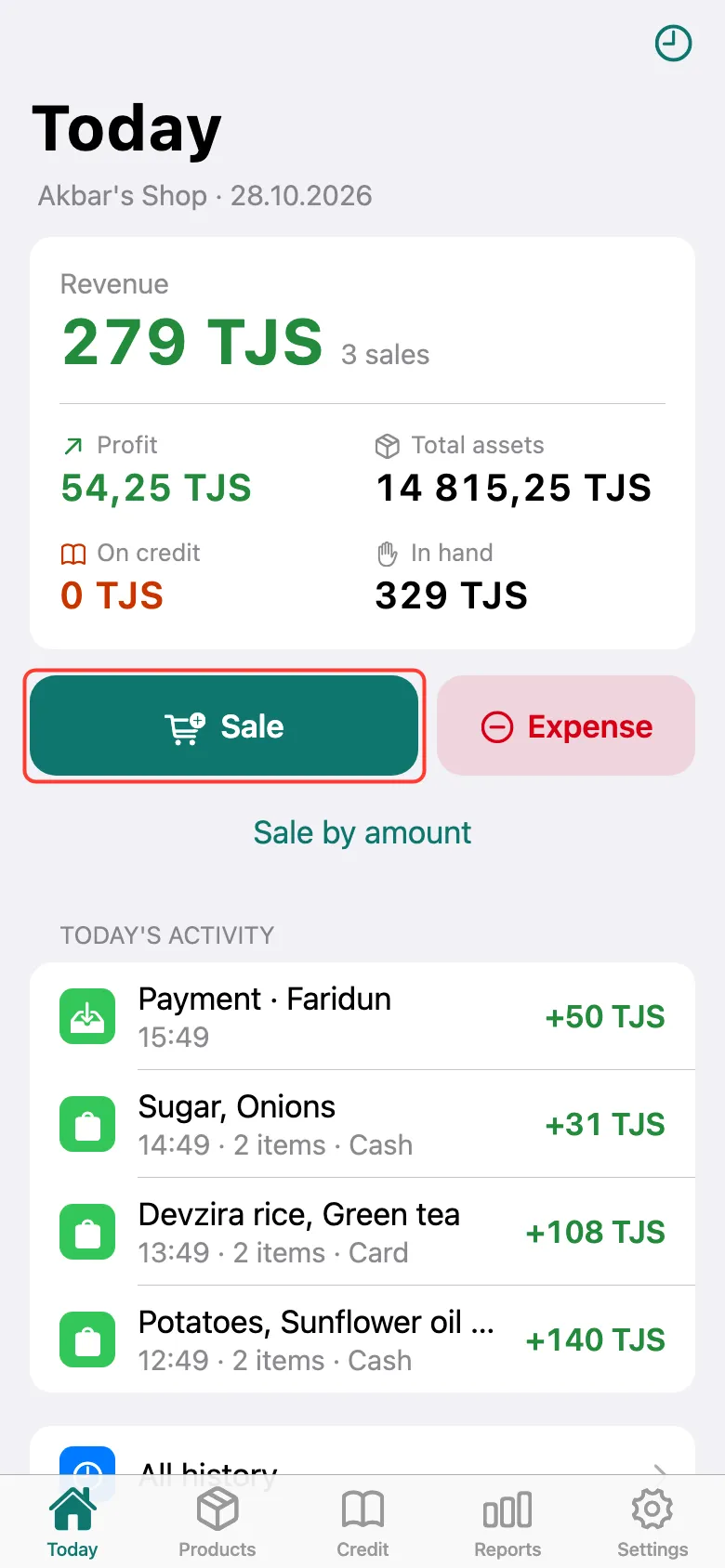
Revenue is what you sold today, including credit. Total assets is stock at purchase price plus what customers owe. On credit is how much you gave out on credit today. In hand is cash and card plus collected debts, minus expenses and stock purchases.
What next
Didn’t work? Message us on Telegram