How to read reports: revenue, profit, expenses
You see how trade goes over a day, week or month and where the money goes.
Open the Reports tab. At the top, choose Day, Week or Month; the side arrows go to earlier periods. Below are profit, revenue, the best day and sales by day. The monthly report is in Pro.
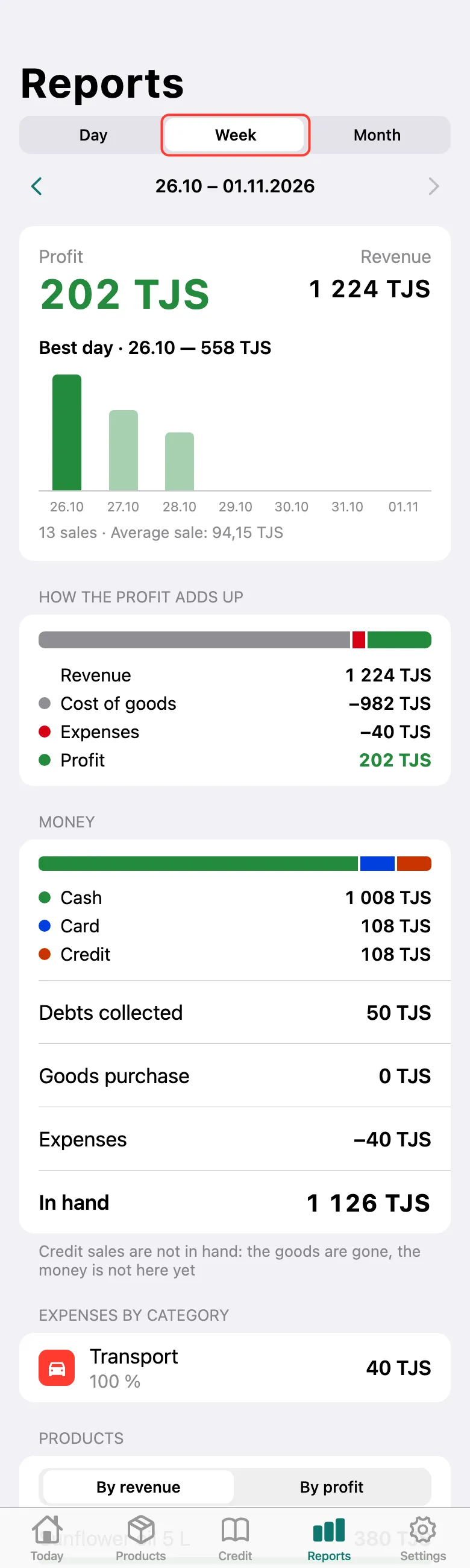
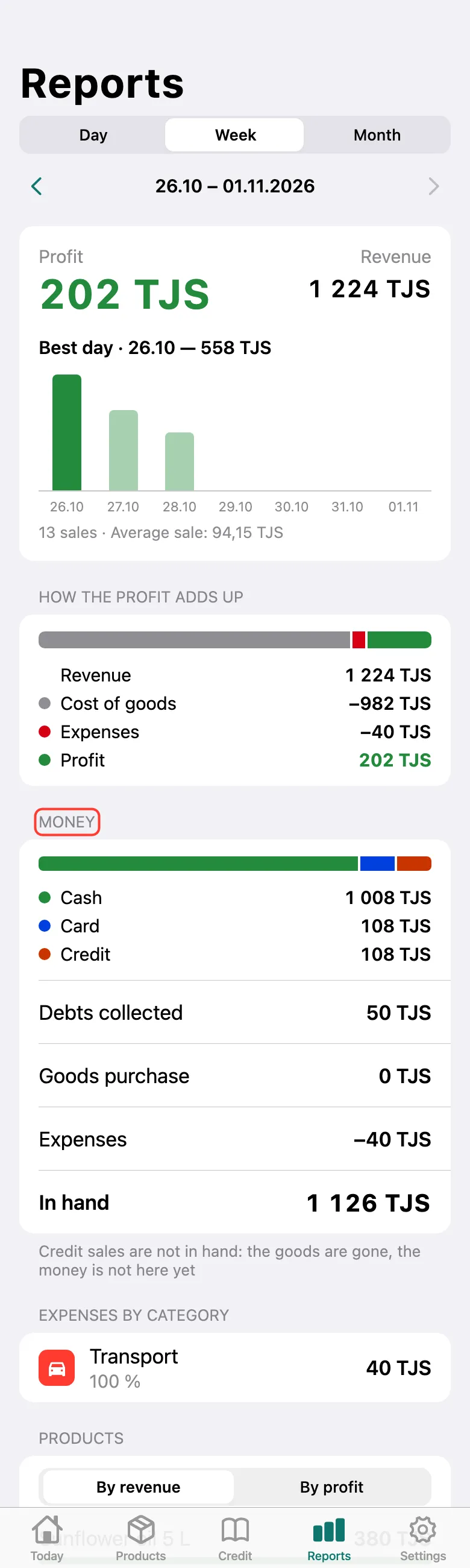
Scroll down. How the profit adds up shows what it’s made of. Money shows what came in cash, by card and on credit, debts collected, spending on stock and expenses, and what is left In hand. Further down: expenses by category and best-selling products By revenue and By profit.
What next
Didn’t work? Message us on Telegram