How to add a product
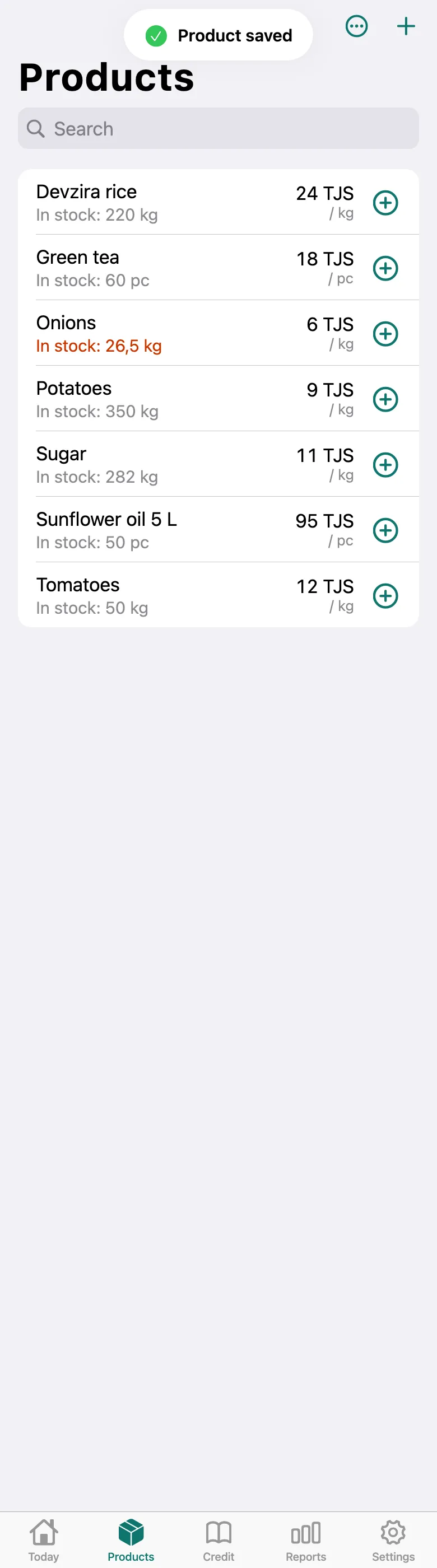
The product appears in your list and can be sold — its stock is counted for you.
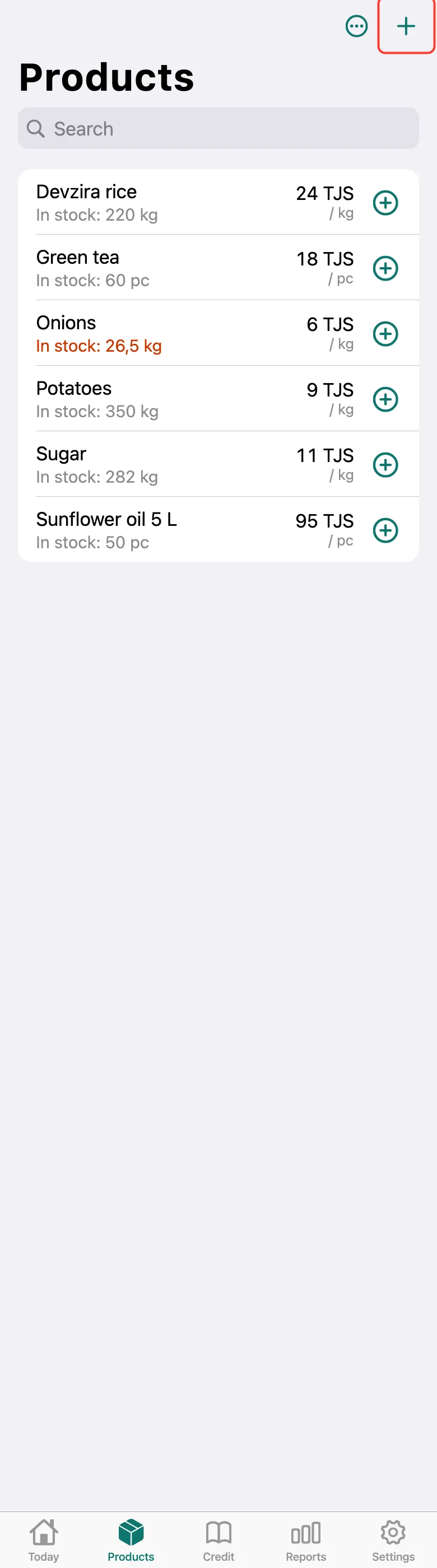
Open the Products tab and tap + in the top right corner.
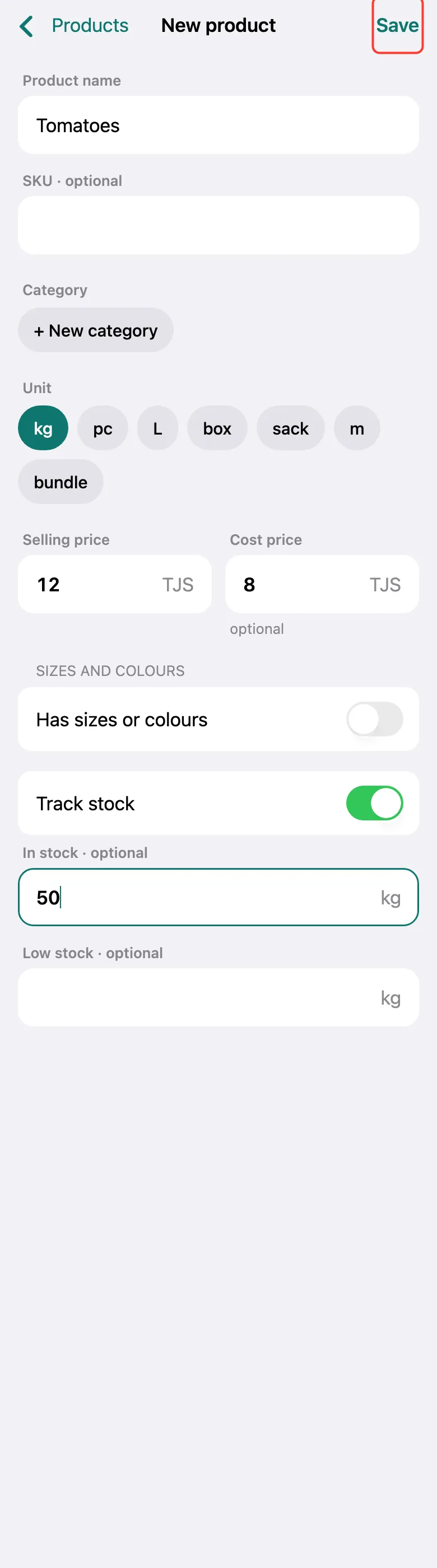
Enter the Product name, choose the unit (kg, pc, L…) and the Selling price. Better add the Cost price too — without it profit can’t be counted. In In stock, enter how much you have now. Tap Save.
“Product saved” appears, and the product is in the list. Many products at once are easier to import from a spreadsheet.
What next
Didn’t work? Message us on Telegram