How to import products from Excel or Google Sheets
All products from your table appear in Tijorat in a minute — no need to type each one.
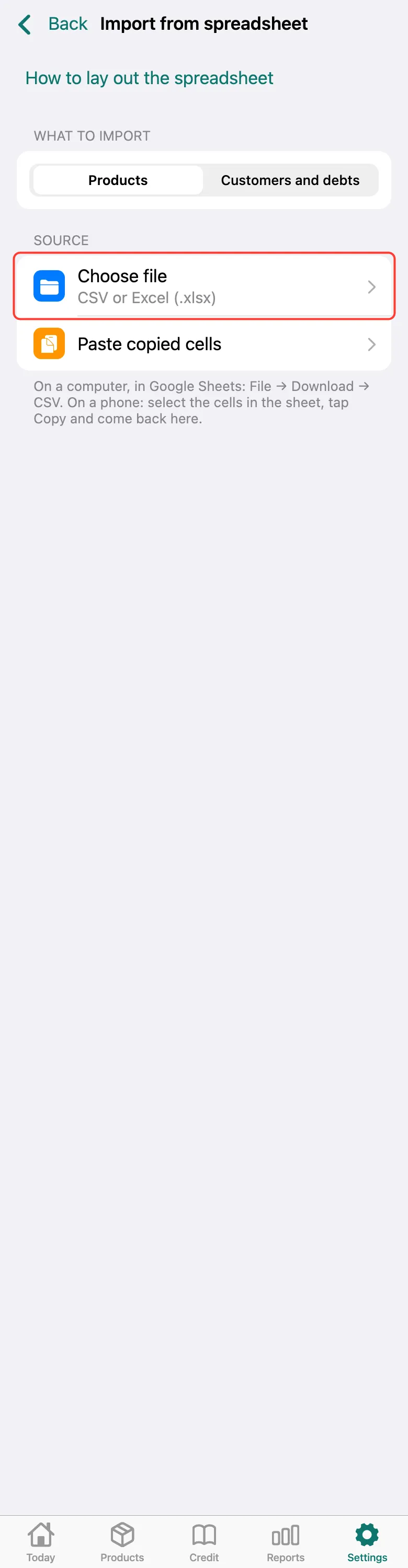
Open Settings → Import from spreadsheet. Products is selected under what to import. Tap Choose file and pick the table (CSV or Excel .xlsx). Or copy the cells in Google Sheets and tap Paste copied cells.
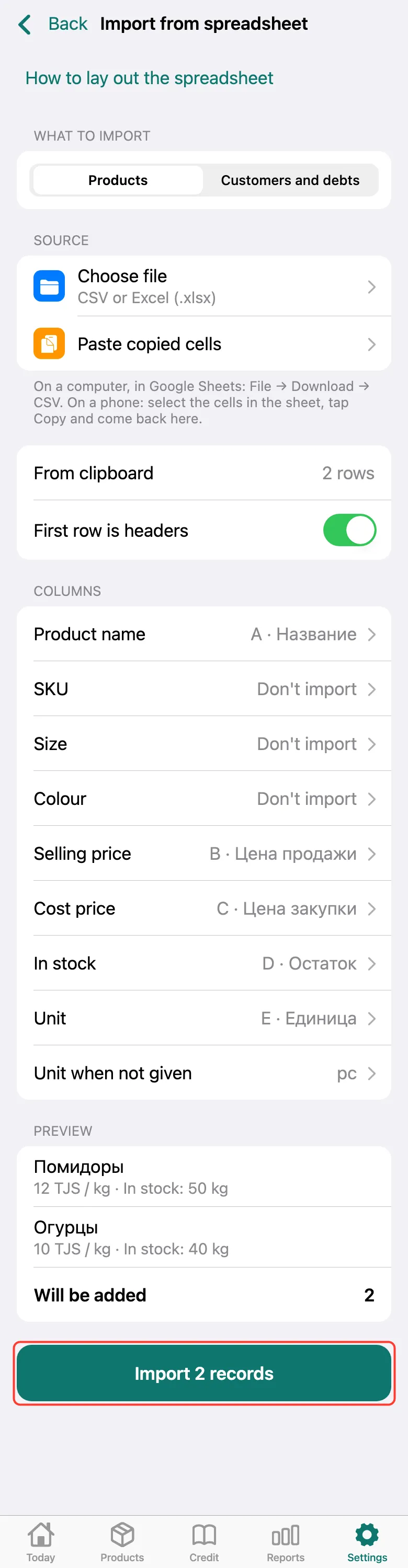
Check which column goes where and look at the preview: how many will be added, what already exists and which rows have errors. Tap Import — the button says how many records.
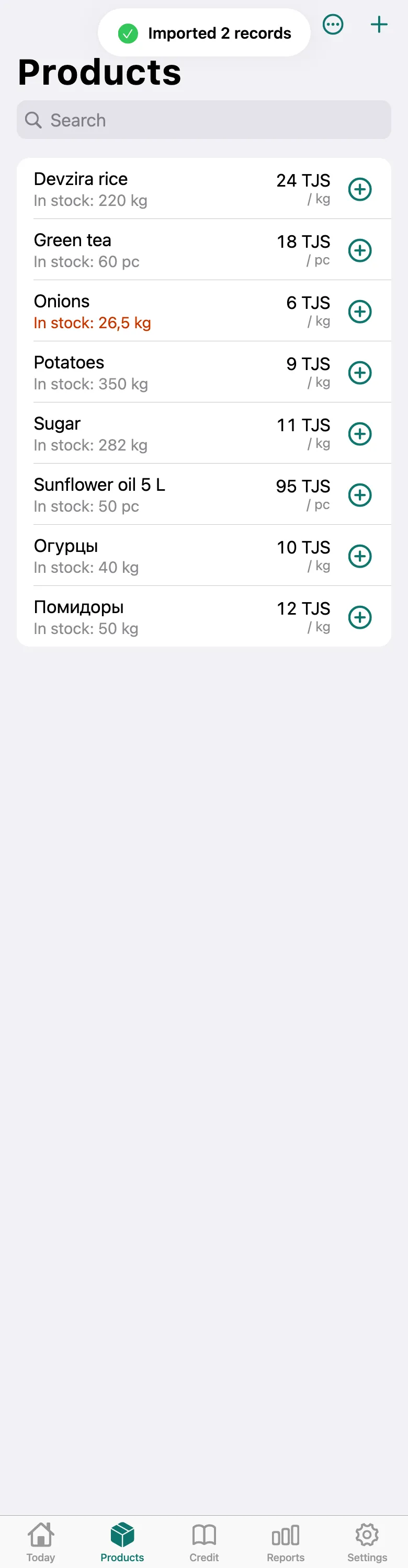
Done: the products are in the Products list. Ones you already had aren’t duplicated.
What next
Didn’t work? Message us on Telegram