How to set up sizes and colours
The model gets stock for every size and colour plus a total; when selling you pick the size.
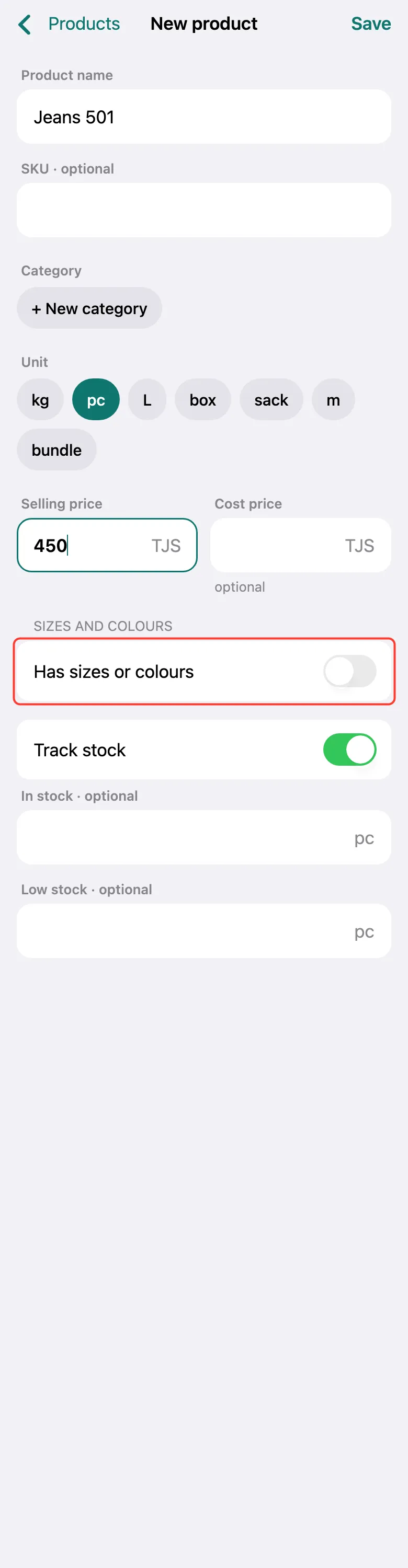
Create a new product (Products → +): enter the model name, the pc unit and the price. Turn on Has sizes or colours.
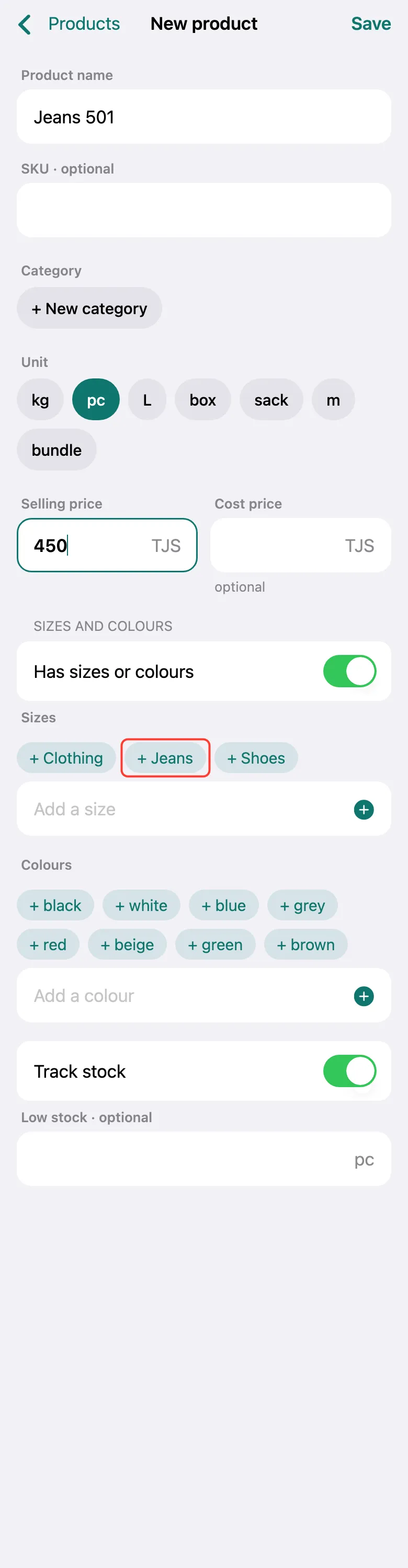
Sizes and colours appear. Tap a ready set — + Clothing, + Jeans or + Shoes — or type your own size in Add a size.
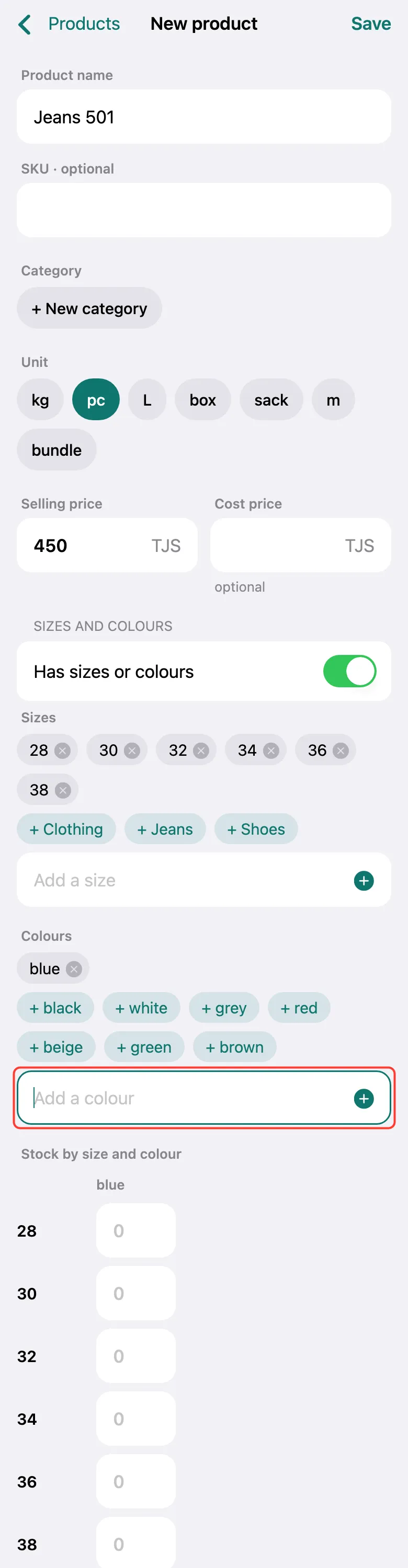
Pick colours from the ready ones or type your own in Add a colour. Colours are optional — you can keep sizes only.
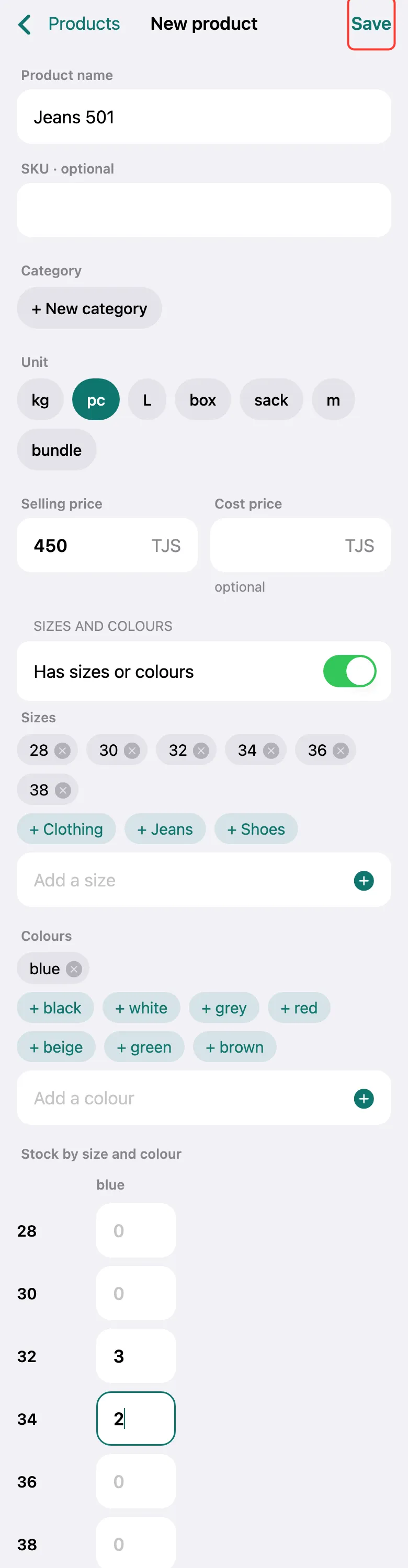
In the stock table by size and colour, enter how many of each you have. An empty cell means there is none. Tap Save.
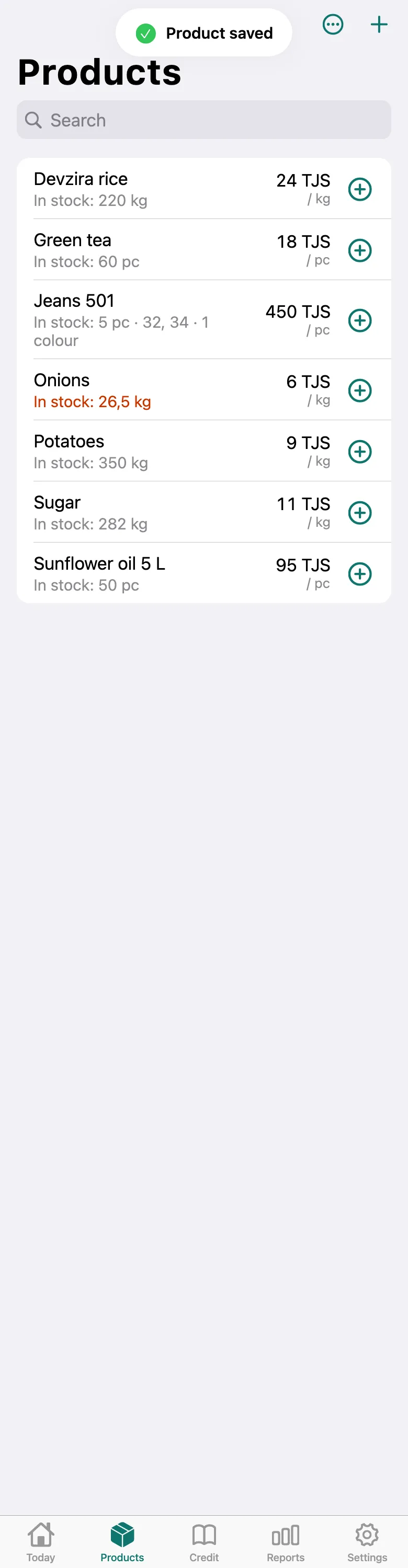
In the list the model shows its total stock and which sizes are available. Sizes and colours are free.
What next
Didn’t work? Message us on Telegram