How to lay out a spreadsheet for import
Your Excel or Google Sheets table loads into Tijorat without errors.
Open Settings → Import from spreadsheet.
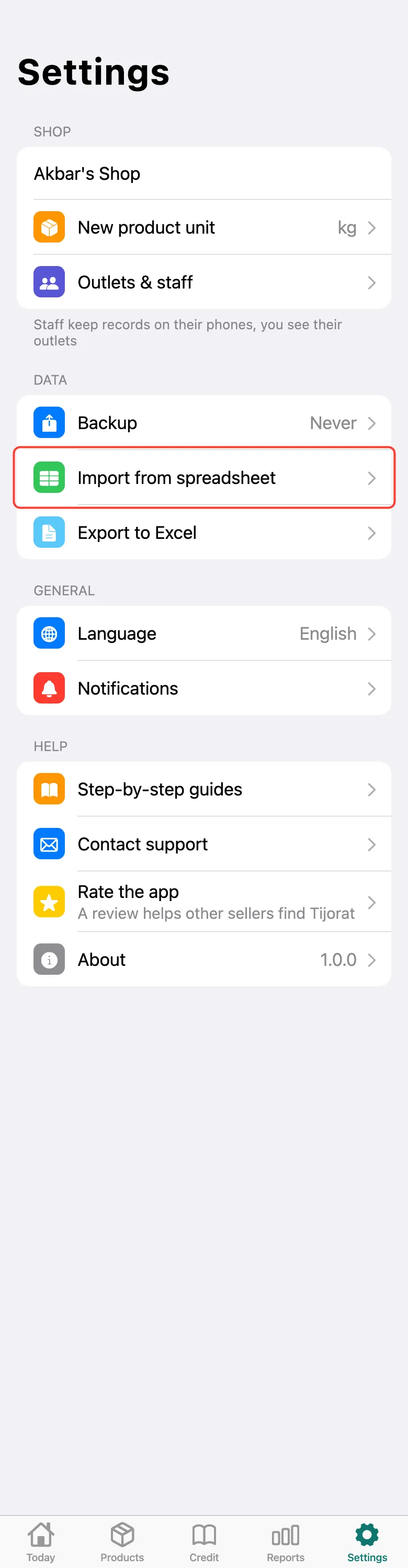
At the top, tap How to lay out the spreadsheet.
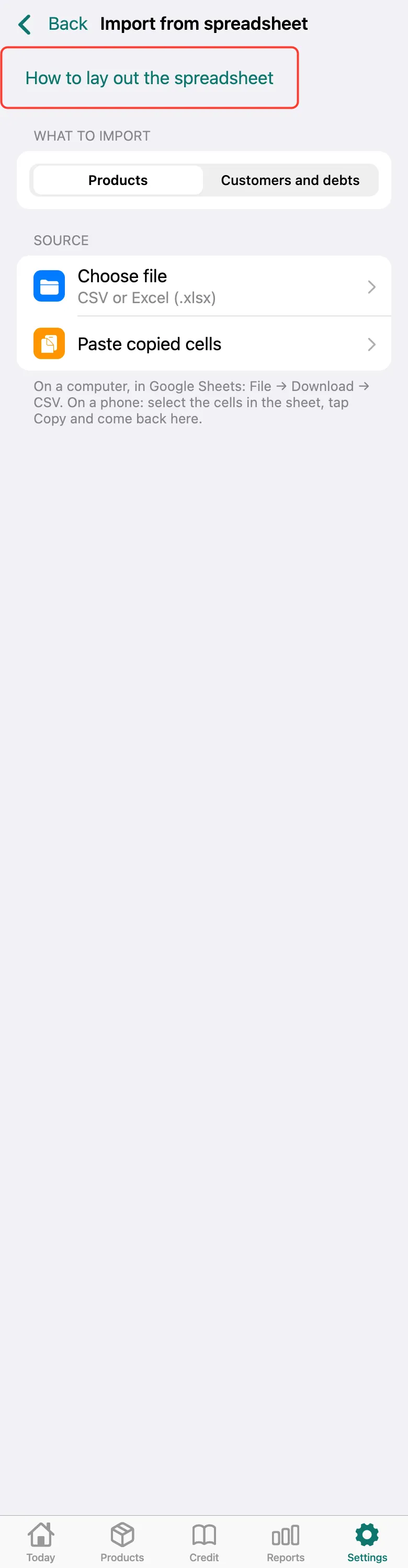
Three rules: the first row holds the column names (“Name”, “Selling price”, “Cost price”, “Stock”, “Unit”, “Size”, “Colour”); one row is one product, or one size and colour of a product; prices are plain numbers, without “TJS”. The easiest start is the sample: tap Download a sample and enter your products.
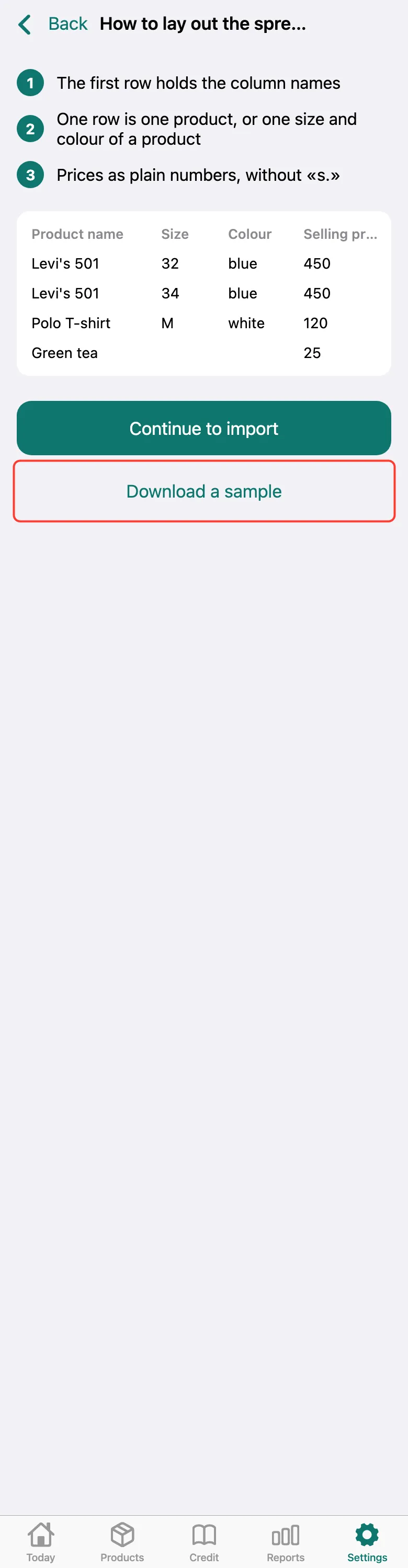
Columns can be named in Tajik or Russian too and can come in any order — when importing, Tijorat shows which column goes where.
What next
Didn’t work? Message us on Telegram