How to change a product’s price and details
The new price is used in all future sales; past sales don’t change.
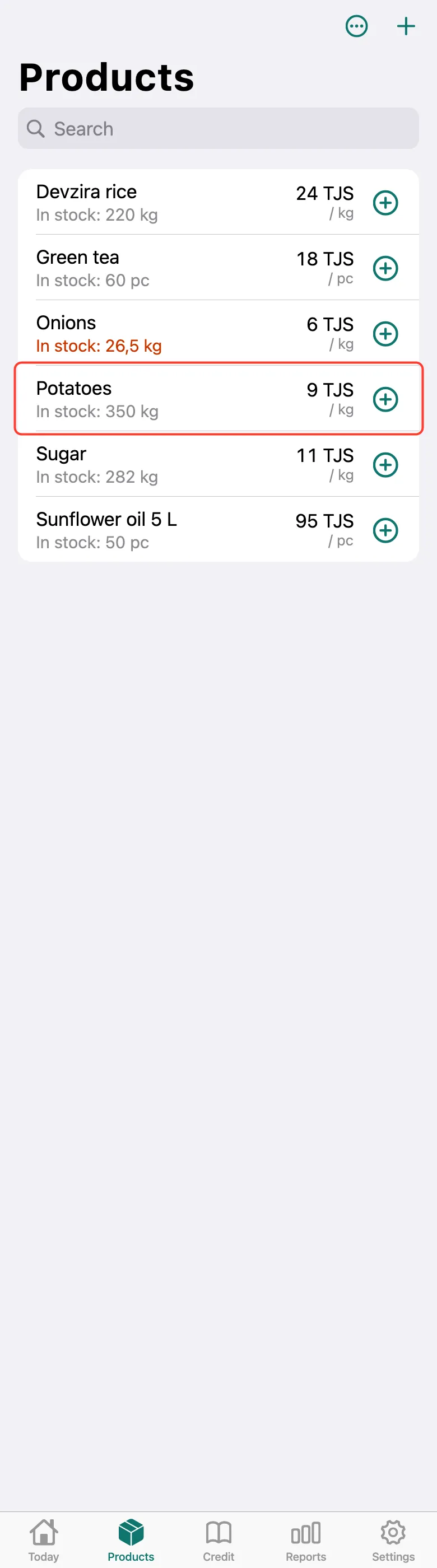
Open the Products tab and tap the product.
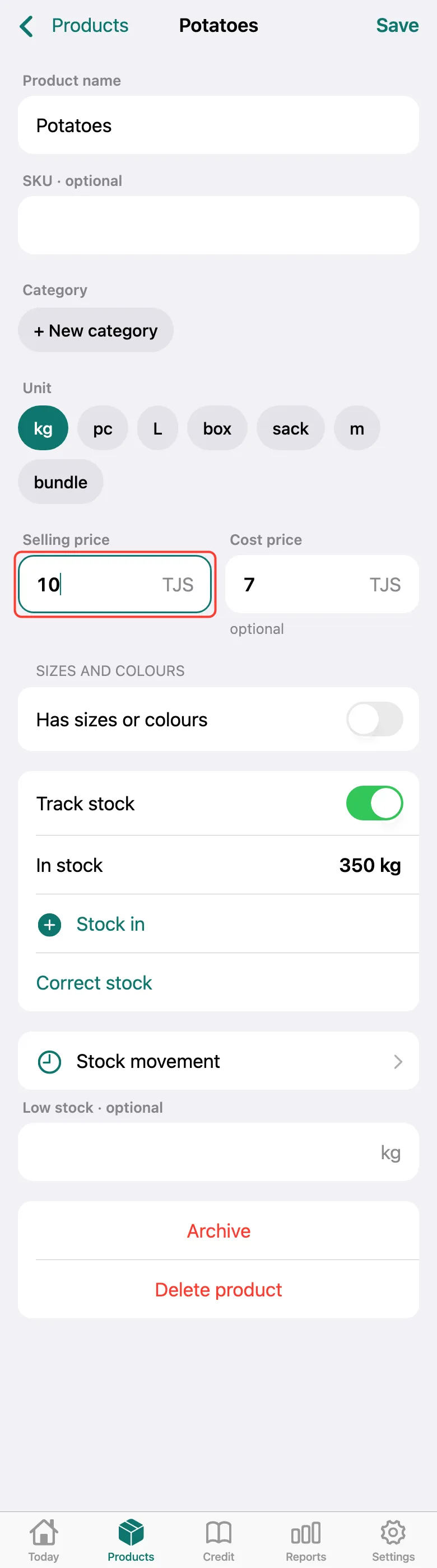
The product card opens. Change what you need — for example, the Selling price or Cost price, the name, unit or category.
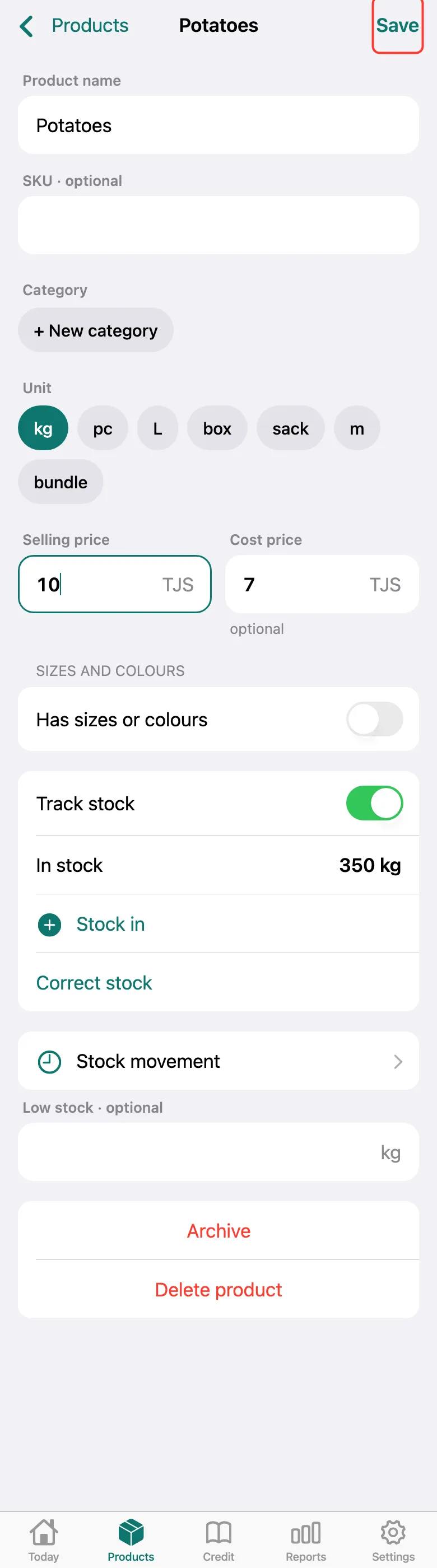
Tap Save in the top right corner. Stock isn’t edited here — use Stock in and Correct stock for that.
What next
Didn’t work? Message us on Telegram