How to correct stock after a count
Your records will show exactly what you have, and the difference is kept in the product history.
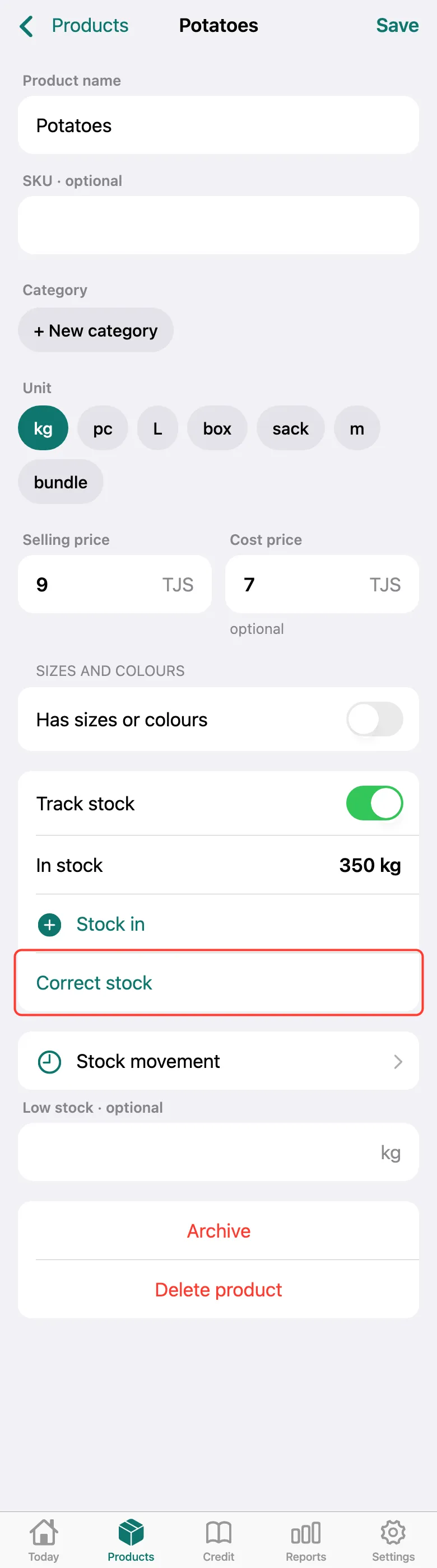
Count the product. Open it on the Products tab and tap Correct stock on its card.
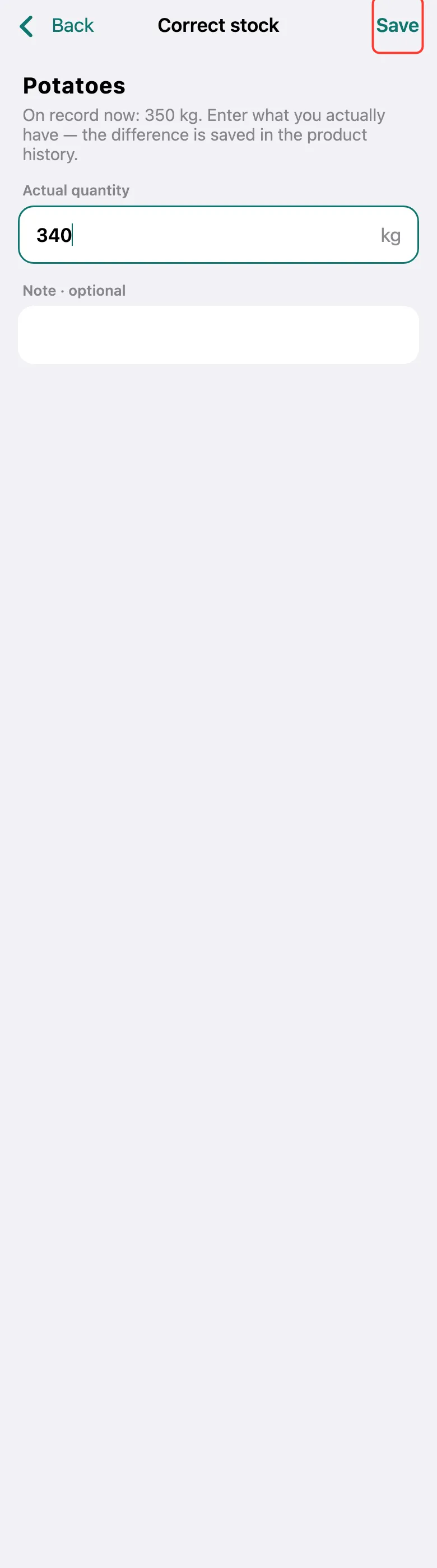
The top shows what is on record now. In Actual quantity, enter what you counted and tap Save. All stock-ins, sales and corrections are in Stock movement.
What next
Didn’t work? Message us on Telegram