How to choose the language and the new product unit
The app will be in the language you prefer, and new products will open with your unit — kg, pieces or another.
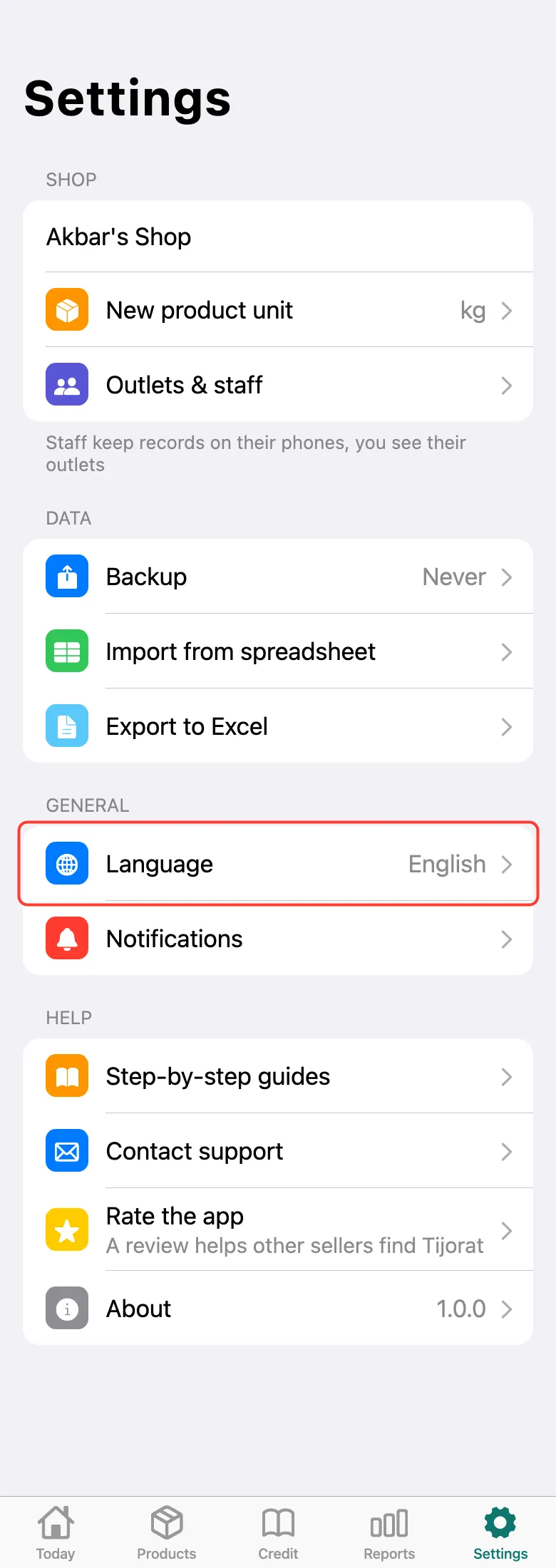
Open the Settings tab at the bottom of the screen and tap Language.
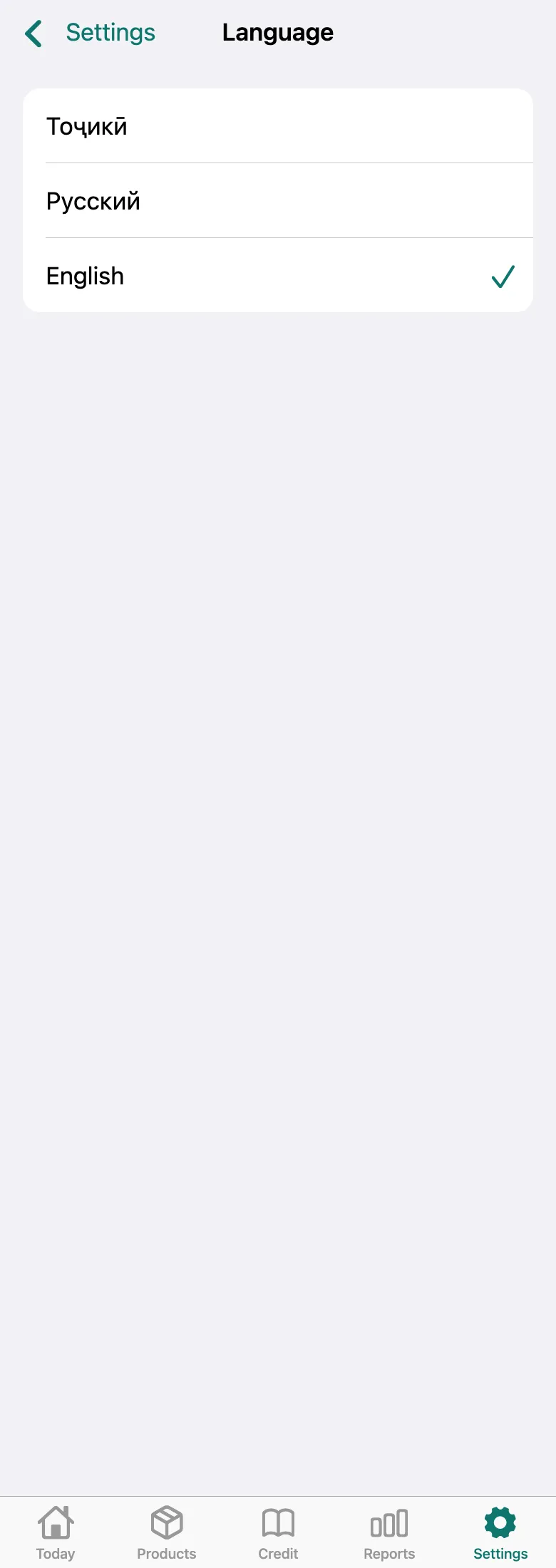
Choose Tajik, Russian or English — the app switches right away.
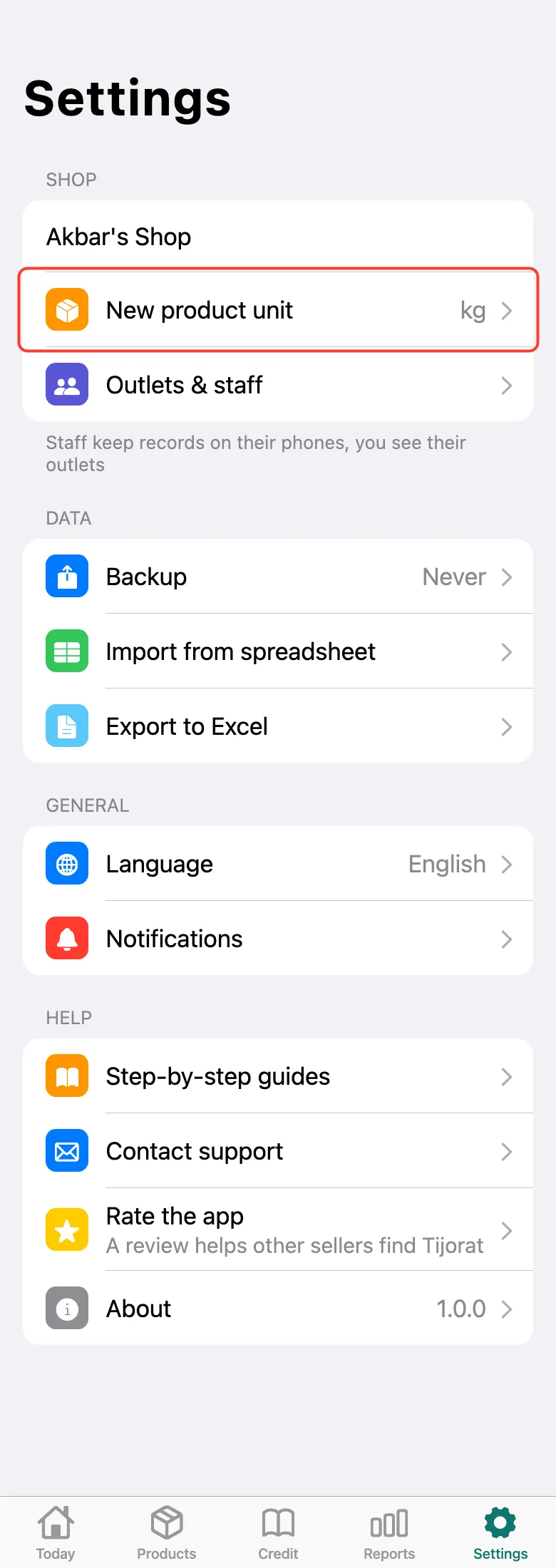
Go back to Settings and tap New product unit.
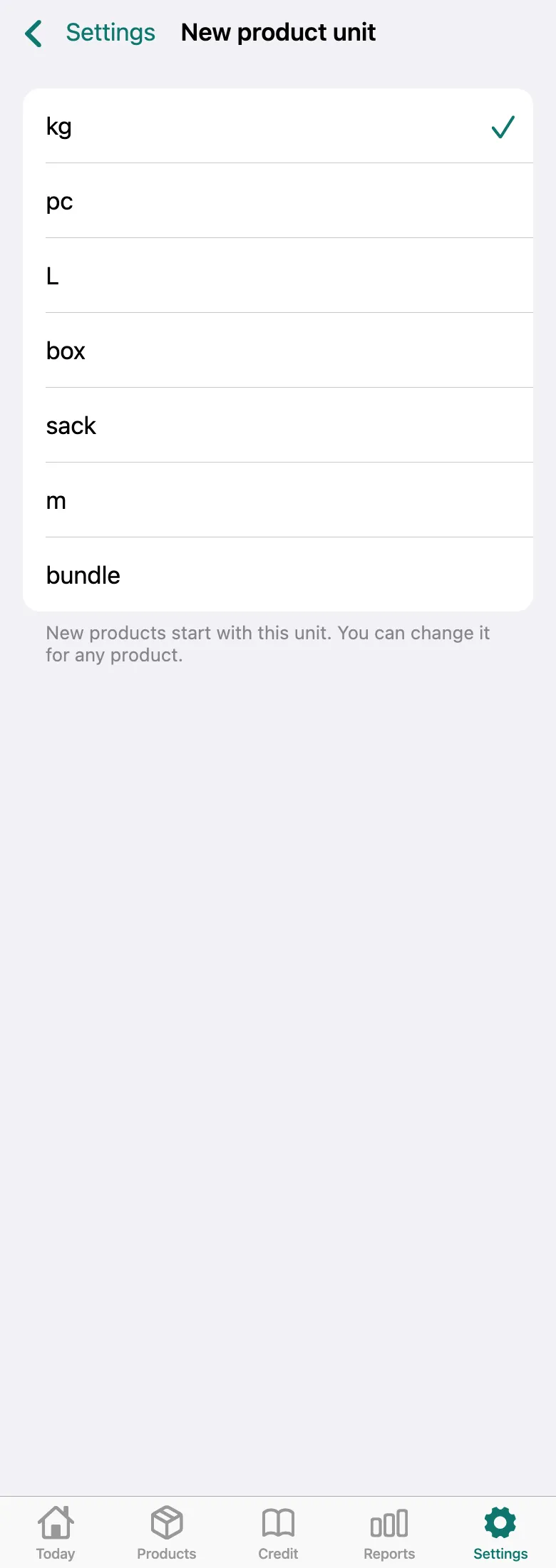
Pick the unit you sell in most often: for example, kg for vegetables or pc for clothes. You can still change it for each product separately.
What next
Didn’t work? Message us on Telegram