How to disconnect a staff member
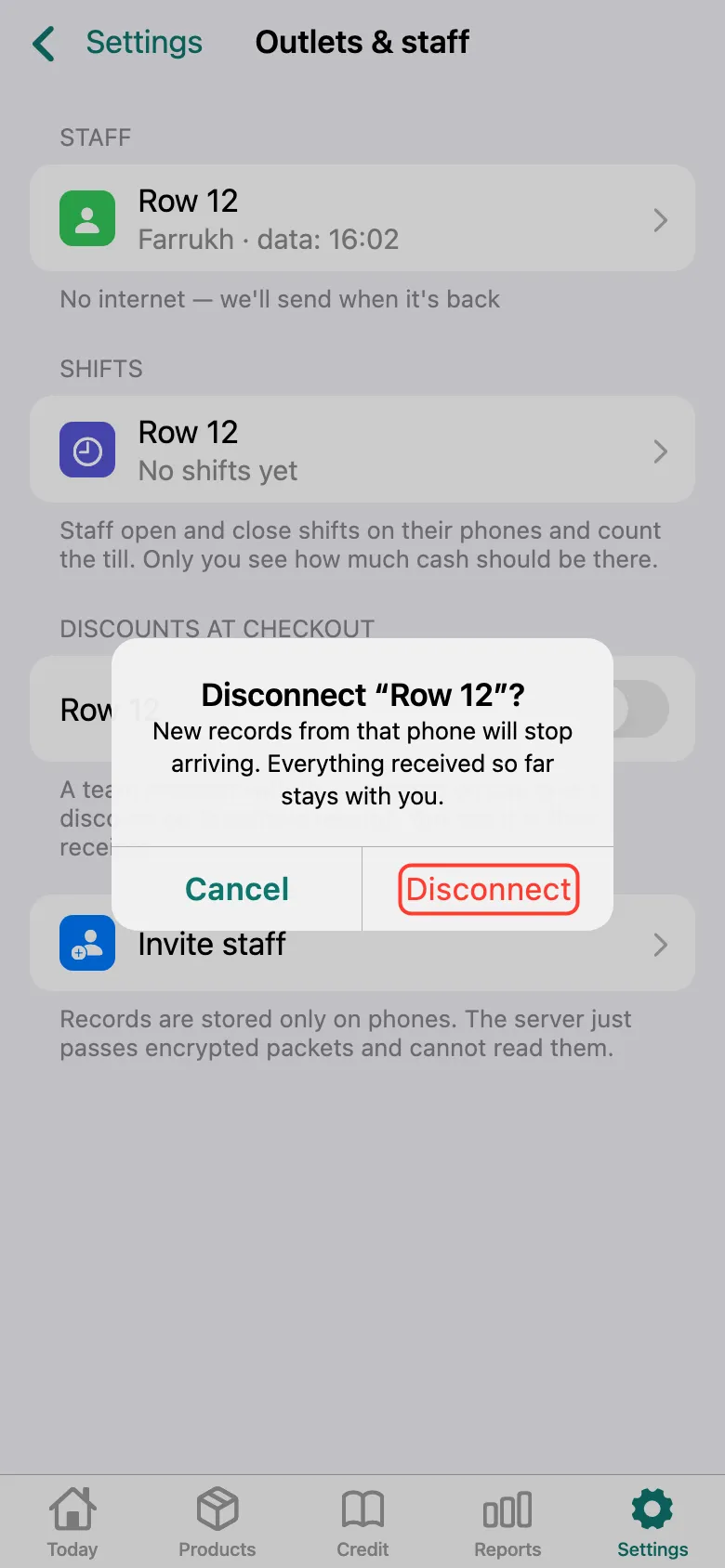
Records from the staff member’s phone stop coming, and everything that already arrived stays with you.
ProThis is a Pro feature.
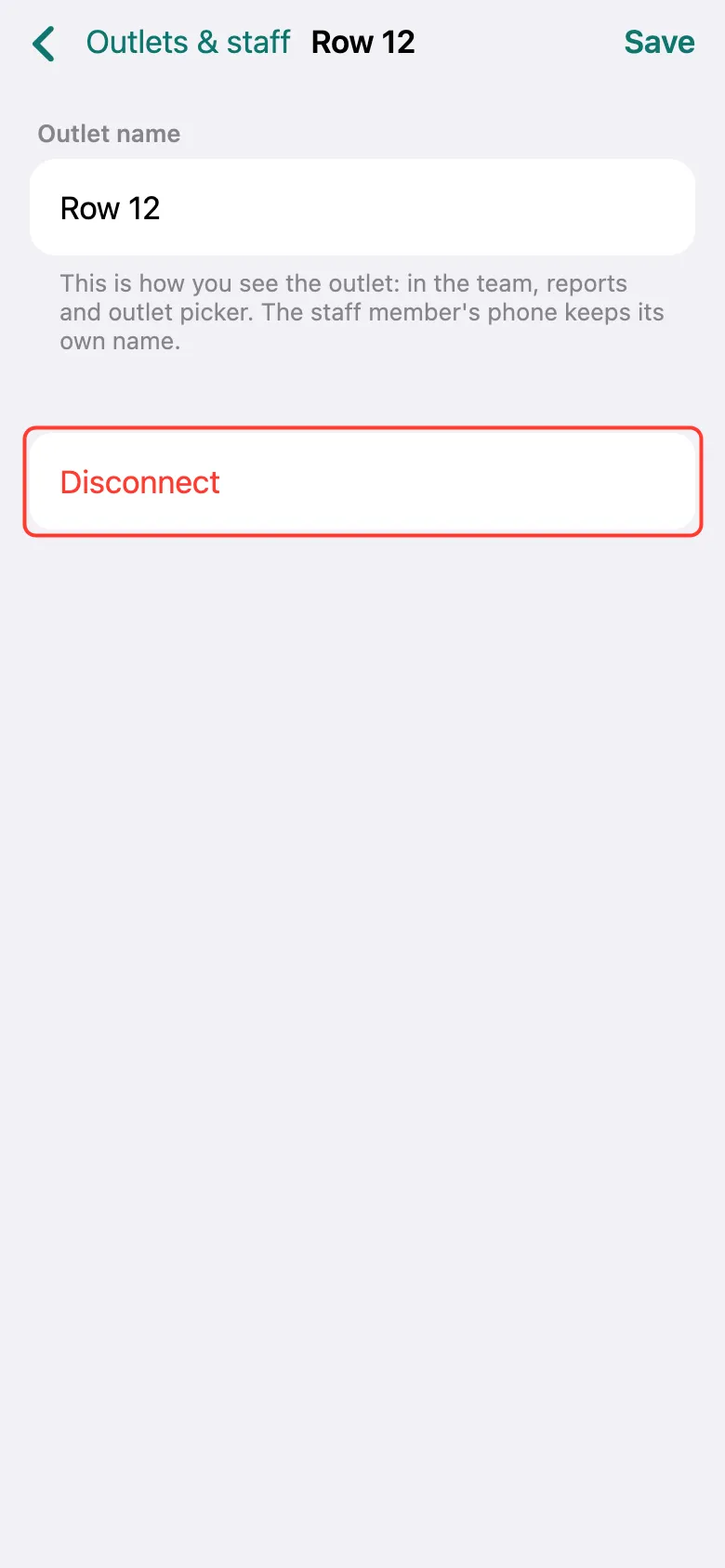
Open Settings → Outlets & staff, tap the staff outlet and tap Disconnect.
Confirm — Disconnect again. The staff member keeps records on their own again; you can reconnect them with a new invitation.
What next
Didn’t work? Message us on Telegram