How to invite a staff member
The staff member connects to you and keeps their outlet’s records on their own phone, and you see their sales.
ProThis is a Pro feature.
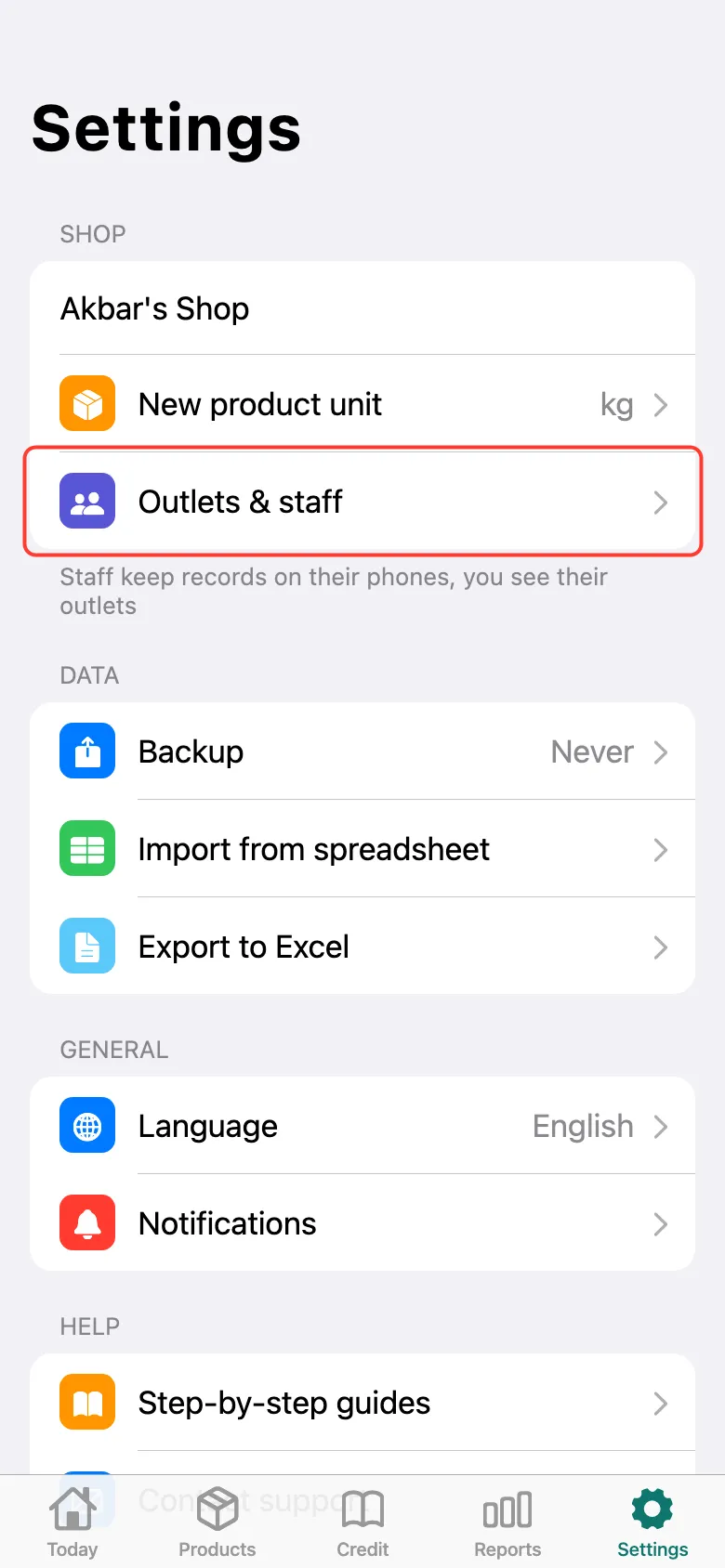
Open Settings → Outlets & staff.
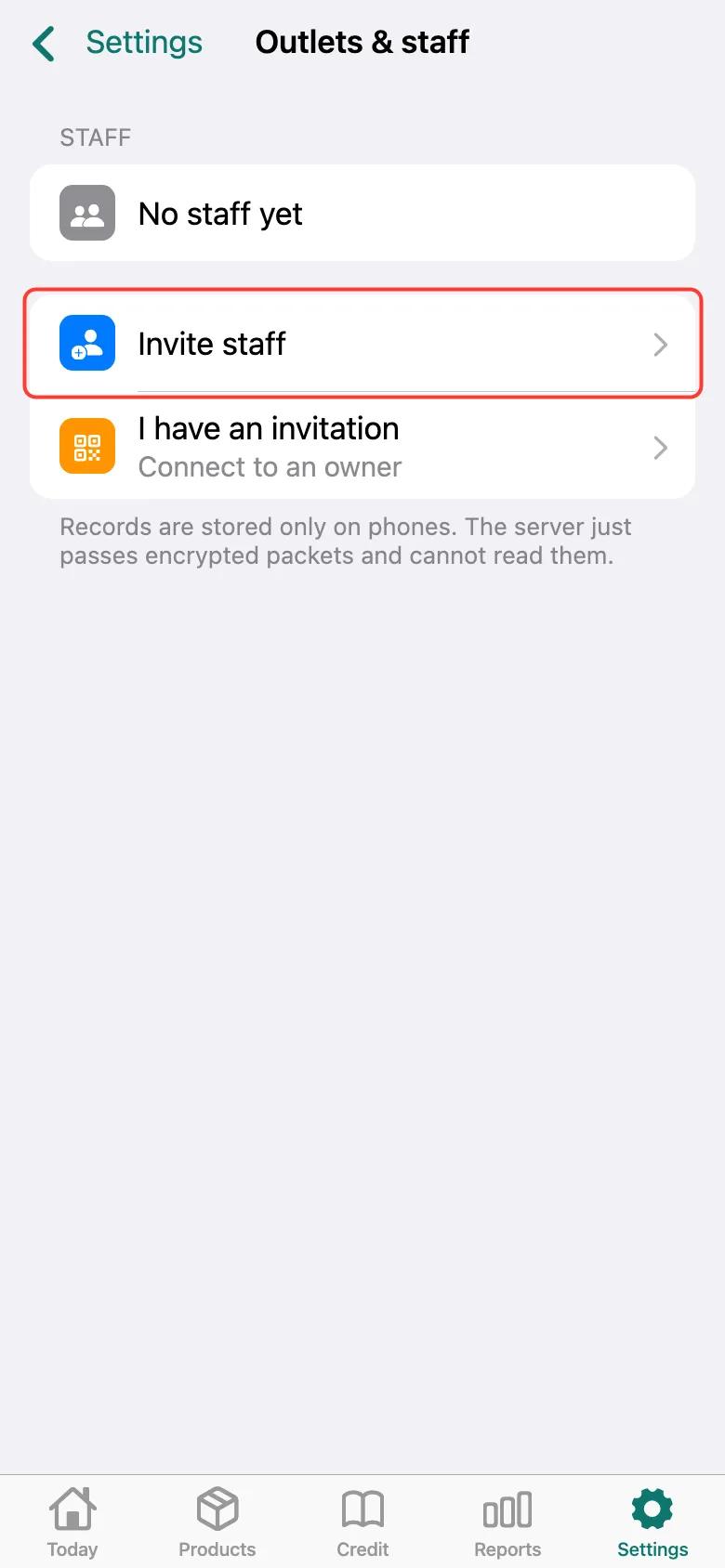
Tap Invite staff.
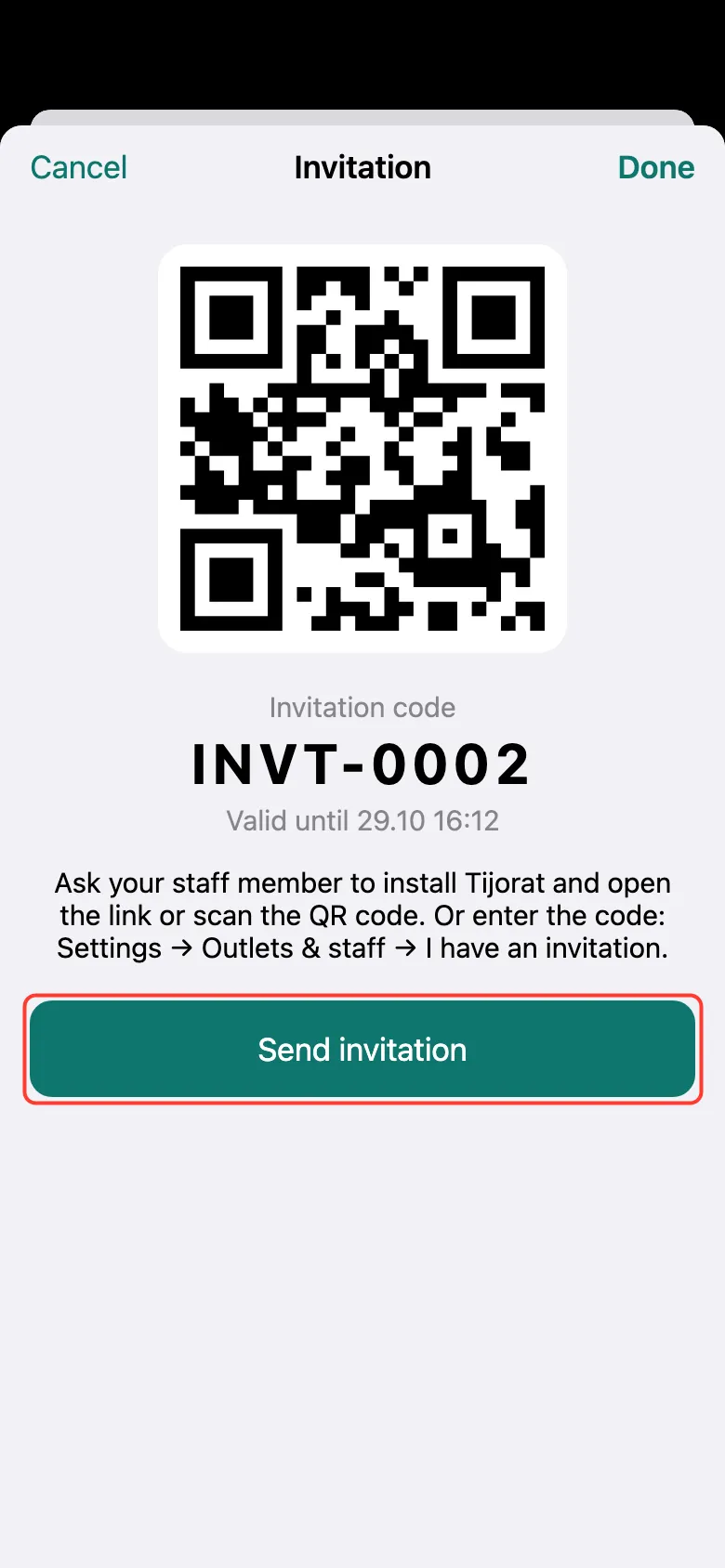
A QR code and an invitation code appear. Tap Send invitation and forward the link to the staff member on WhatsApp or Telegram. Or let them scan the QR code from your screen. The code works for a limited time — the expiry is shown under it.
When the staff member sends a request, accept it — see “How to accept or decline a staff request”.
What next
Didn’t work? Message us on Telegram