How to add products to a staff outlet
The staff member gets products and prices from you and sells at them — they can’t edit the catalog themselves.
ProThis is a Pro feature.
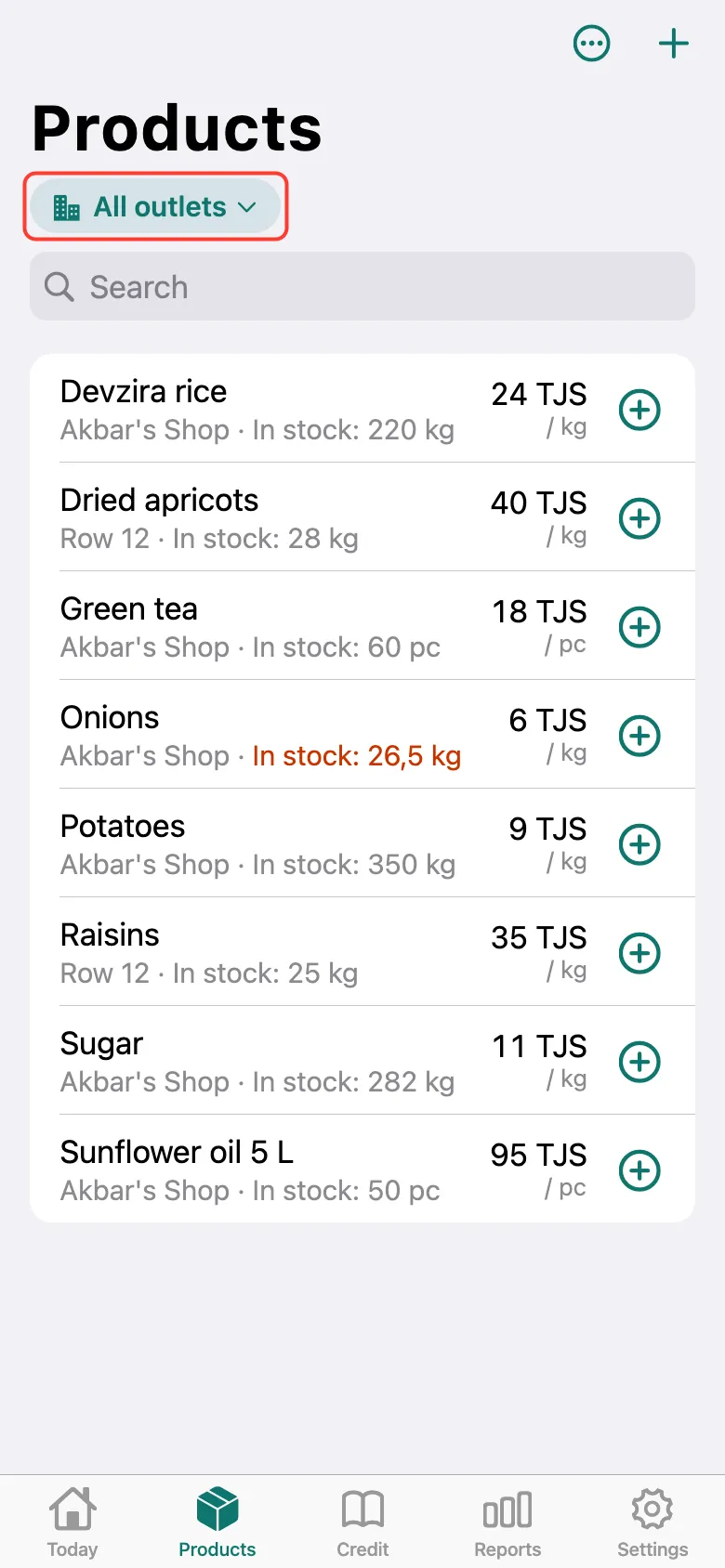
Open the Products tab and tap the outlet switcher under the title — it now says All outlets.
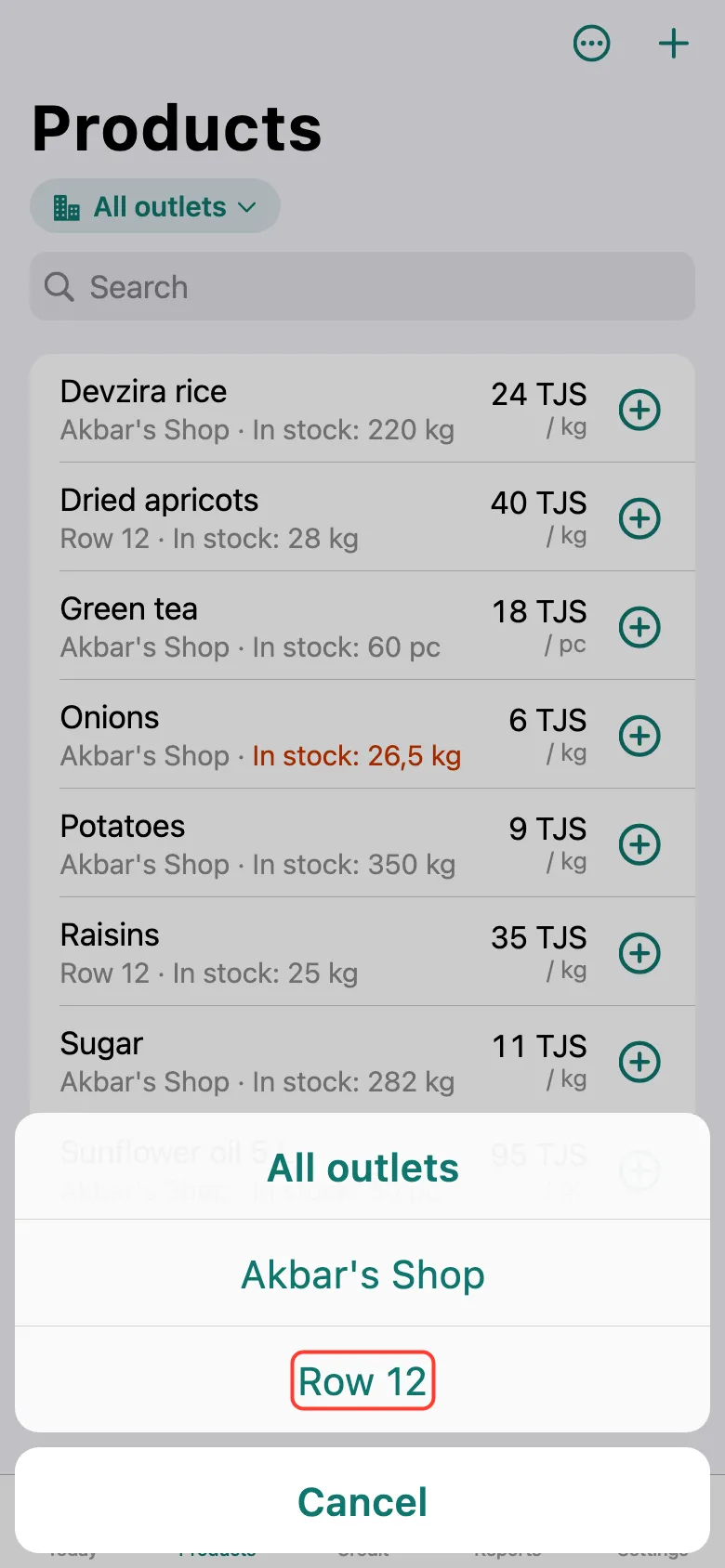
Choose the staff member’s outlet.
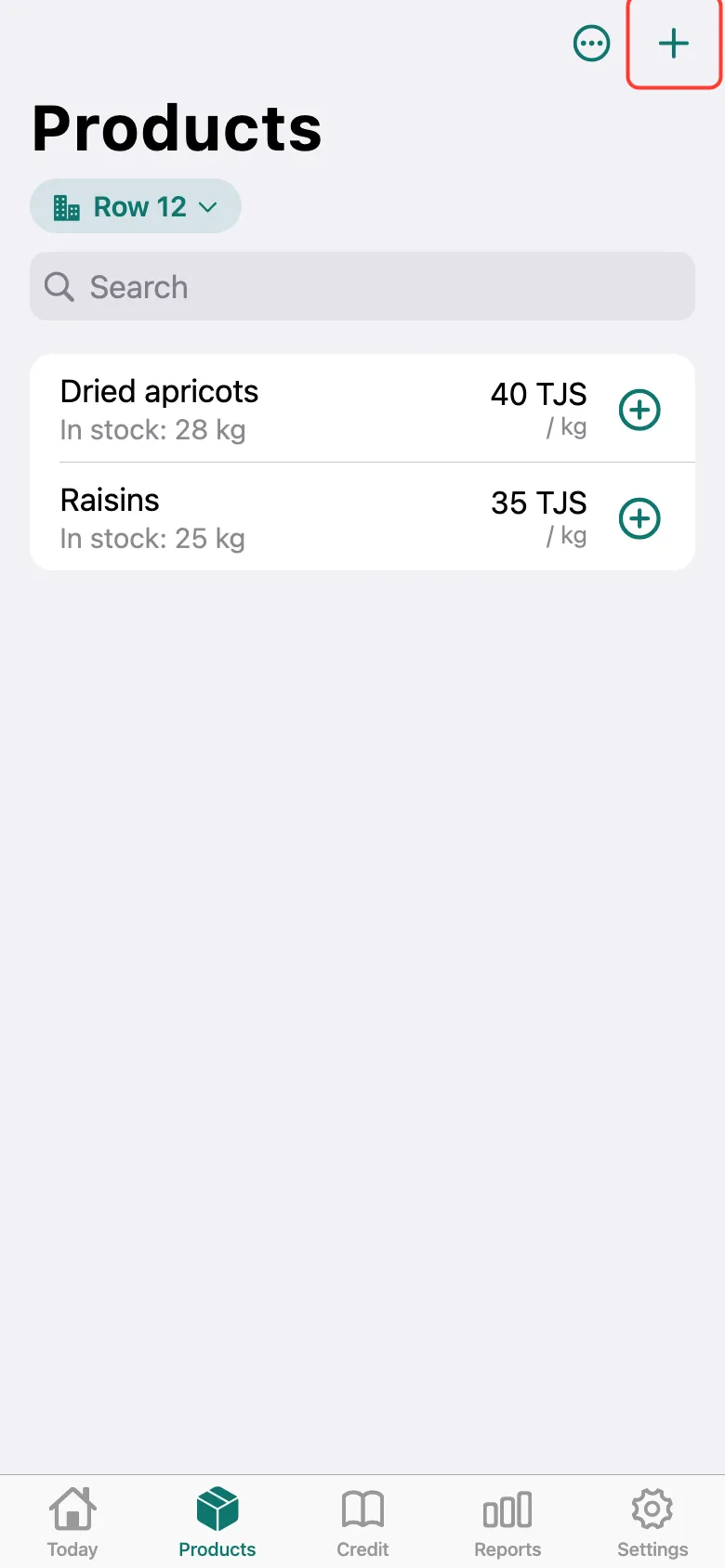
The list now shows only its products. Tap + and add a product as usual — it goes to this outlet. Stock in and stock corrections are here too. The staff member gets the changes when both phones are online.
What next
Didn’t work? Message us on Telegram