How to sell at a staff outlet yourself
The sale is recorded at the staff outlet and takes its stock, and the staff member sees that you made it.
ProThis is a Pro feature.
On the Today screen, tap the outlet switcher under the title — it now says All outlets.
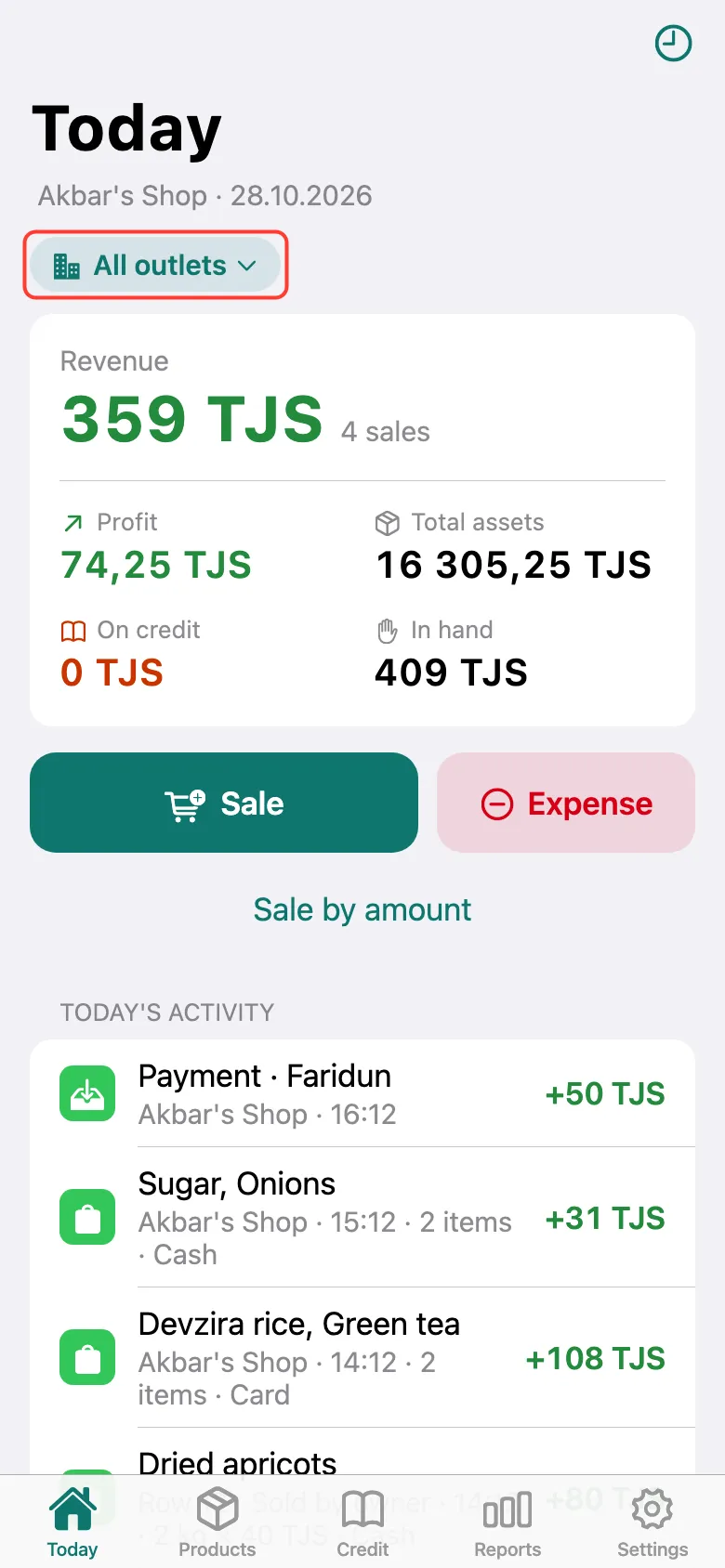
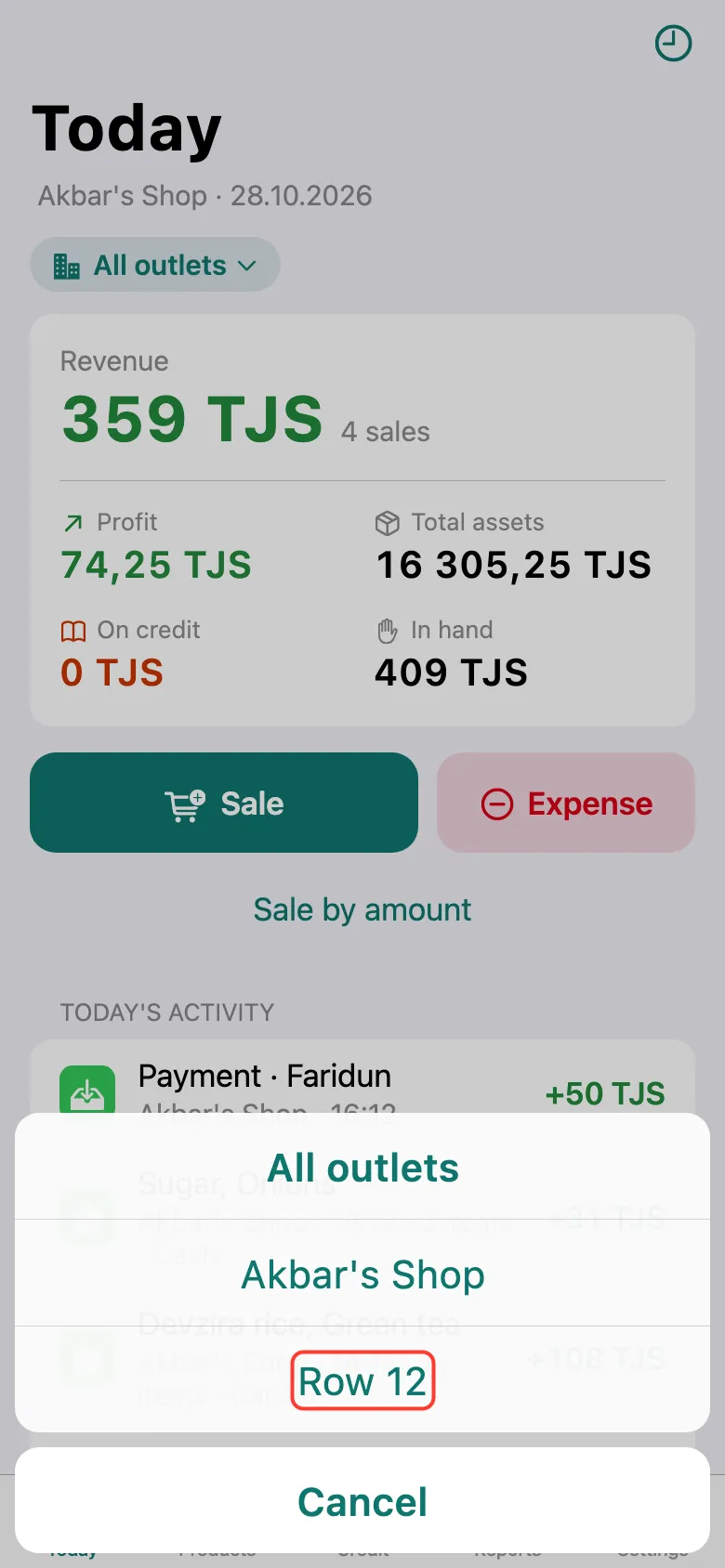
Choose the staff member’s outlet.
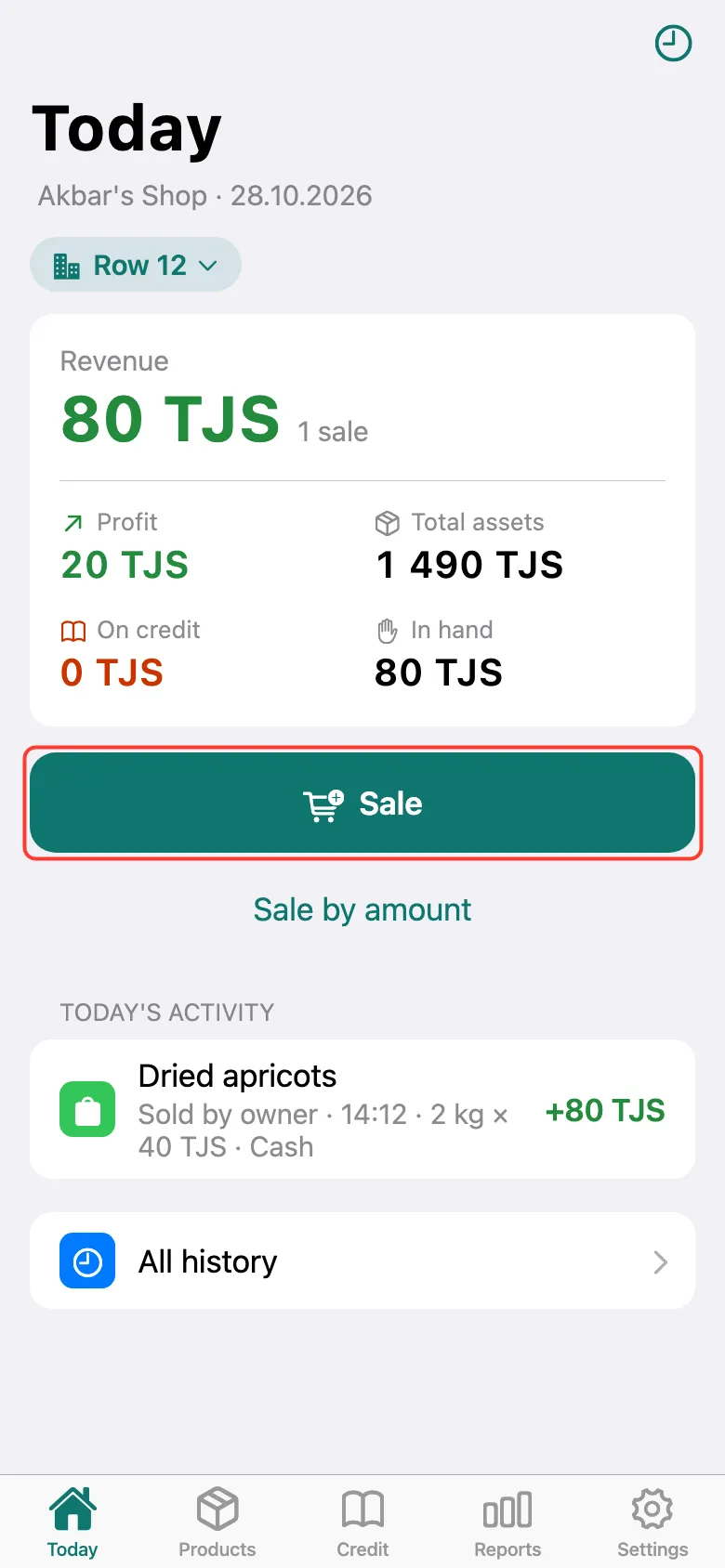
The totals now cover only this outlet. Tap Sale and sell as usual — the product list is this outlet’s. The staff member sees the sale marked “Sold by owner”.
What next
Didn’t work? Message us on Telegram