How to see sales and stock of all outlets
One phone shows the totals of all your outlets together or each one separately.
ProThis is a Pro feature.
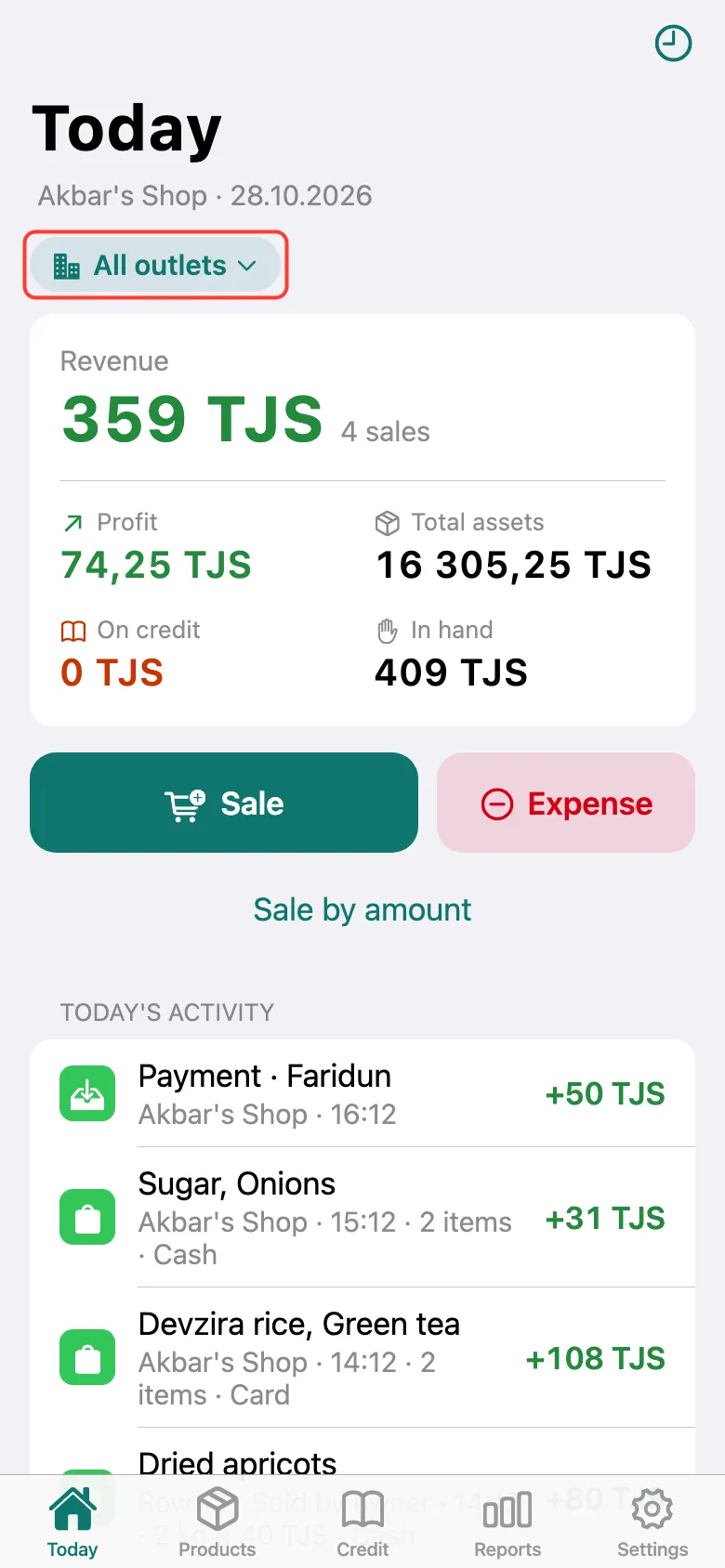
Once you have staff outlets, an outlet switcher appears under the titles of Today, Products, Credit and Reports. All outlets shows totals together; pick an outlet to see only it. My outlet is your own.
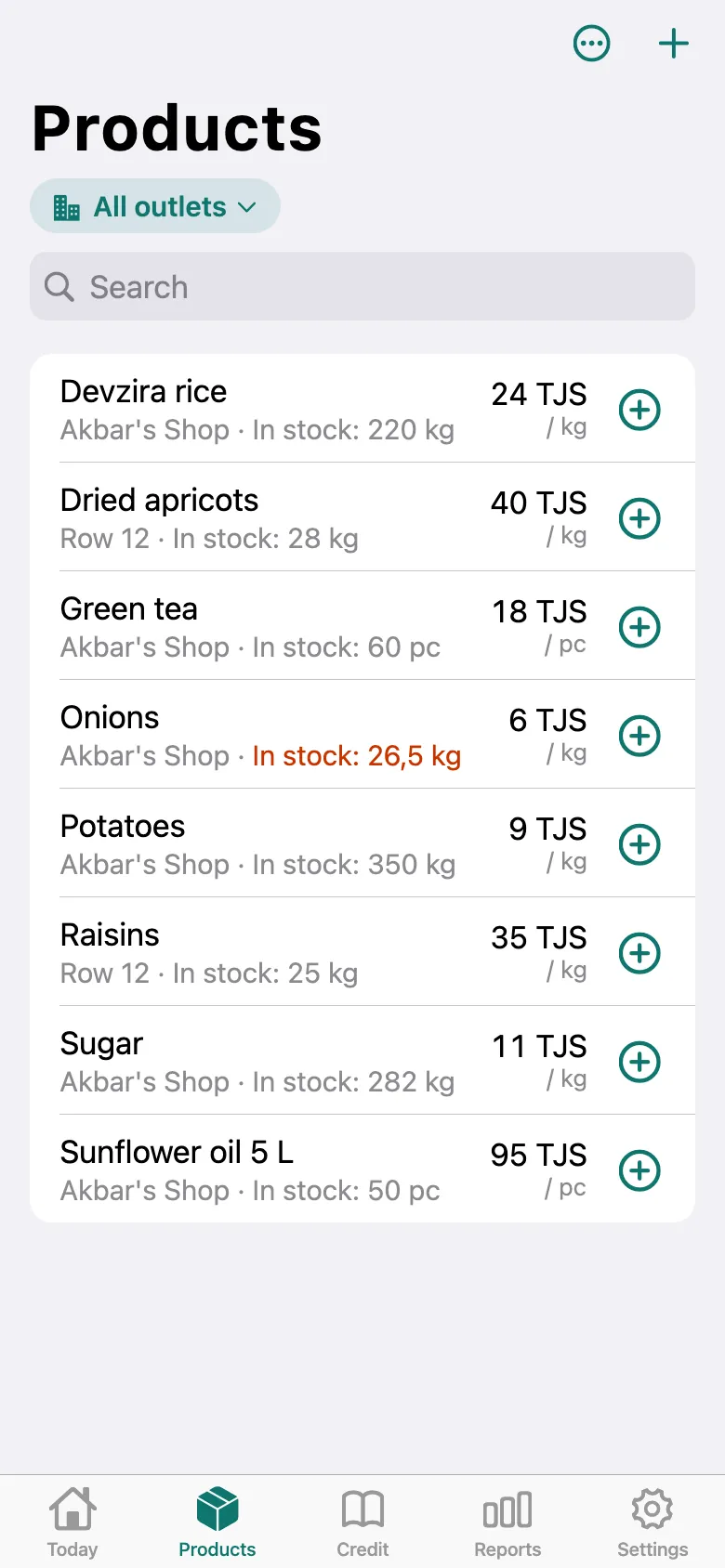
In the Products list with All outlets, each product shows which outlet it’s at and its stock there. A staff member’s data updates when their phone goes online; the time of their latest data is shown in Outlets & staff.
What next
Didn’t work? Message us on Telegram