How to sell with the barcode scanner
You’ll record a sale just by pointing the phone camera at product barcodes.
2.0.0Added in version 2.0.0. Don't see it in the app? Update it in the App Store or Google Play. What's new in Tijorat
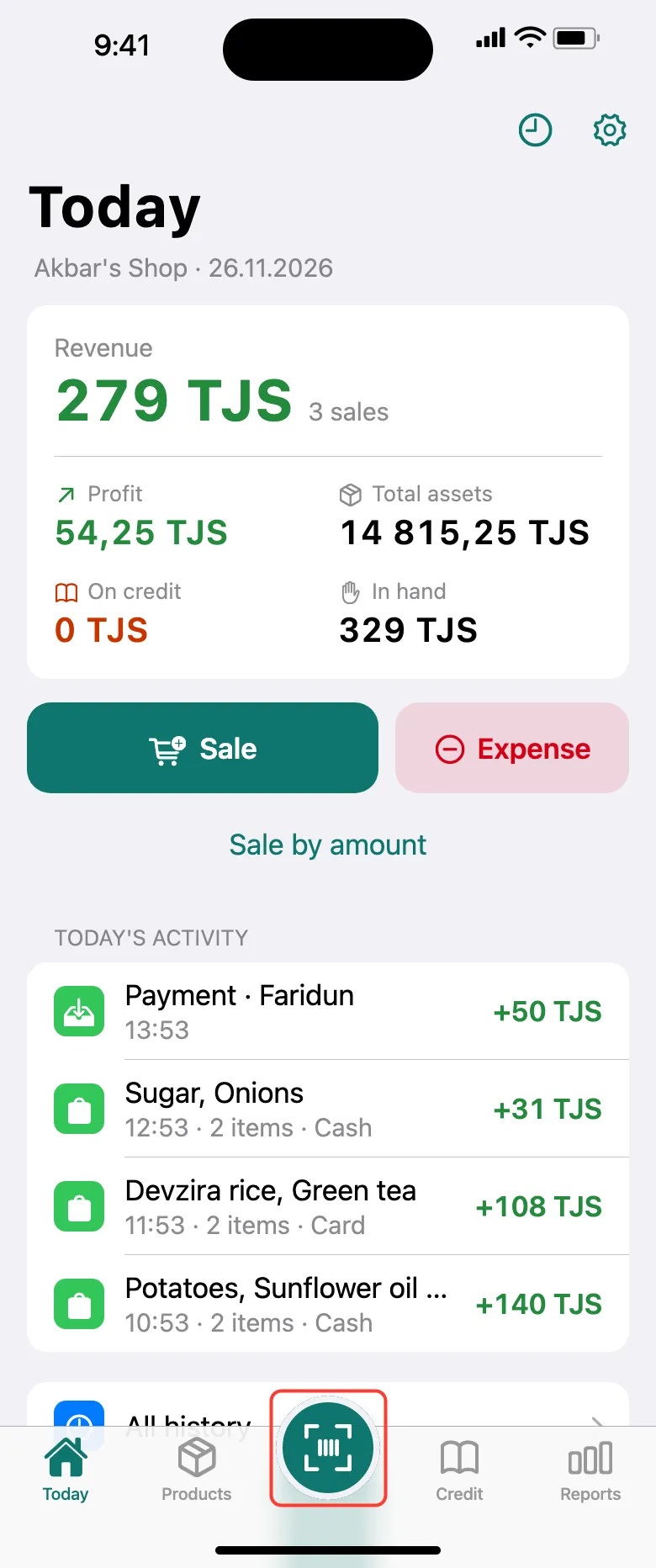
At the bottom centre of the screen is the round scanner button. Tap it. The first time, the phone asks for camera access — allow it.
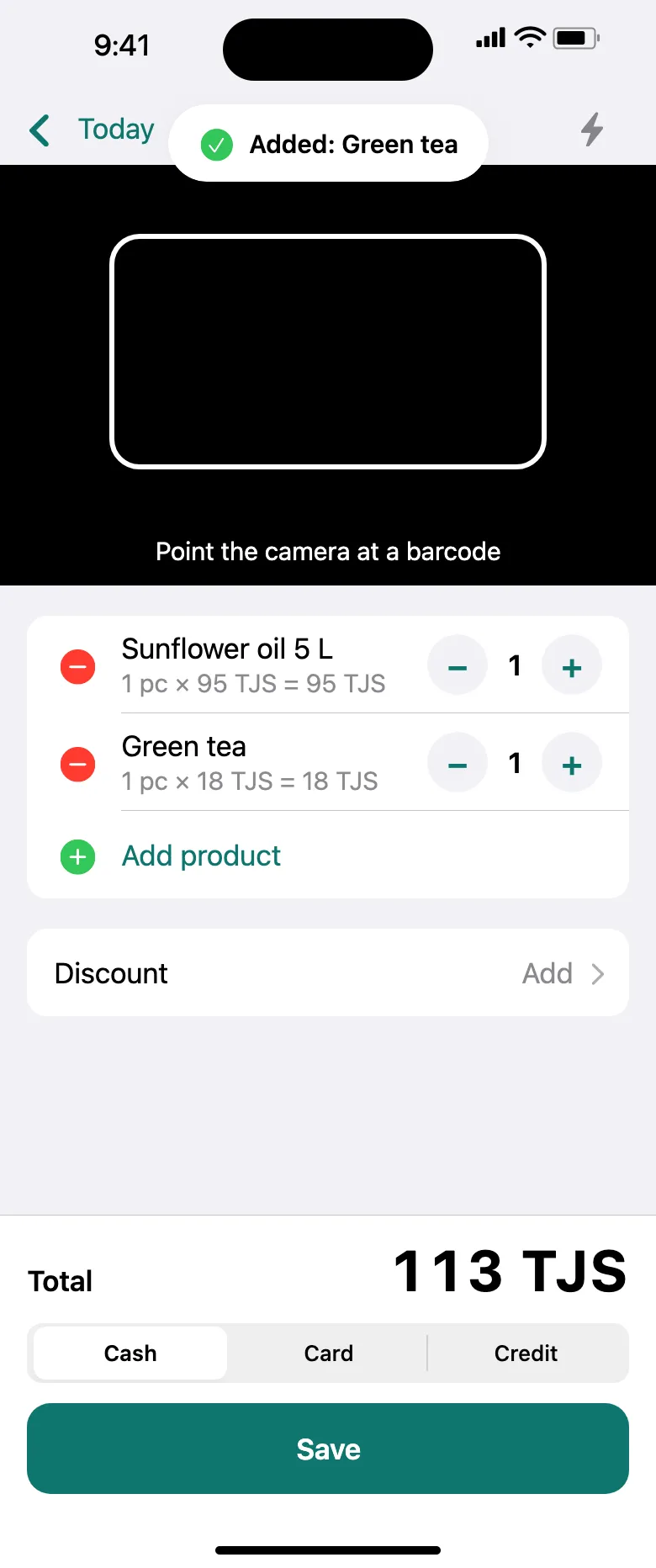
A sale opens with the camera. Point the camera at the barcode on the package — you hear a beep and the product appears in the receipt. Scan products one after another. The same product again adds one more to the receipt.
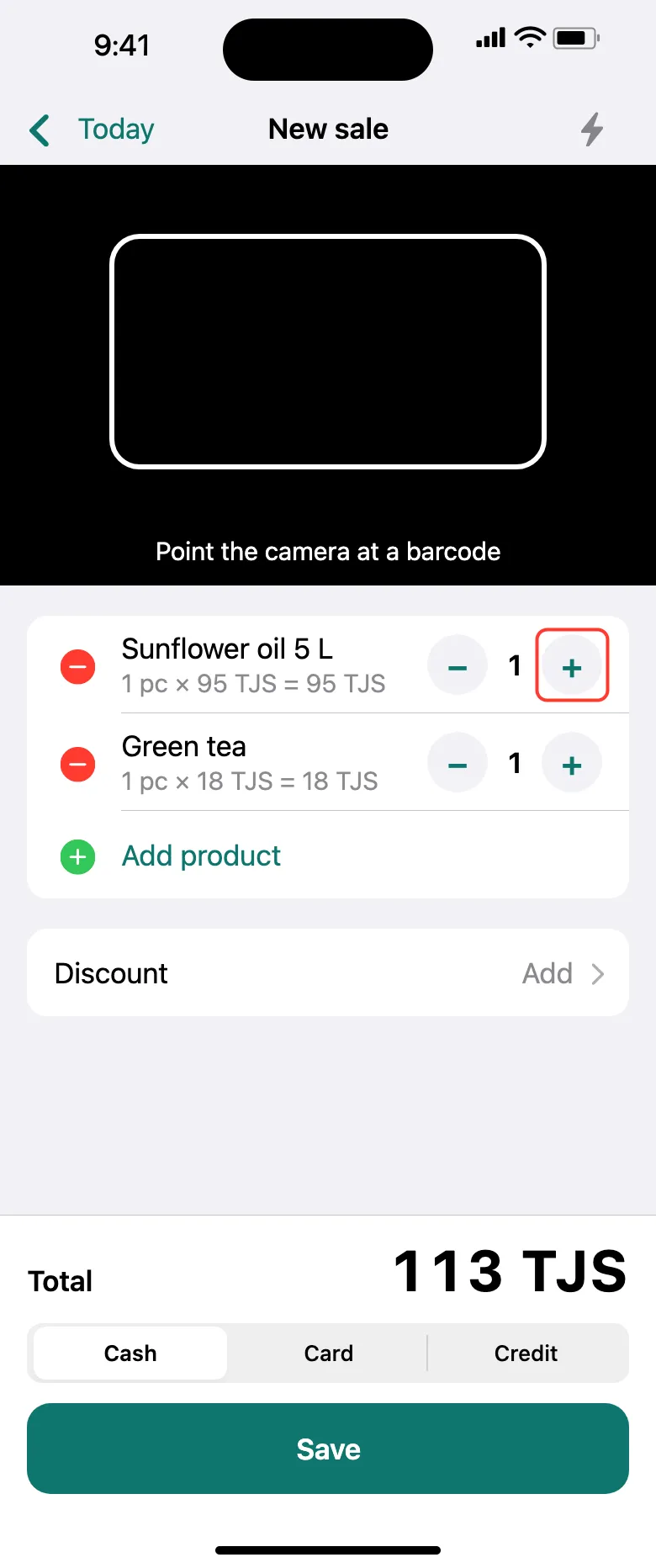
Fix the quantity with the − and + buttons on the receipt line. − on the last item removes the product. A product sold by weight isn’t added straight away — the app asks for the weight first.
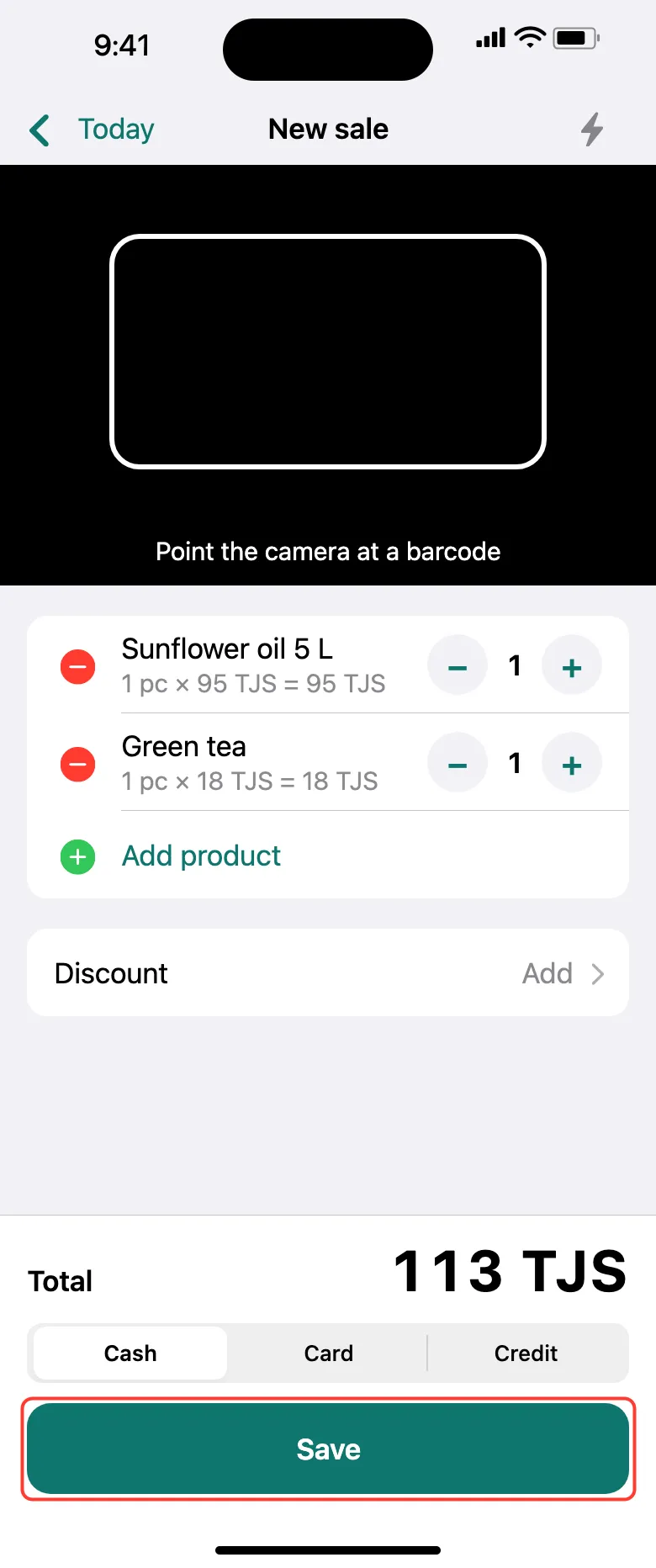
Choose how the customer paid and tap Save. The sale is recorded and the stock goes down.
If the scanner reads a code no product has yet, the app offers Create product or Link to a product. Scanner sound and vibration can be turned off in Settings → Sounds.
What next
Didn’t work? Message us on Telegram