How to take cash, card or credit
The day’s totals will show how much came in cash, how much by card and how much was given on credit.
Add products to the receipt as usual. At the bottom, above Save, there are three ways to pay. Cash is chosen by default; paid by card or transfer — tap Card.
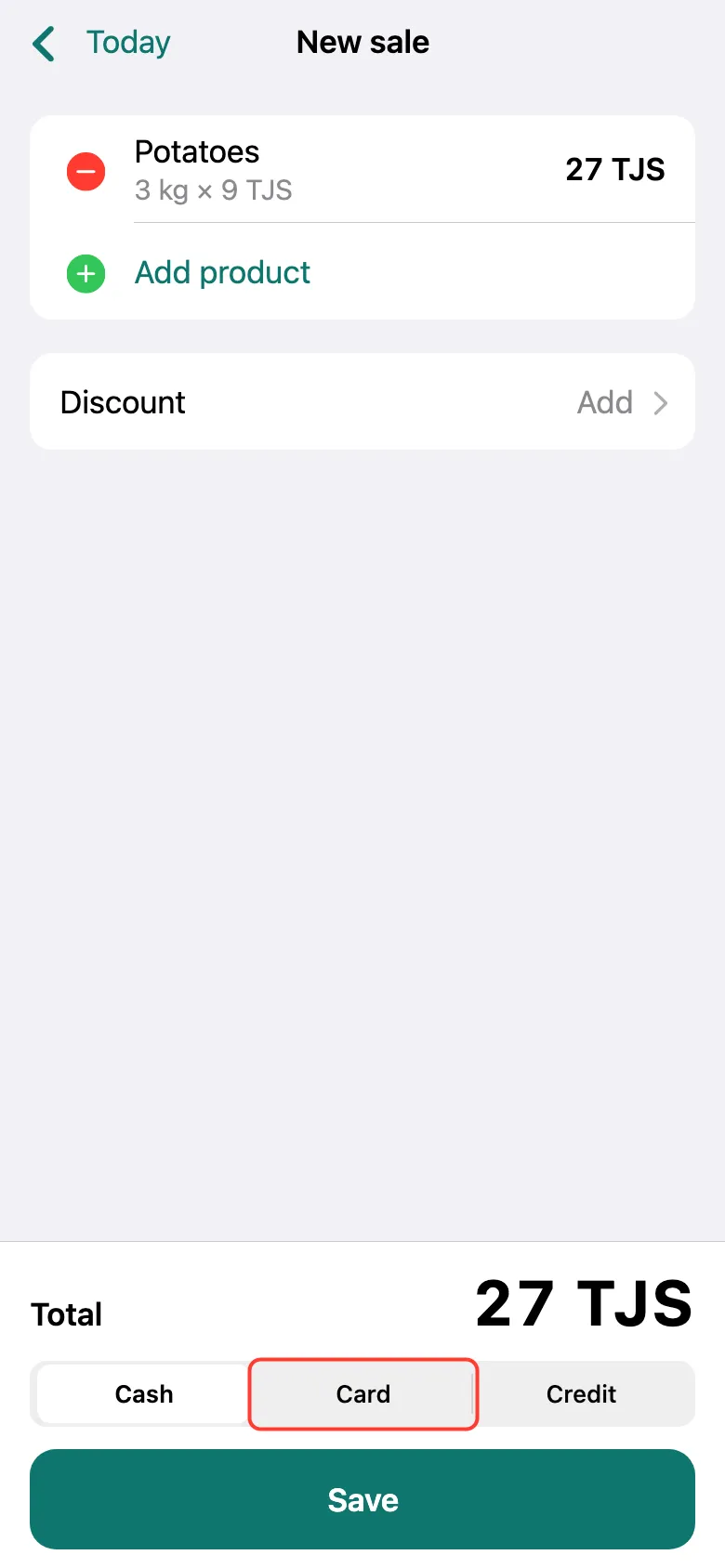
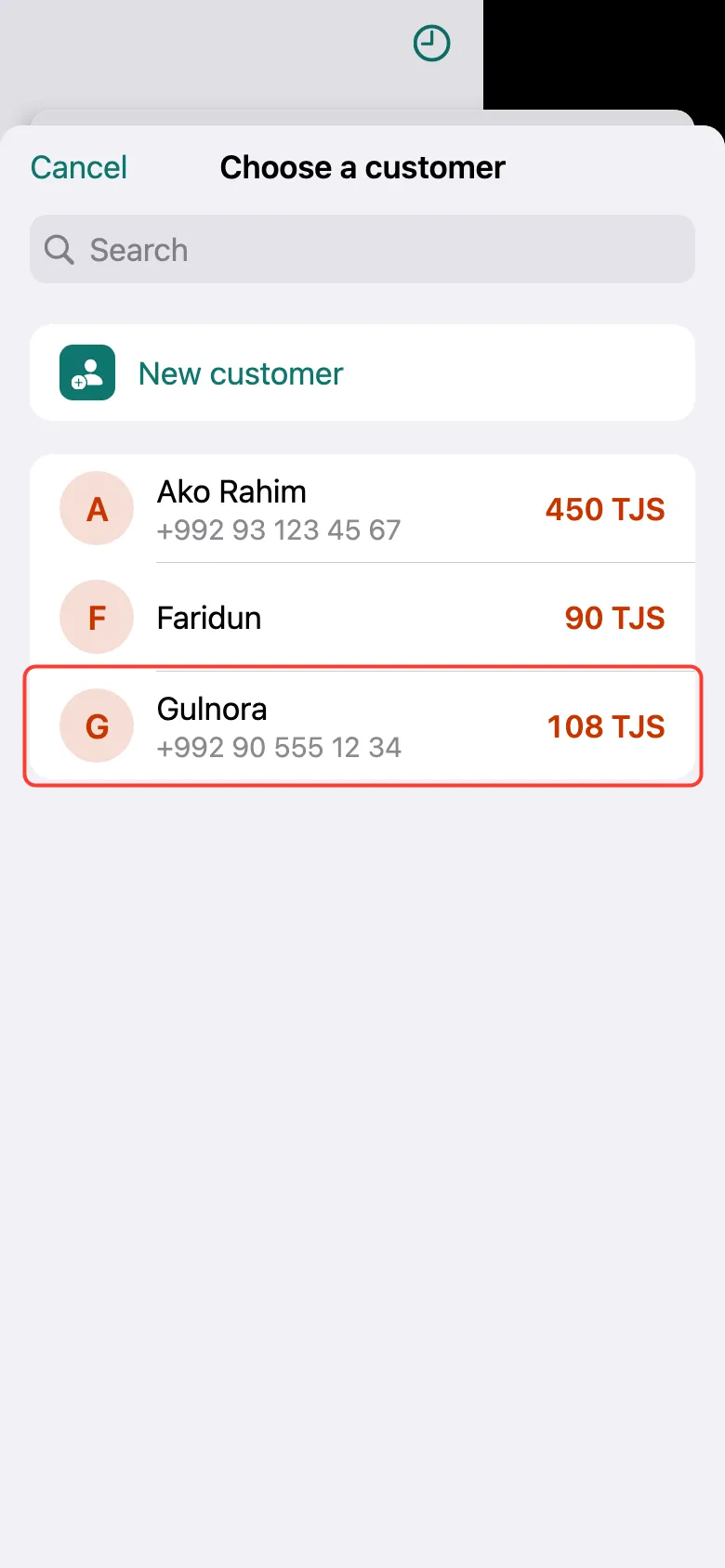
Gave it on credit — tap Credit. The customer list opens right away: tap the customer. Add a new one with New customer.
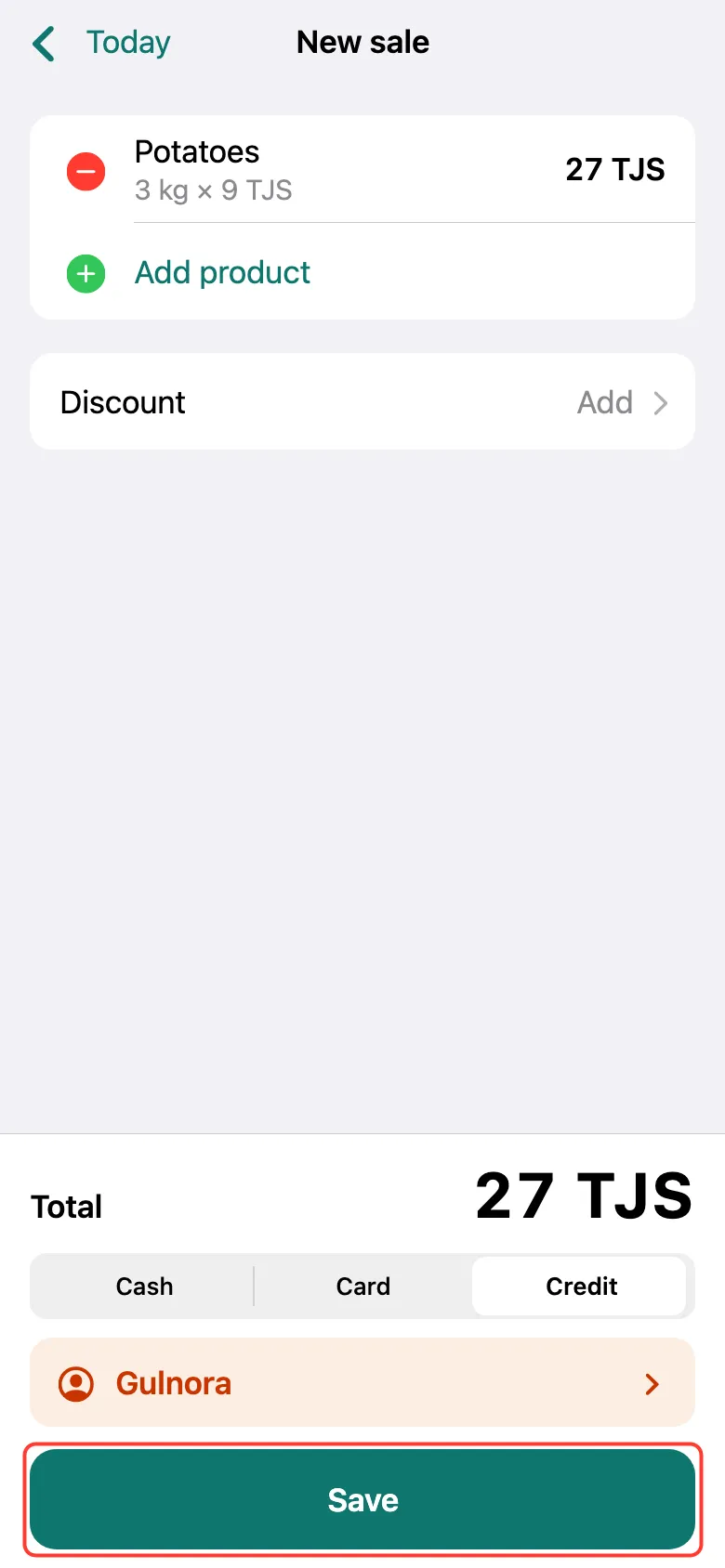
The customer appears above the button. Tap Save — the customer’s debt grows by the receipt total.
What next
Didn’t work? Message us on Telegram