How to pay off a debt, fully or in part
The customer’s debt goes down, and the payment goes into their history and the day’s totals.
Open the Credit tab and tap the customer.
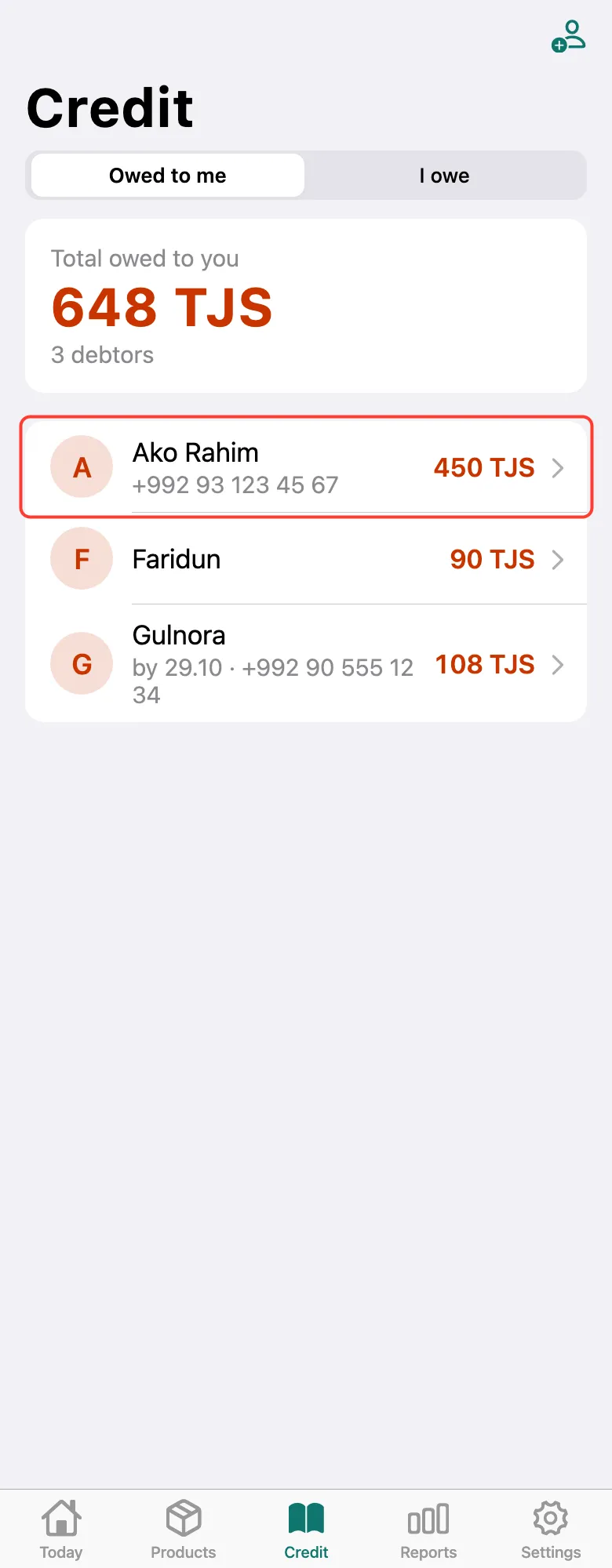
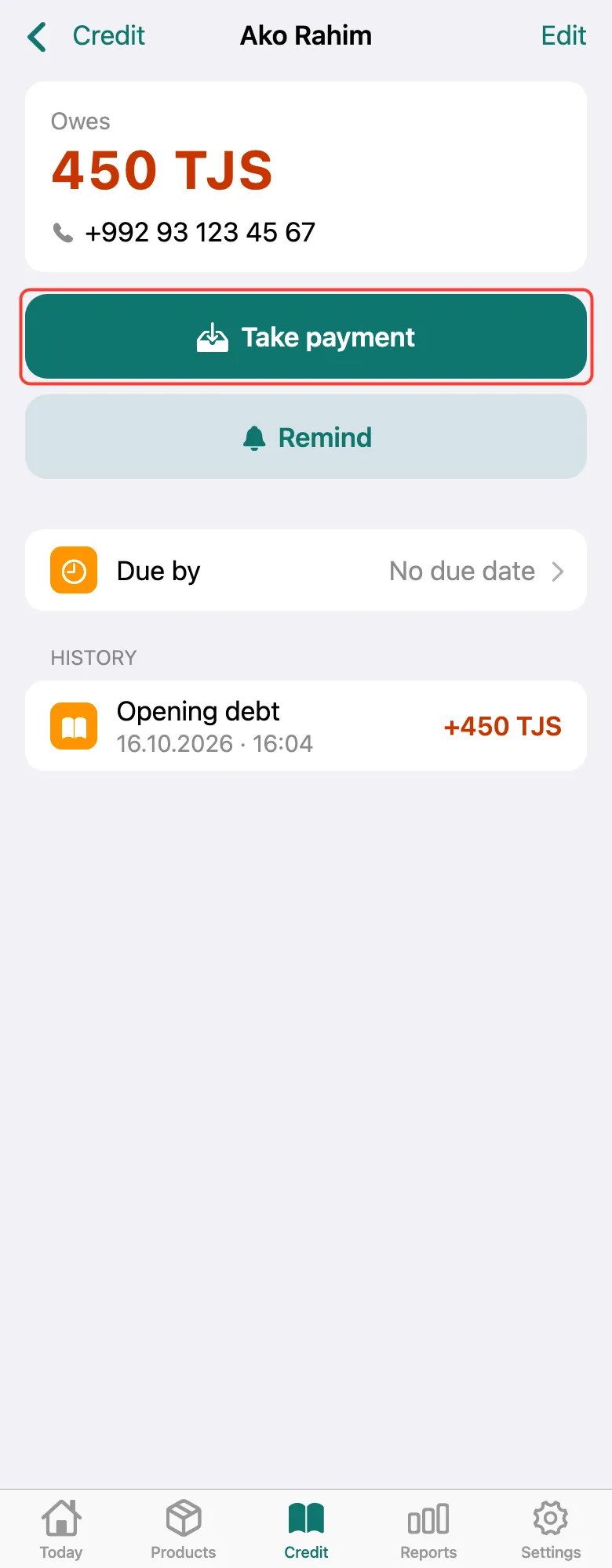
The card shows how much they owe. Tap Take payment.
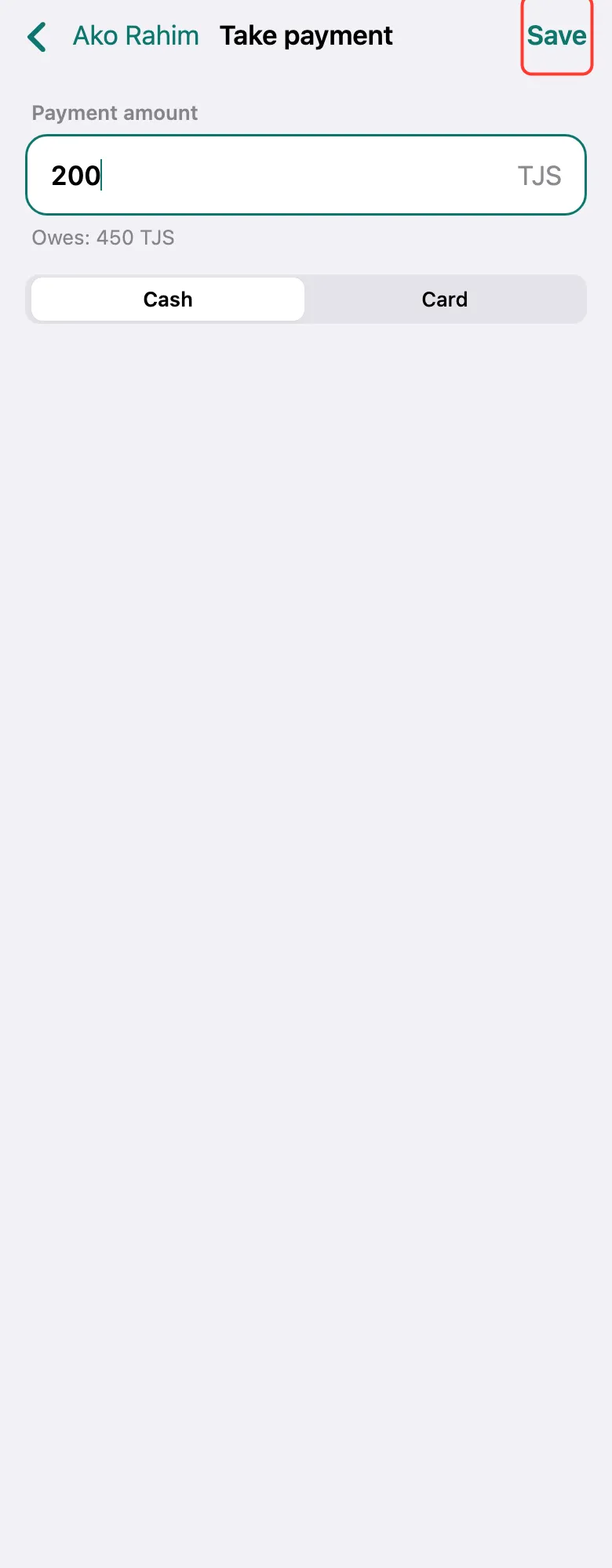
Enter how much they brought — it can be less than the debt. Choose Cash or Card and tap Save.
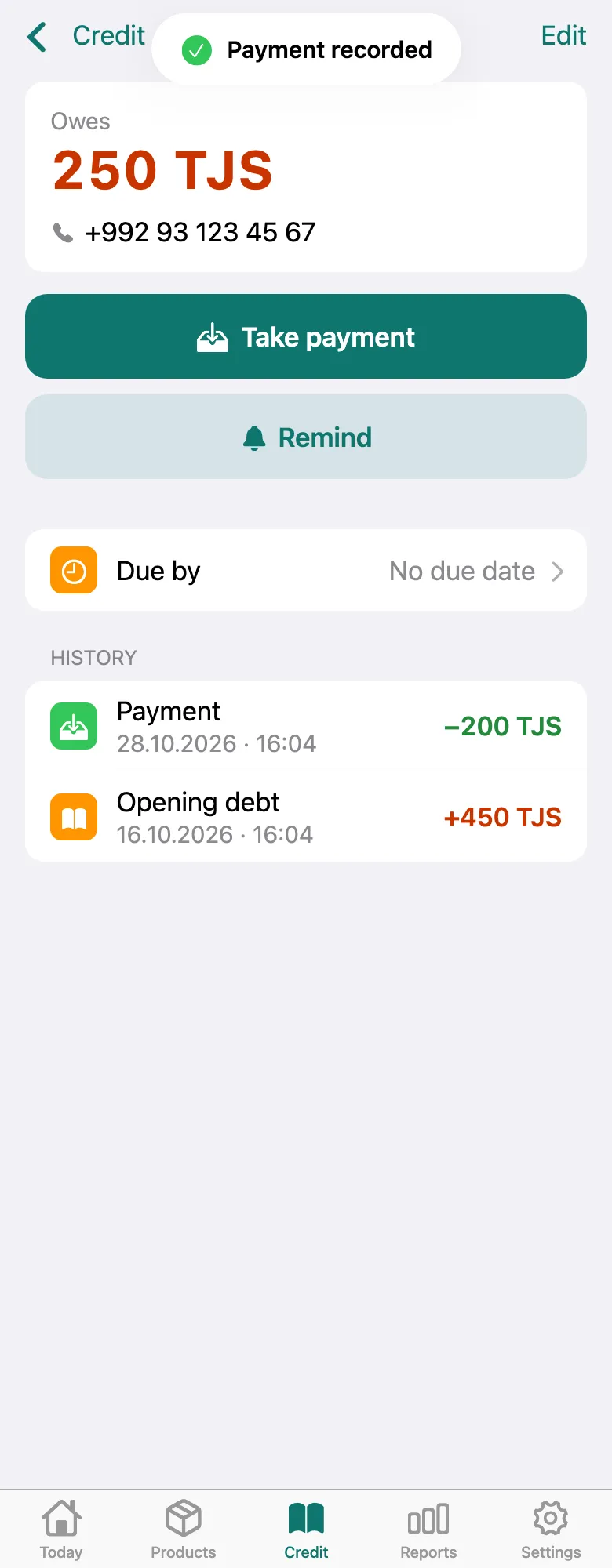
“Payment recorded” appears. The debt went down, and History shows a Payment line. Paid in full — the customer leaves the debtors list.
What next
Didn’t work? Message us on Telegram