How to send a reminder and statement on WhatsApp
The customer gets a polite message with the amount owed and a statement of all purchases — no calls, no arguments.
Open the customer on the Credit tab and tap Remind.
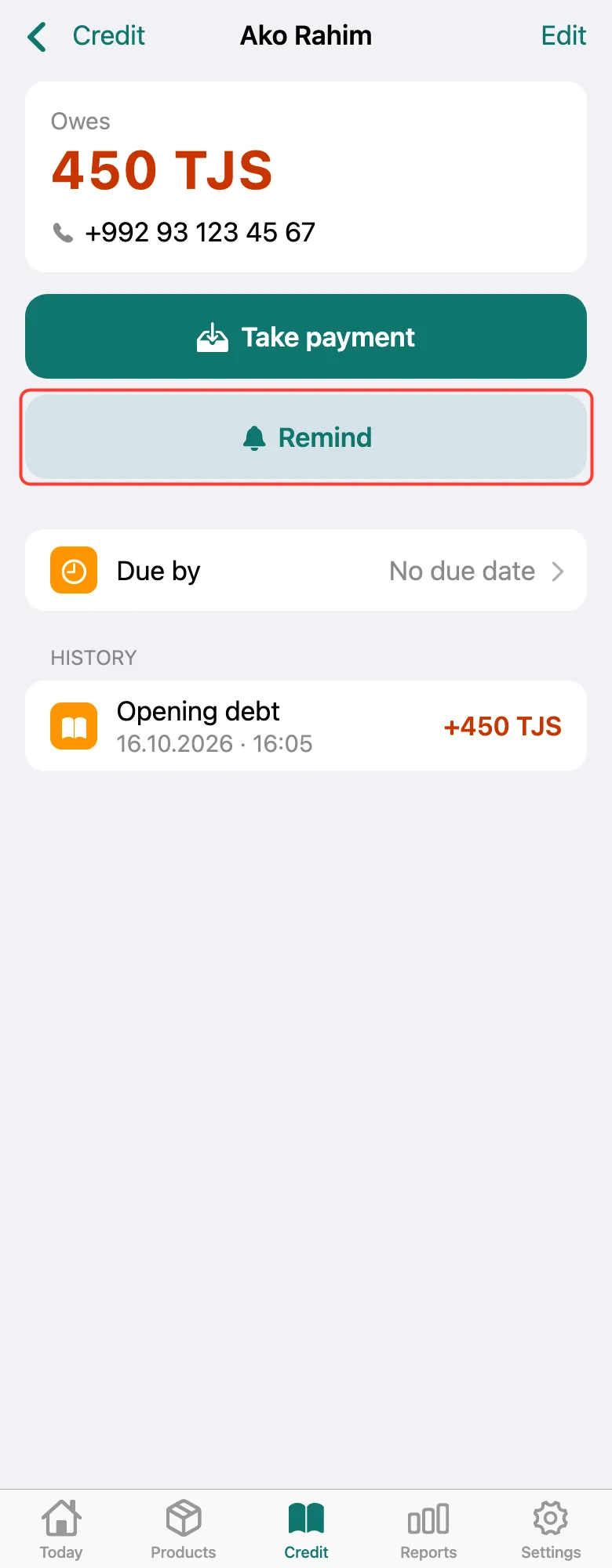
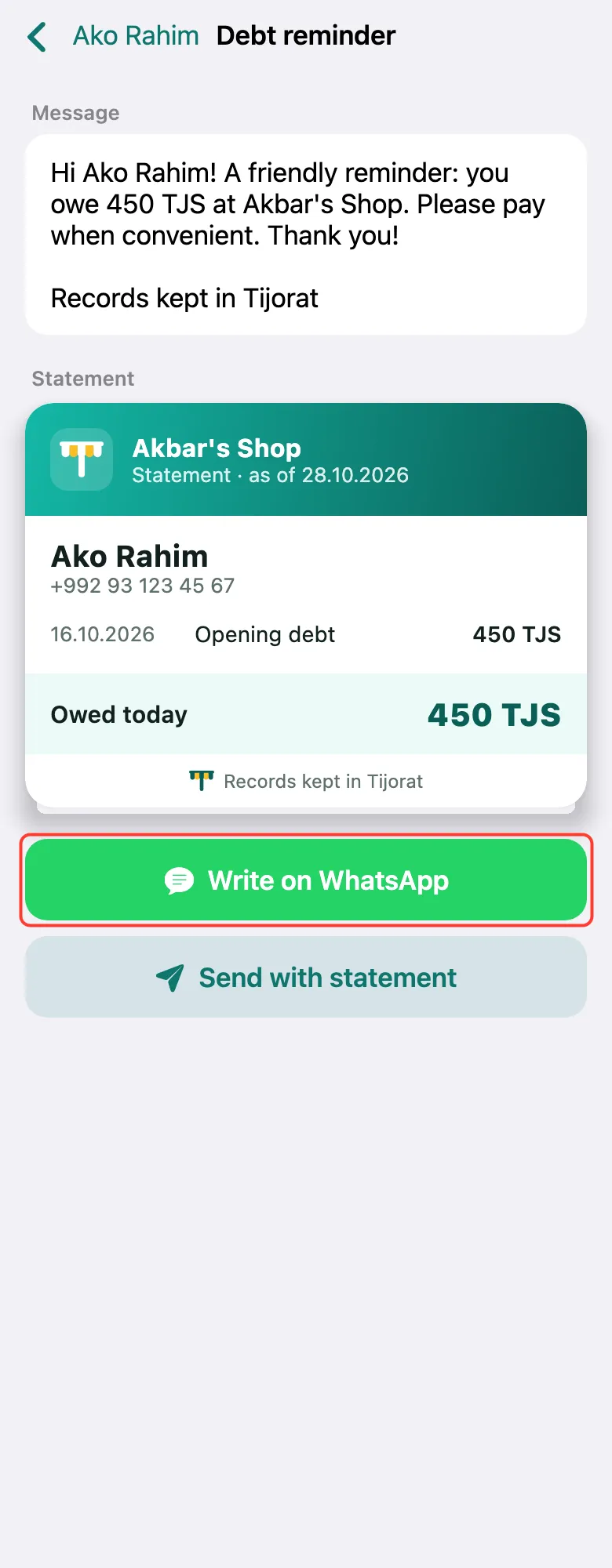
The message is ready: name, amount and your shop’s name, with the statement below. Tap Write on WhatsApp — a chat with the customer’s number opens, just tap Send. Send with statement sends the message with a statement picture to whoever you choose.
For Write on WhatsApp to work, the customer needs a phone number: Edit → Phone.
What next
Didn’t work? Message us on Telegram