How to set a customer’s credit limit
The app warns you if a new credit sale would take the debt over the limit.
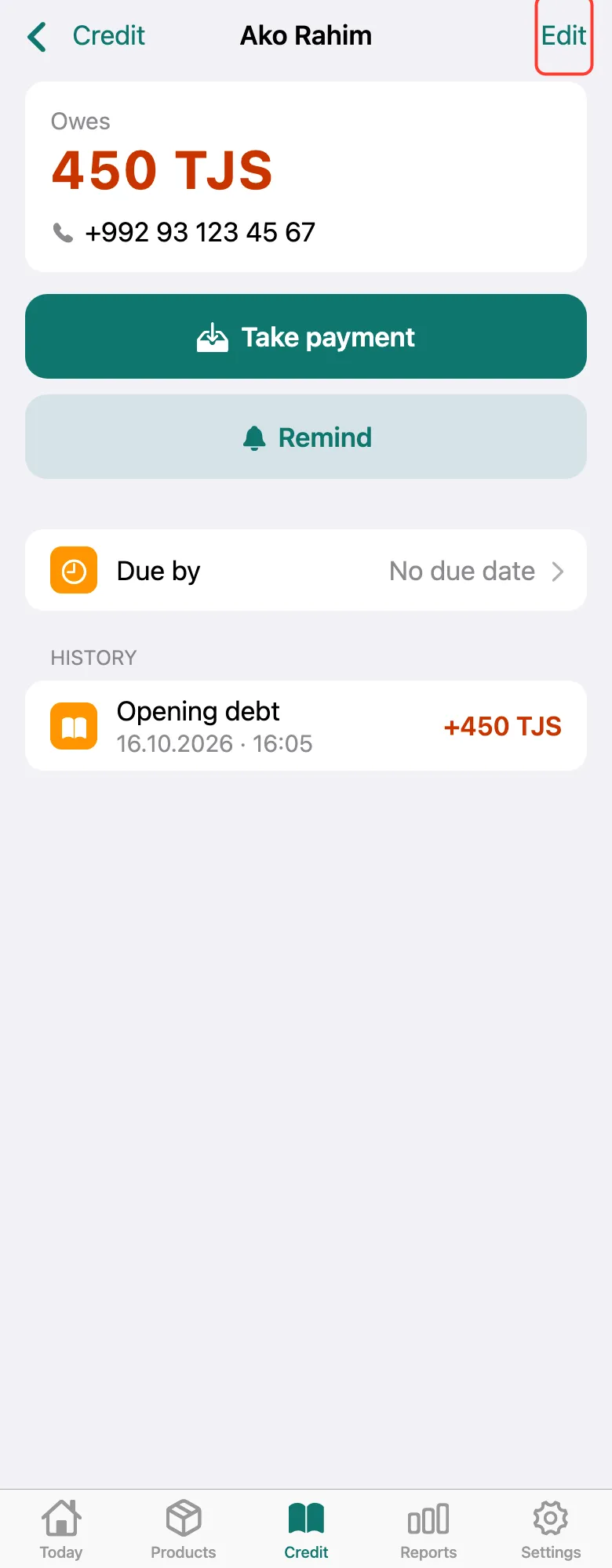
Open the customer on the Credit tab and tap Edit in the top right corner.
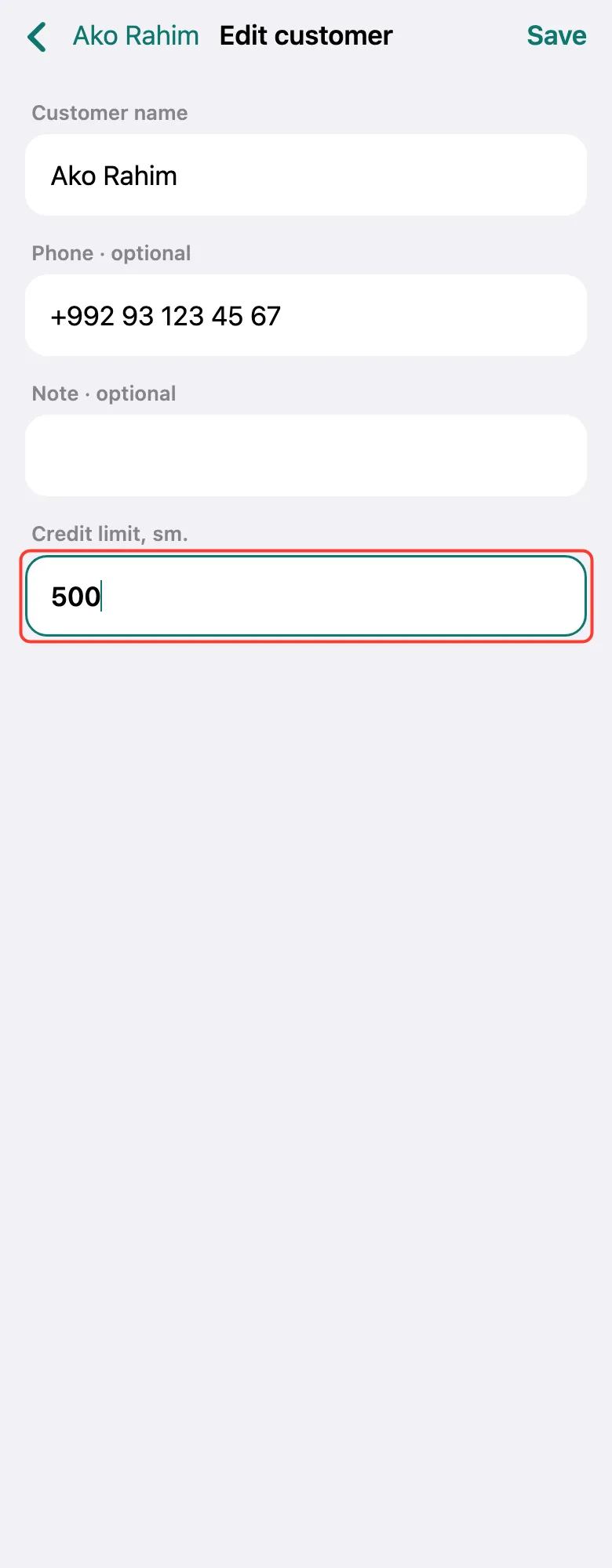
In Credit limit, sm., enter the most this customer may owe. Empty — no limit.
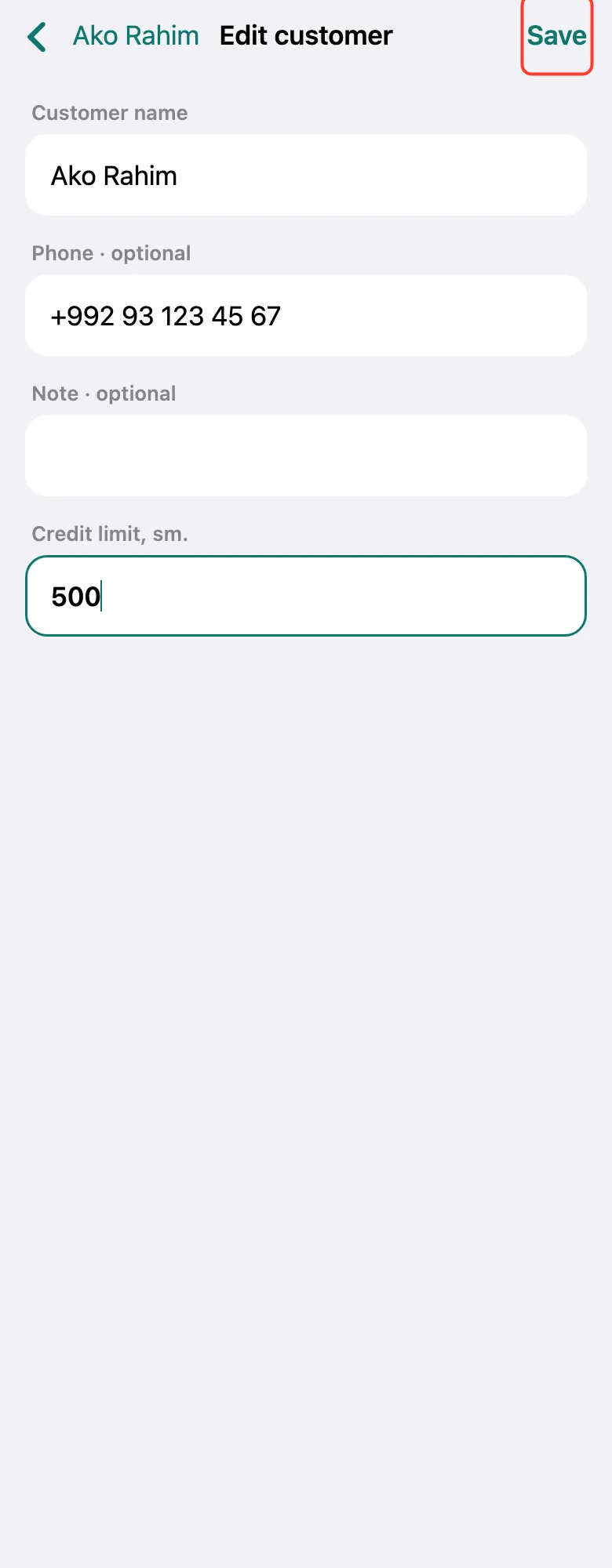
Tap Save. Now, if a credit sale goes over the limit, an Over the limit warning appears — you decide whether to sell.
What next
Didn’t work? Message us on Telegram