How to record a sale on credit
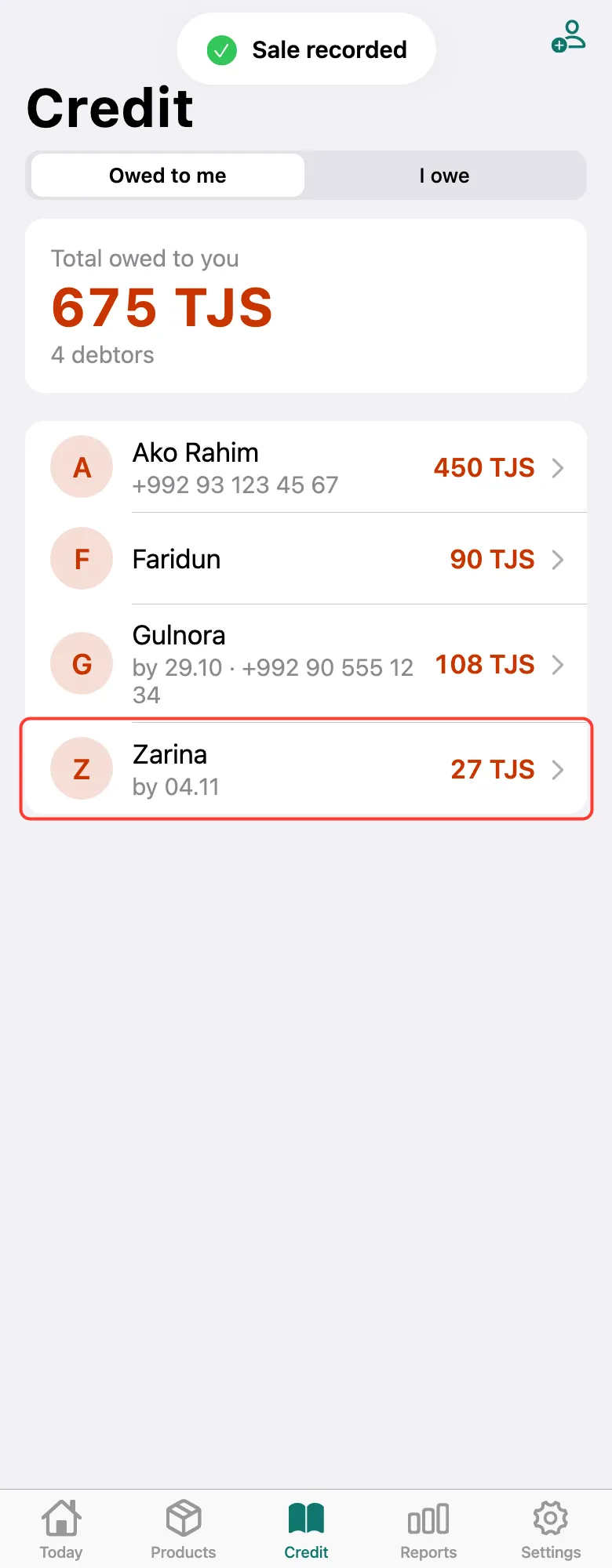
The customer’s debt is recorded with a due date, so you always know who owes how much.
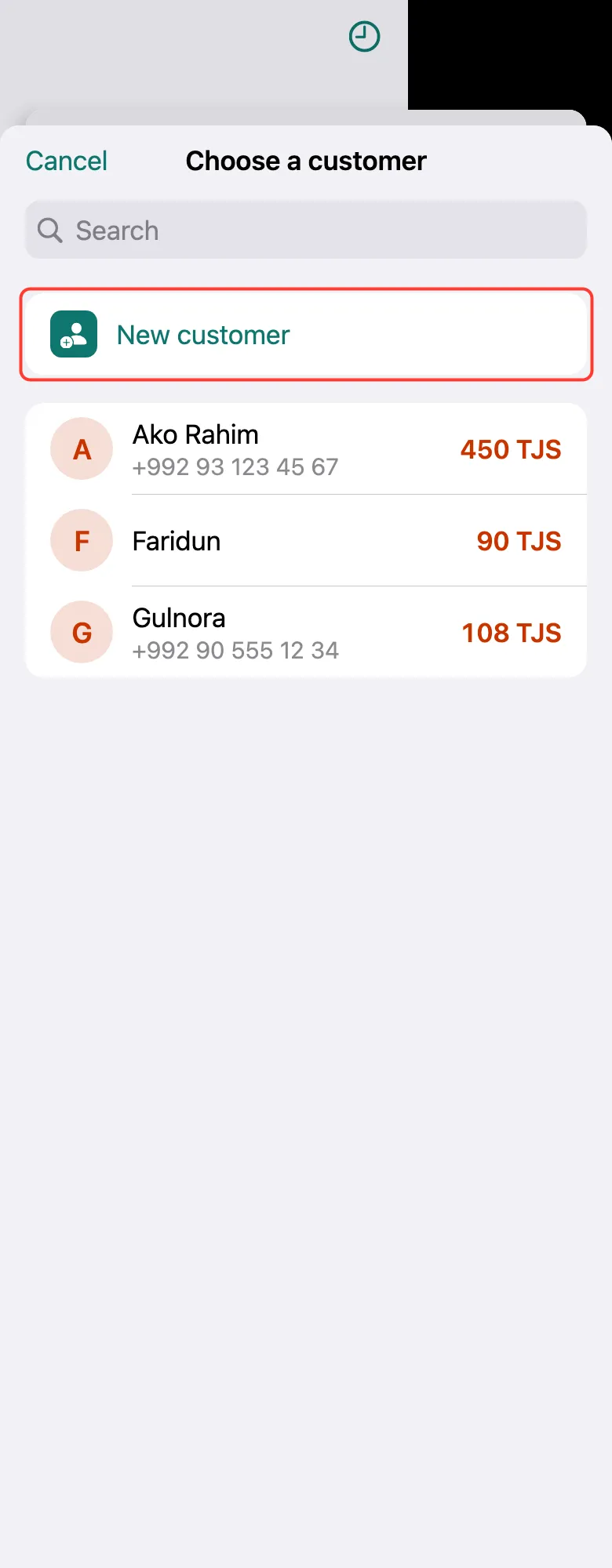
Add products to the receipt and tap Credit at the bottom. The customer list opens. Existing customer — tap them. New one — tap New customer.
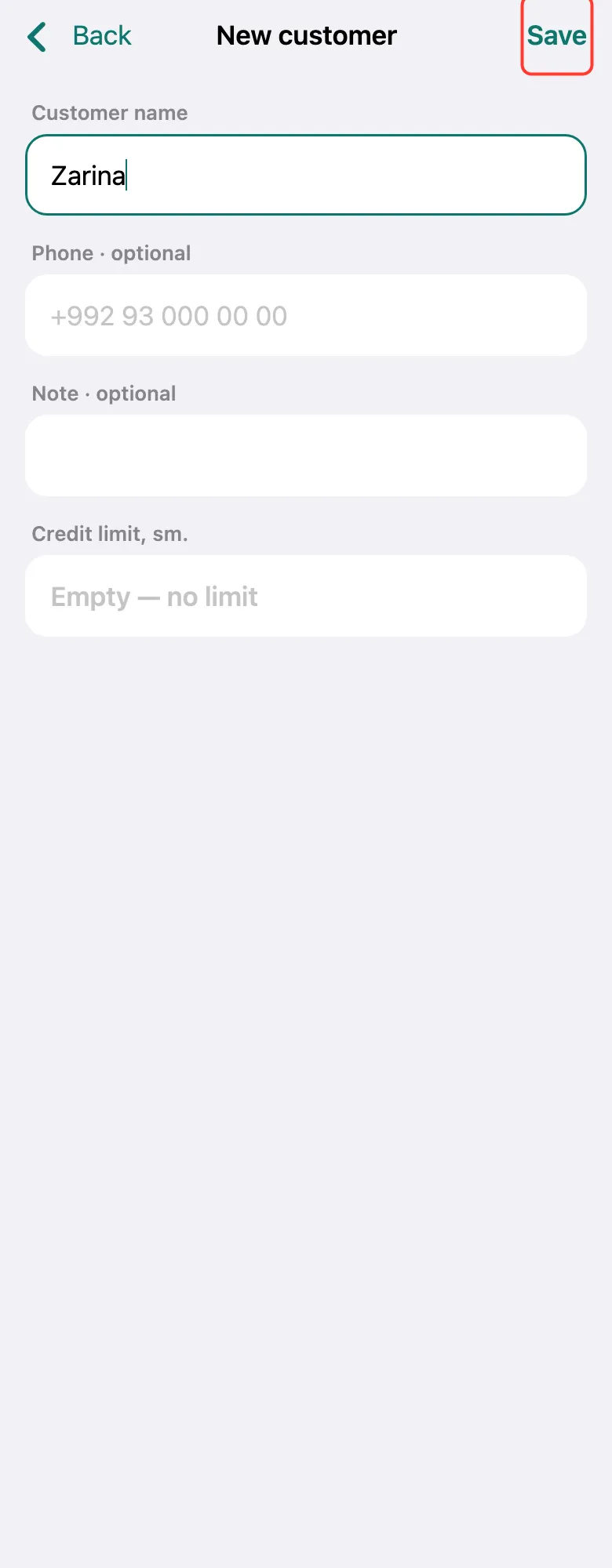
Enter the Customer name; a phone number helps you remind them later on WhatsApp. Tap Save.
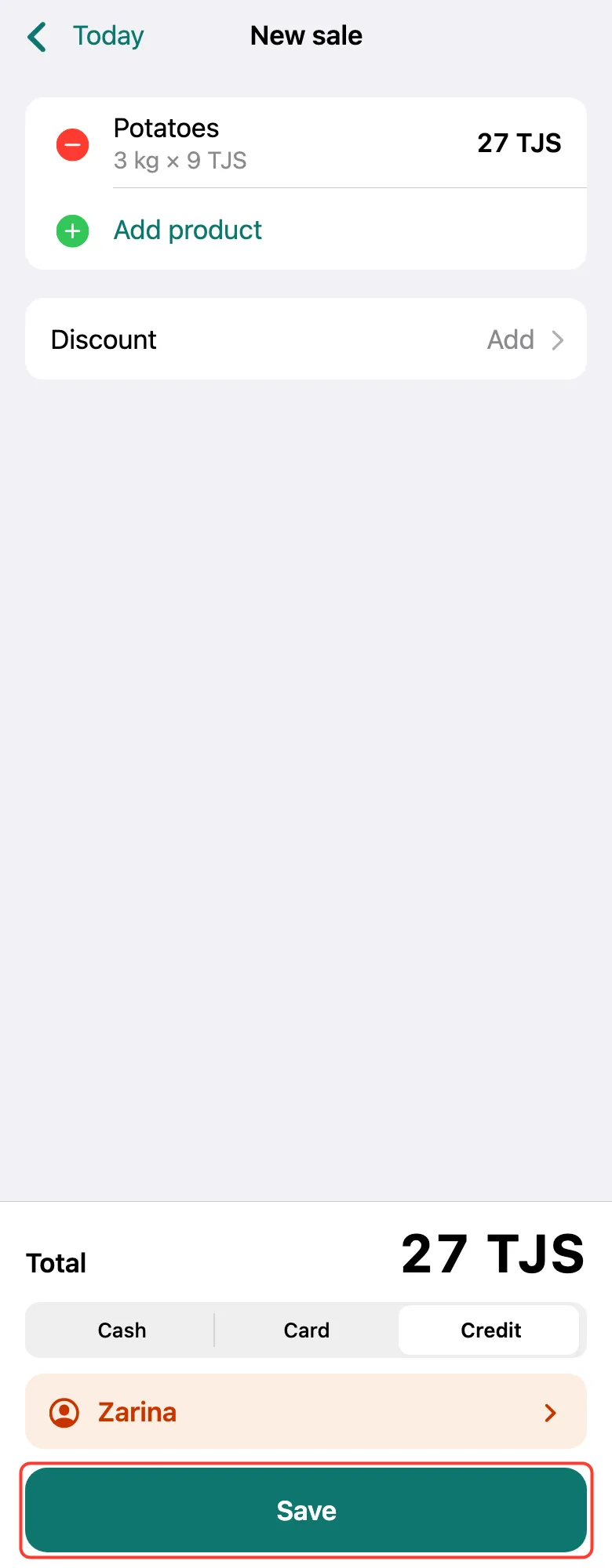
The customer appears above the button. Tap Save.
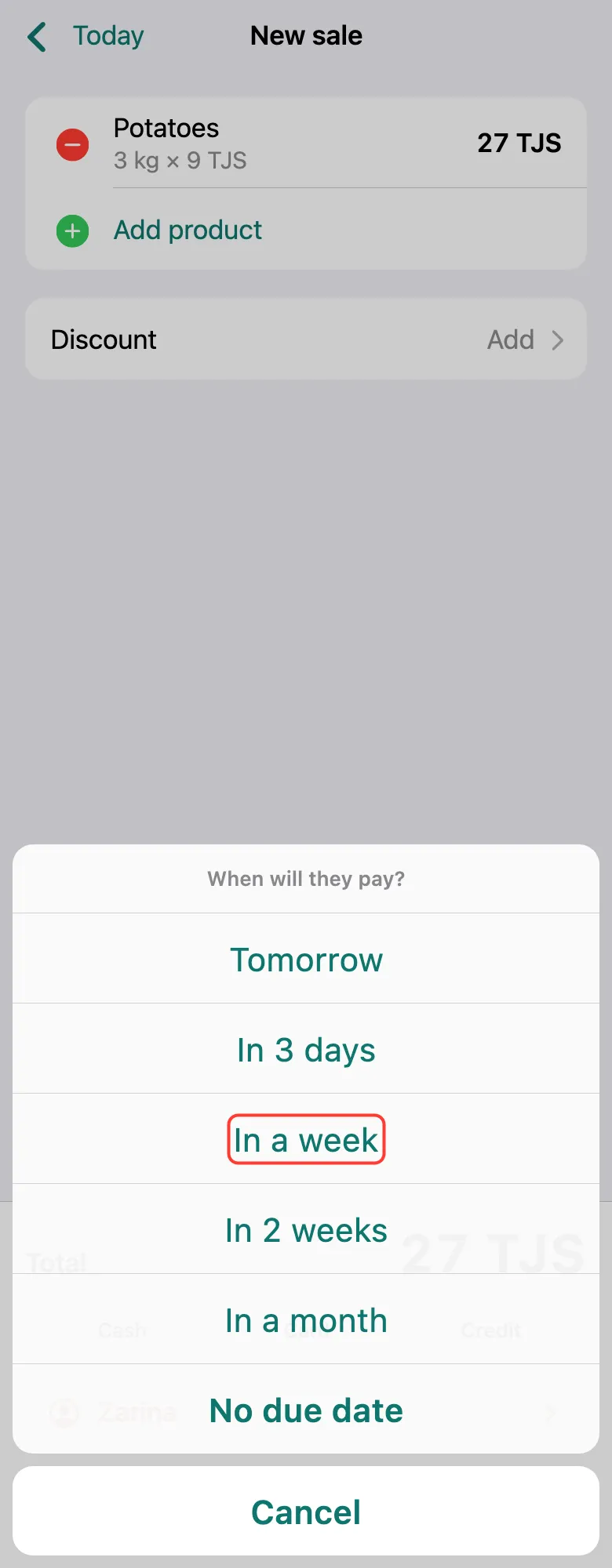
Choose When will they pay? — for example, In a week. No agreement — No due date.
The debt shows on the Credit tab under Owed to me: name, amount and due date.
What next
Didn’t work? Message us on Telegram