How to set a due date for a debt
You’ll see who is overdue: such customers are listed first.
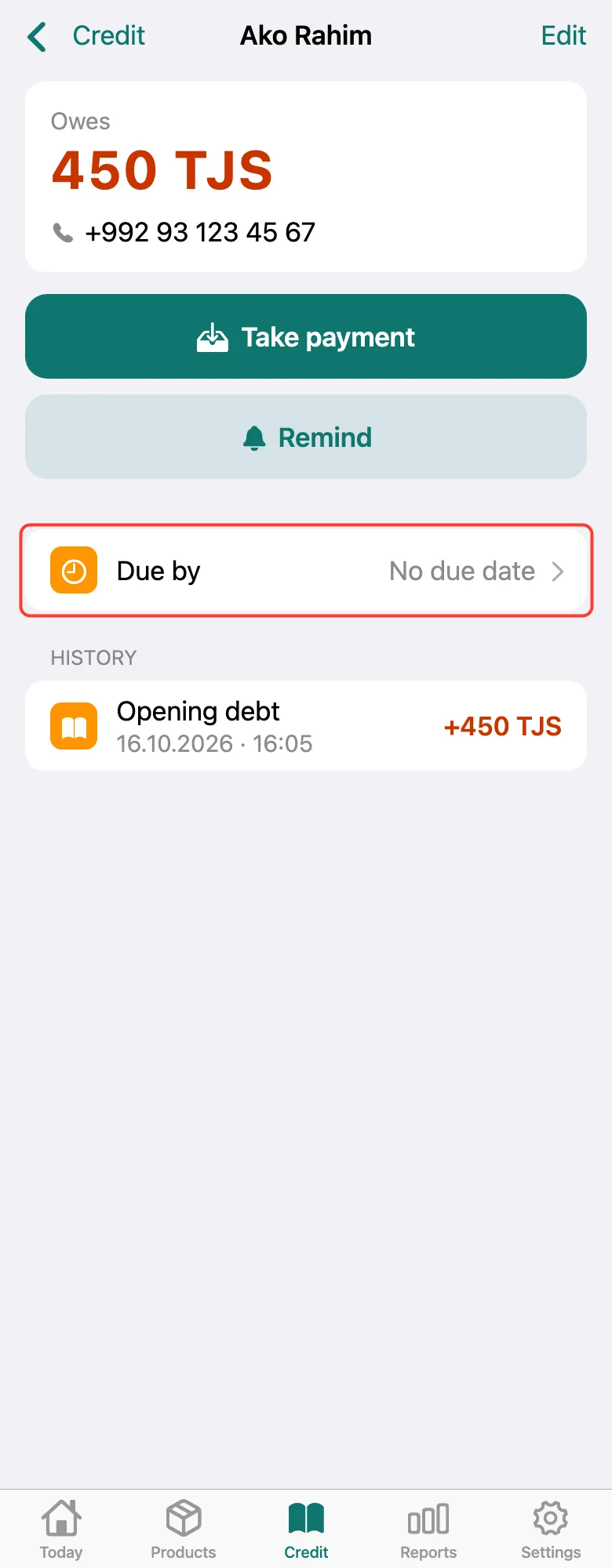
Open the customer on the Credit tab. Tap the Due by row — it says “No due date” on the right.
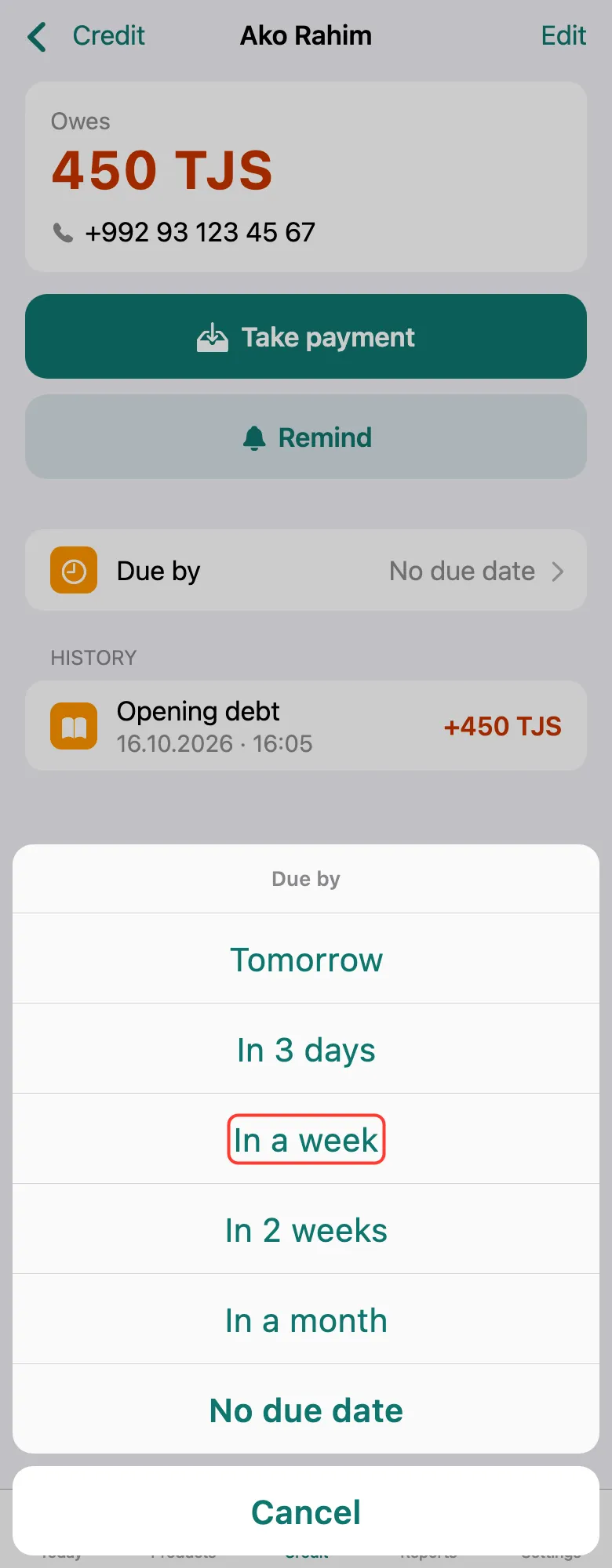
Choose when: tomorrow, In a week, in a month and others — or No due date.
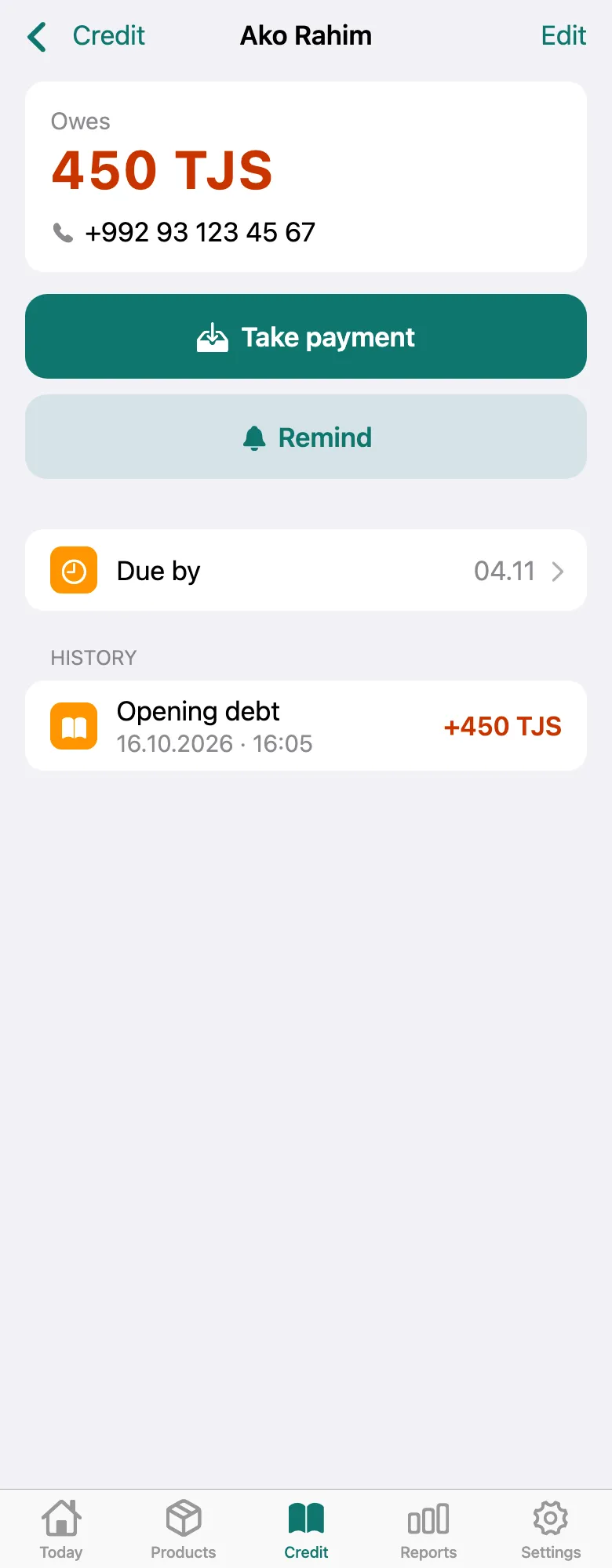
The date appears in Due by and in the debtors list. Once it passes, the debt becomes overdue and moves to the top. A morning reminder about due dates can be turned on in Settings → Notifications.
What next
Didn’t work? Message us on Telegram