How to archive a product and bring it back
A product you no longer sell disappears from the list and from sales, but its history is kept.
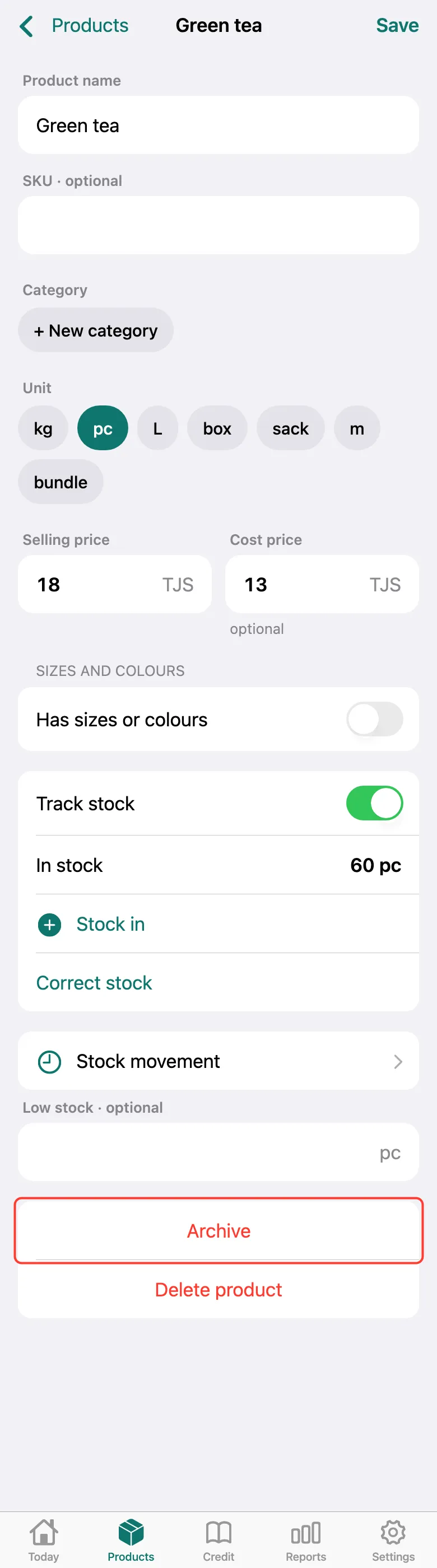
Open the product and tap Archive at the bottom of the card. Delete product erases it completely — archiving is safer.
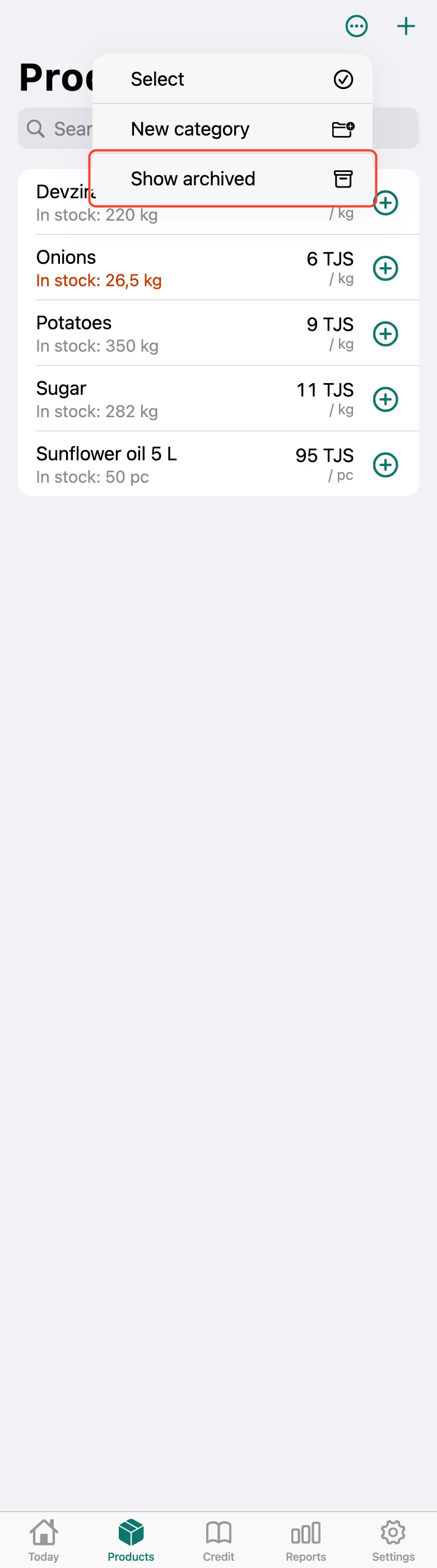
To find an archived product, tap … in the top right corner of the Products tab and choose Show archived.
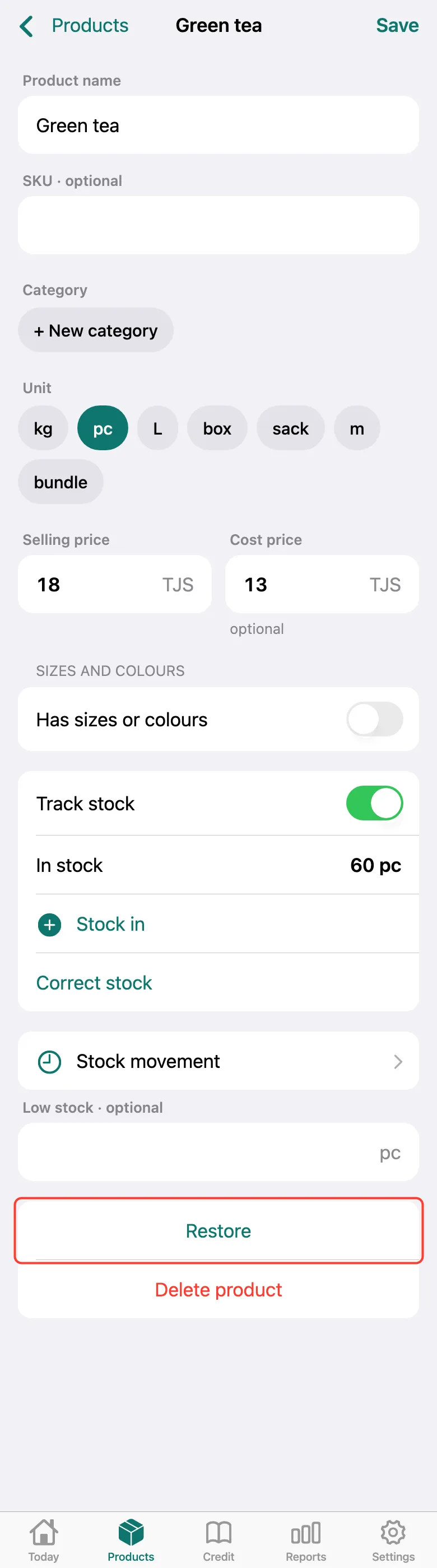
Open the archived product and tap Restore — it’s back in the list and in sales.
What next
Didn’t work? Message us on Telegram