How categories and search work
The product you need is found in a second — by name or by category.
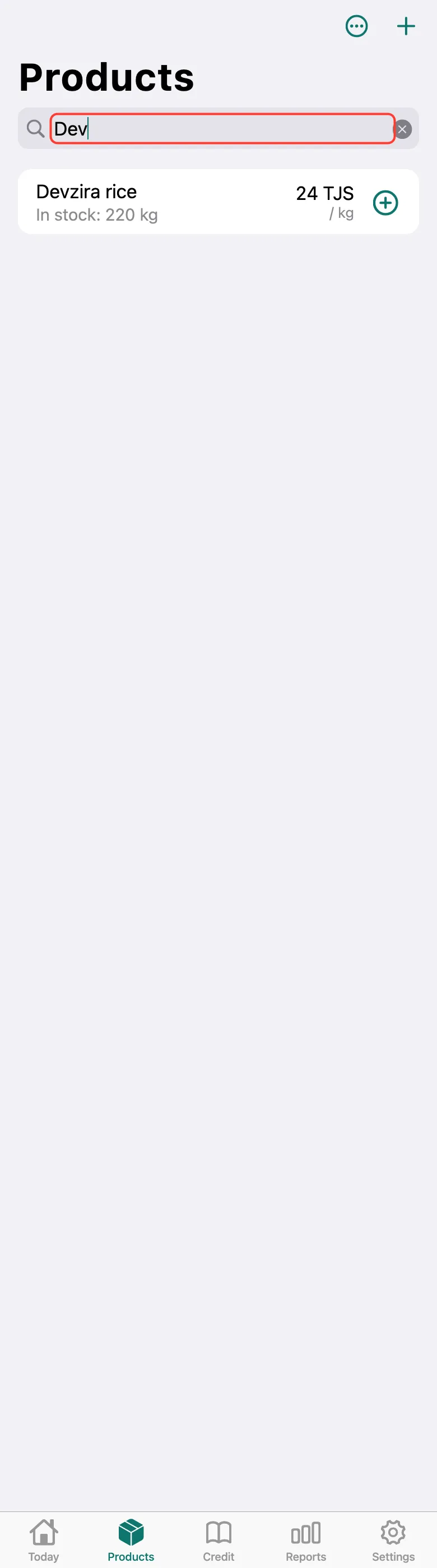
On the Products tab, type the start of a name in Search — the list narrows right away.
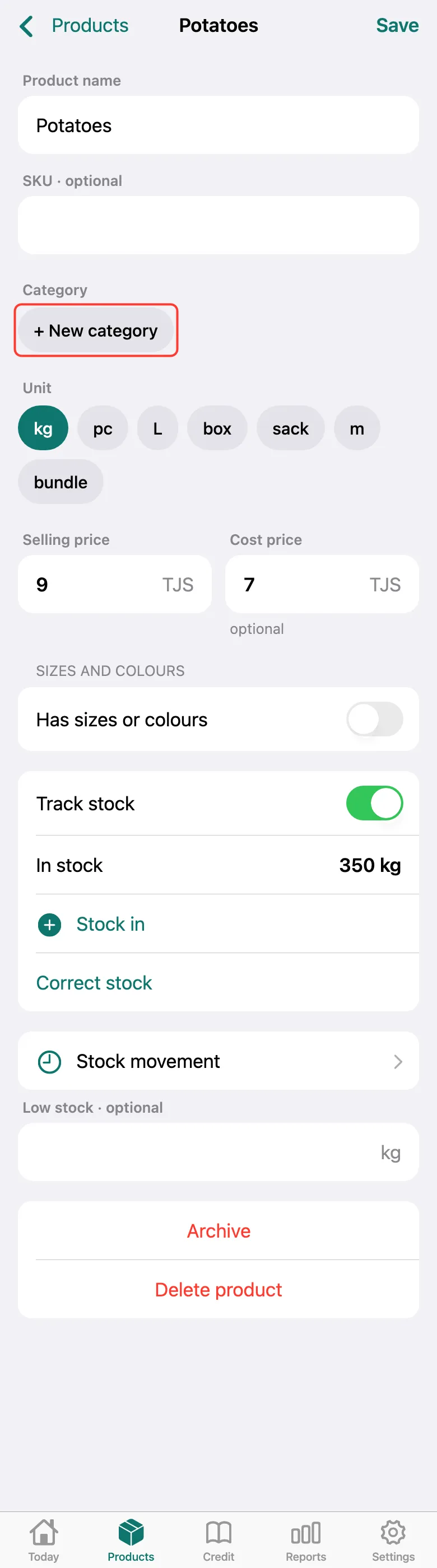
To create a category, open a product and tap + New category under Category.
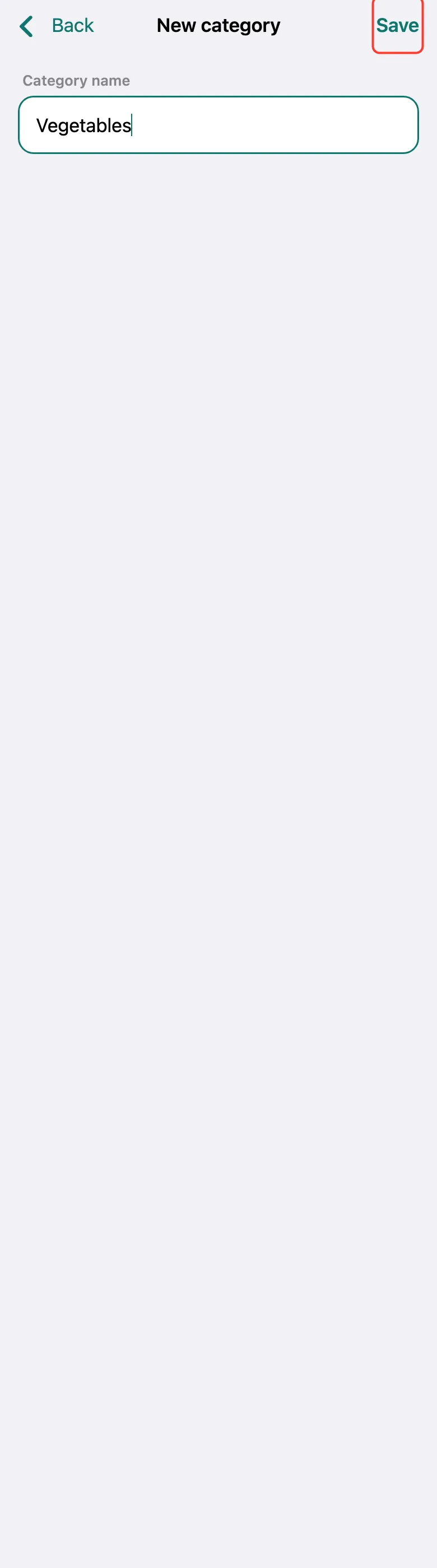
Enter the Category name — for example, “Vegetables” — and tap Save. The category is selected for this product right away; tap Save on the card too.
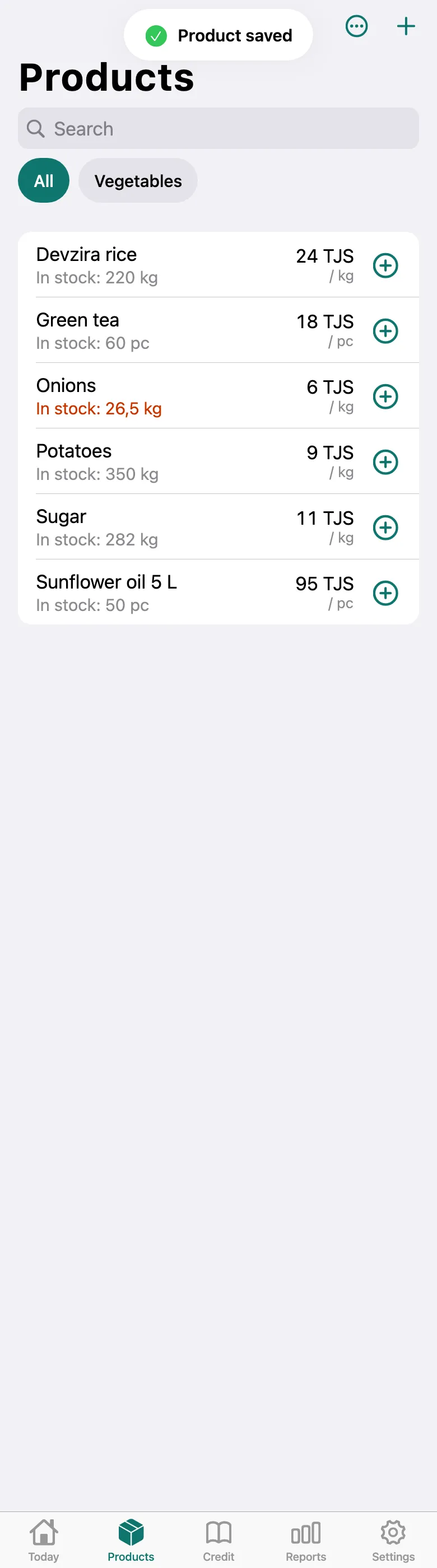
Categories appear above the product list: tap one to see only its products, All to see the whole list again.
What next
Didn’t work? Message us on Telegram