How to find and cancel a wrong sale
The wrong sale stops affecting revenue and stock, and the history still shows that it was cancelled.
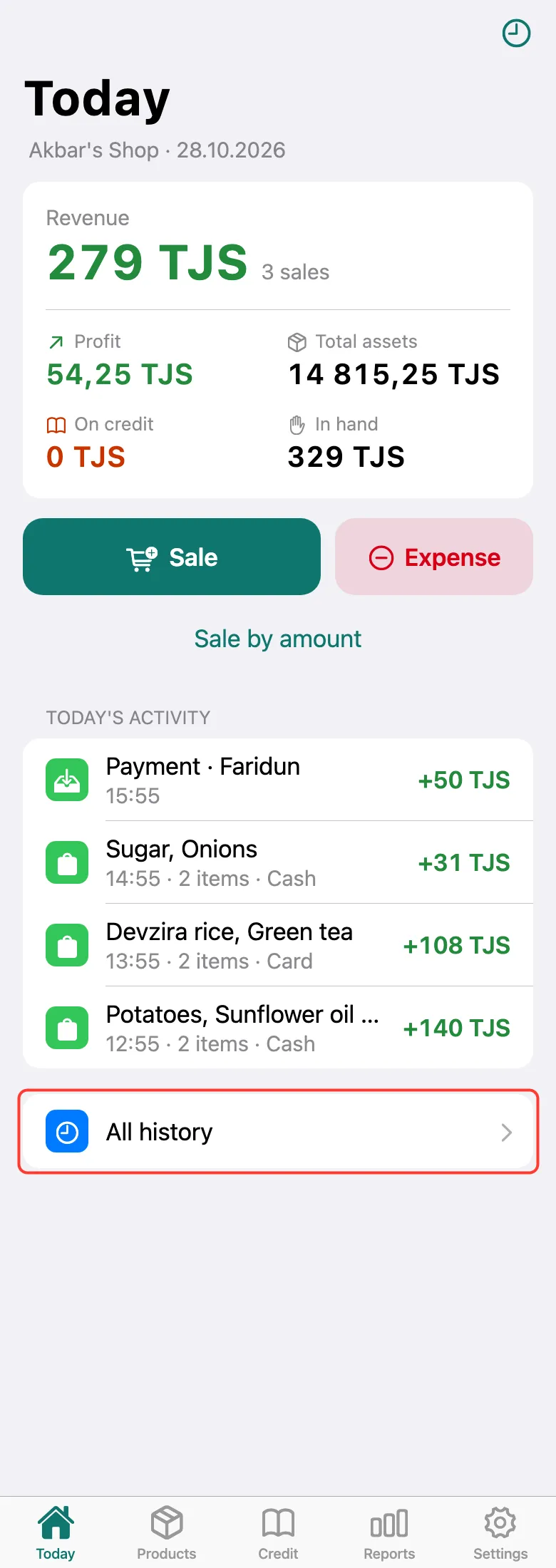
Today’s sales are right on the Today screen. For earlier ones, tap All history at the bottom.
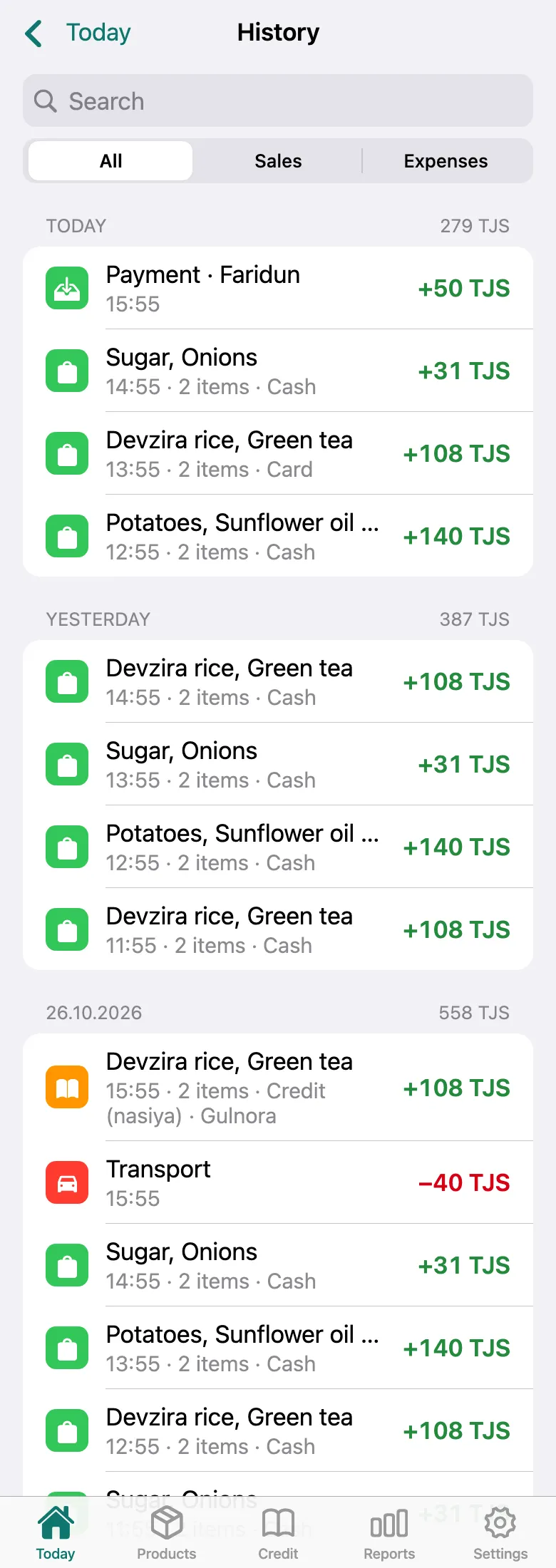
History lists sales by day. Search at the top and the Sales and Expenses tabs help you find the one you need. The last week is visible to everyone; history for any day is in Pro.
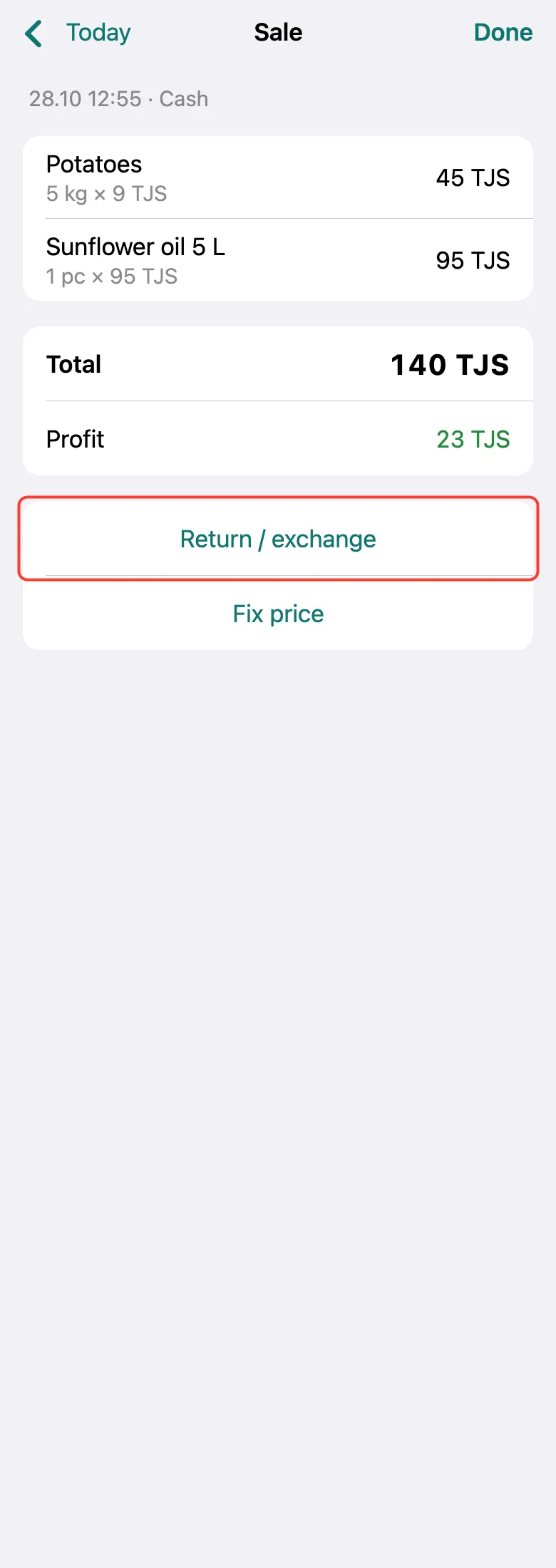
Tap the sale. A recorded sale can’t be deleted in Tijorat — it is cancelled with a return. Tap Return / exchange.
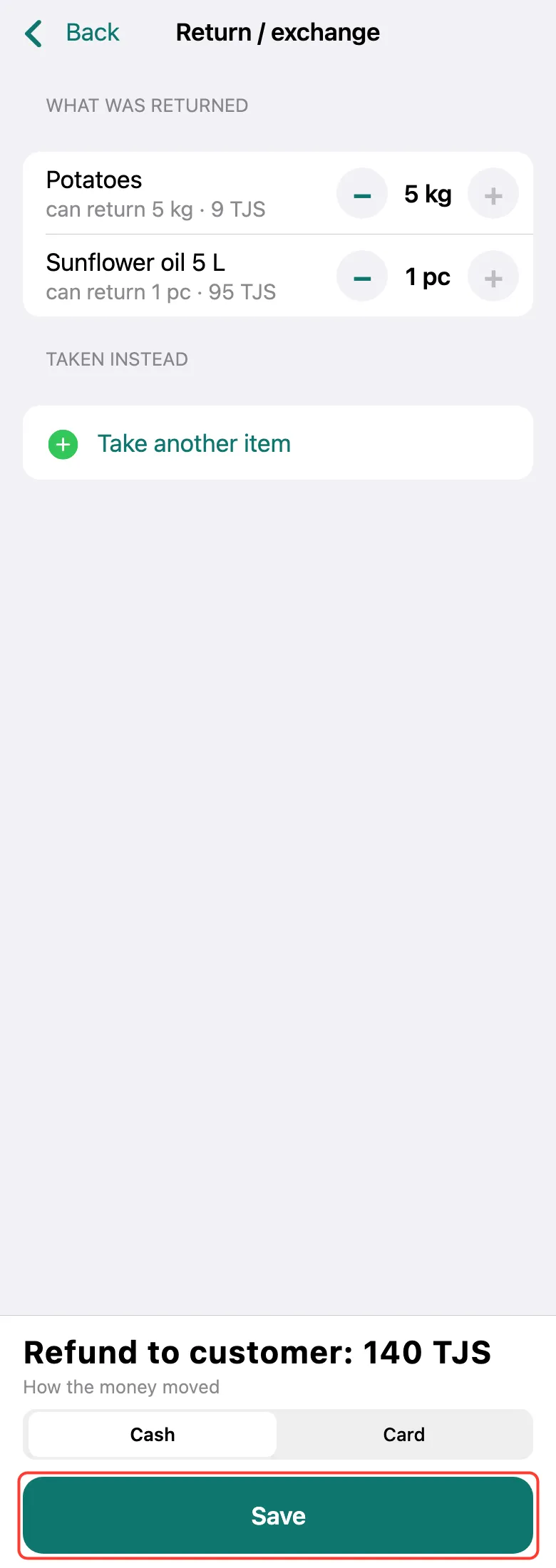
Tap + next to every product until everything on the receipt is returned. The bottom shows the full sale amount — tap Save. If only the price was wrong, tap Fix price instead of a return.
What next
Didn’t work? Message us on Telegram