How to record a return
The goods go back into stock, and revenue and profit go down by the amount returned.
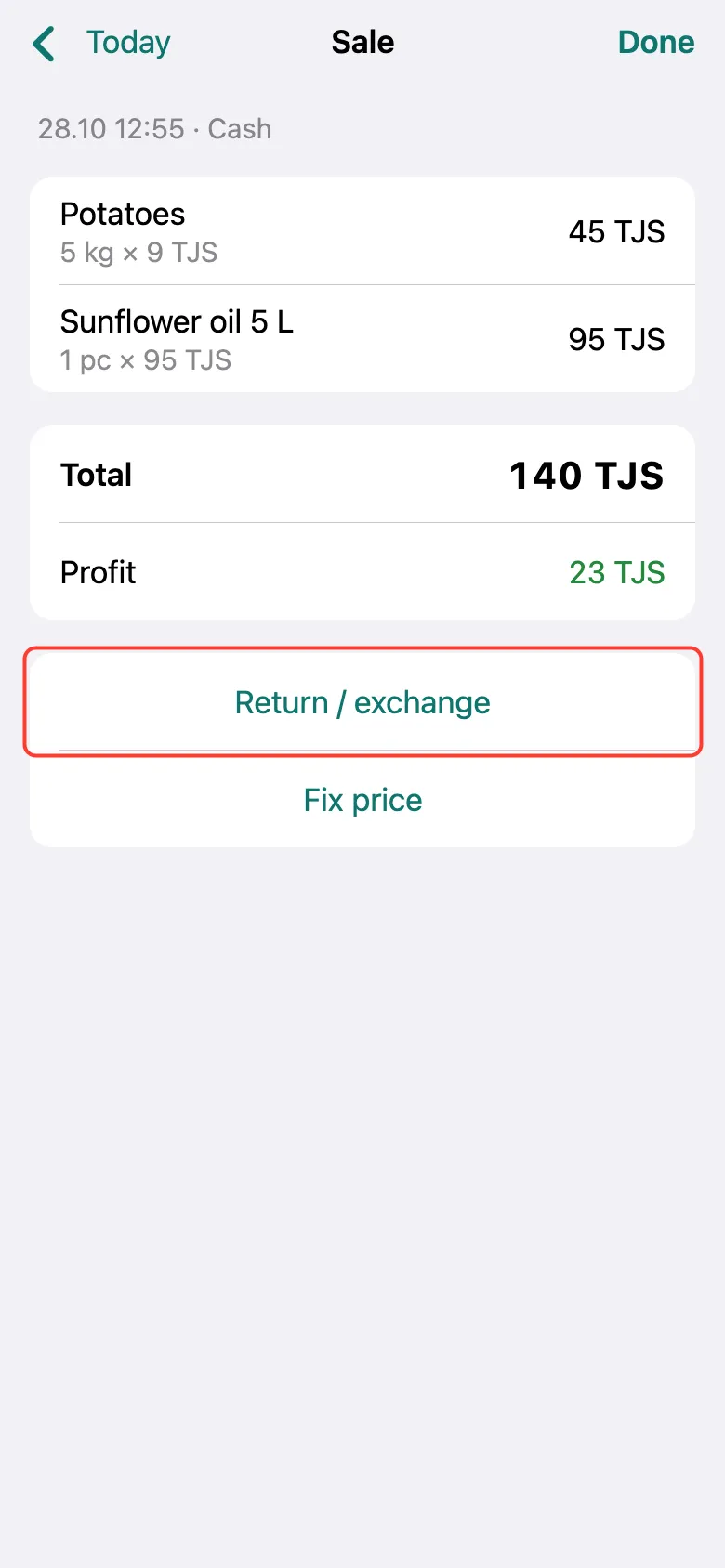
Find the sale in the day’s list (or in All history) and tap it. On the receipt, tap Return / exchange.
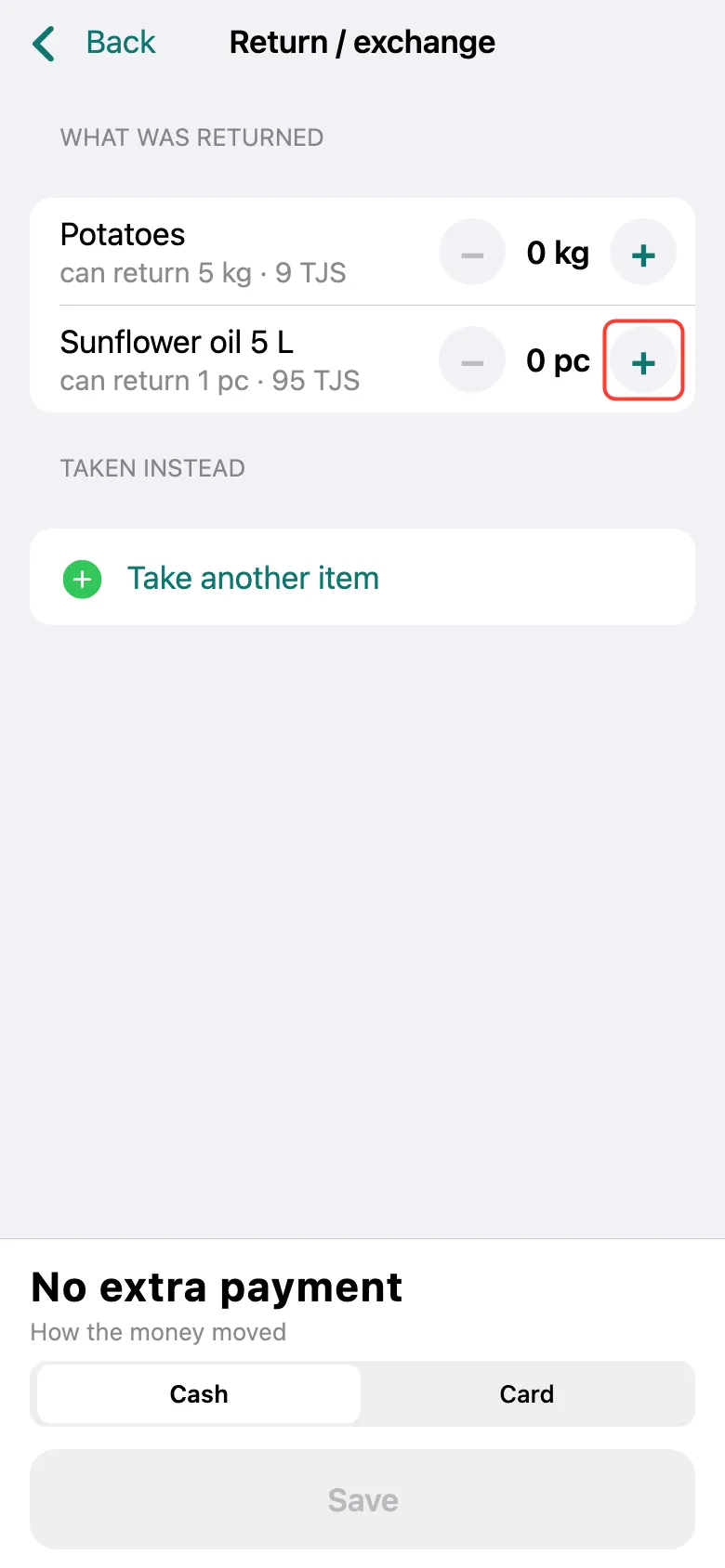
Under “What was returned”, tap + next to the returned product — as many times as the amount returned.
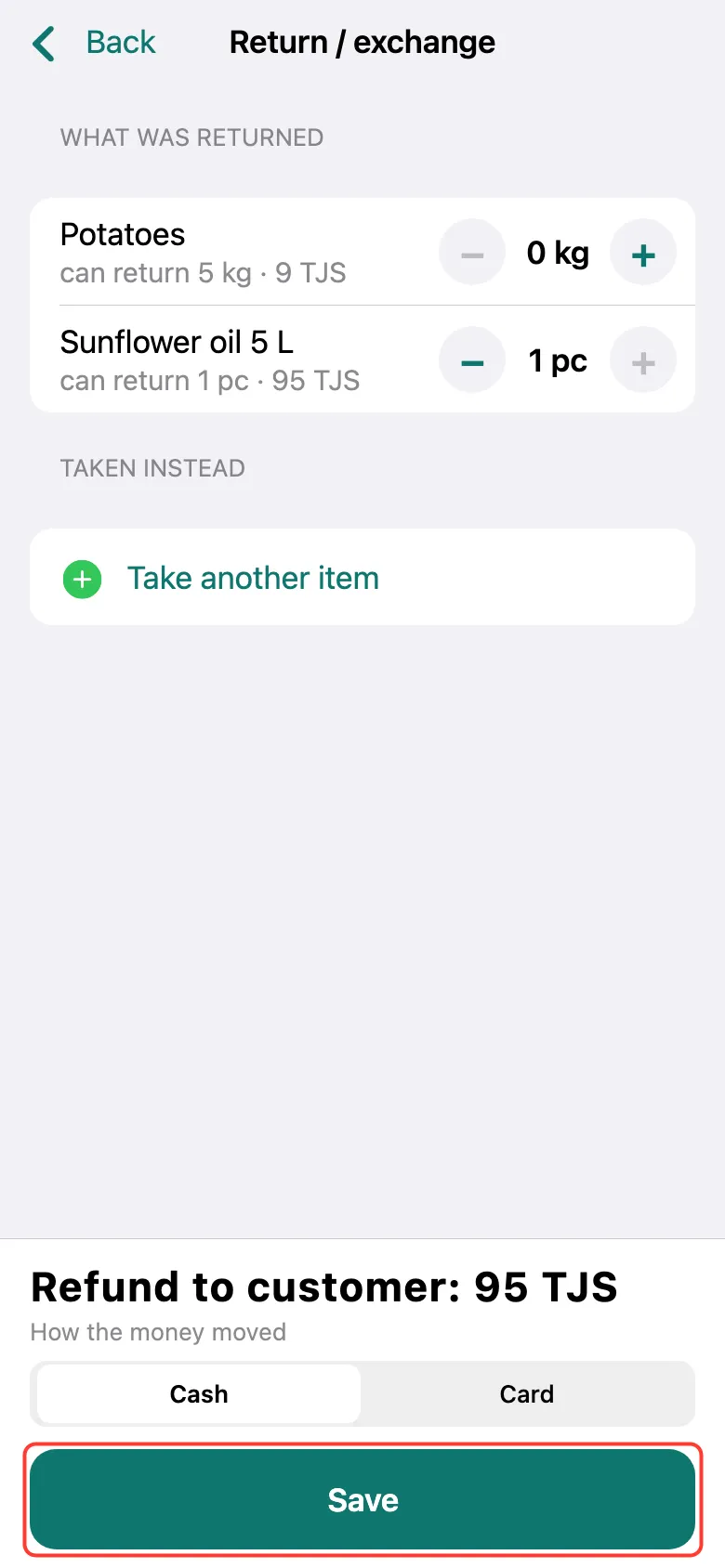
The bottom shows the Refund to customer. Choose how you gave the money back — Cash or Card — and tap Save.
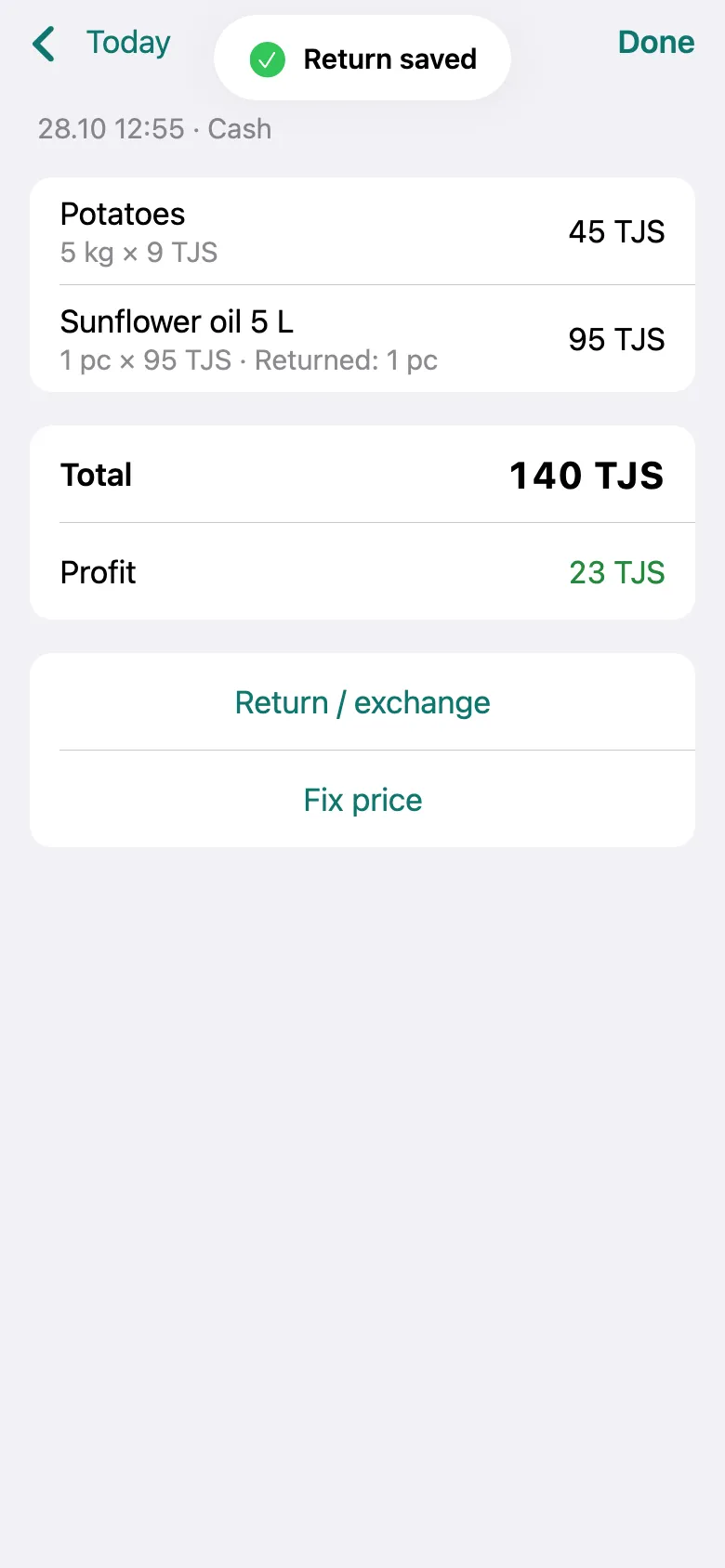
Done: “Return saved” appears, and the receipt shows what was returned.
What next
Didn’t work? Message us on Telegram