How to turn on the daily summary
Every evening your phone tells you the day’s revenue, profit and number of sales.
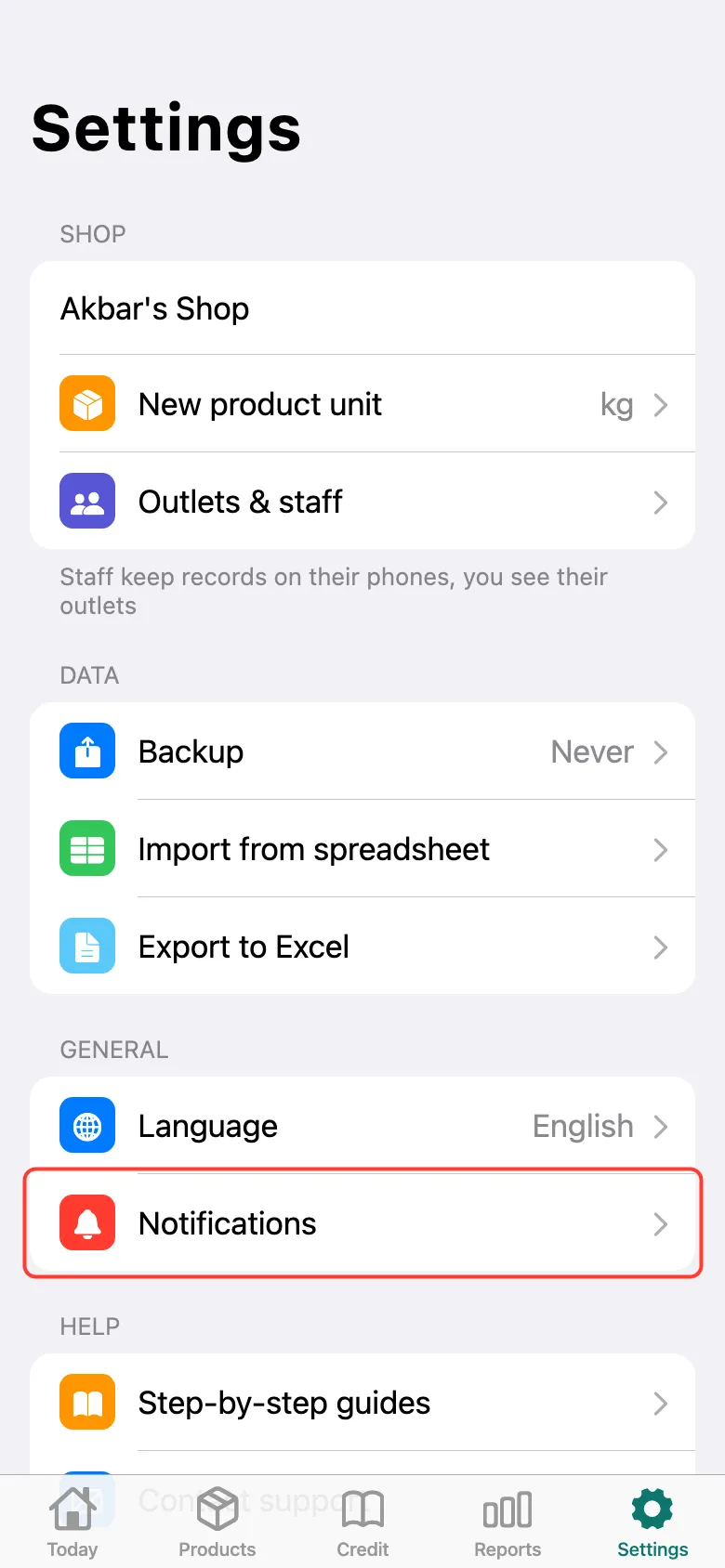
Open Settings → Notifications.
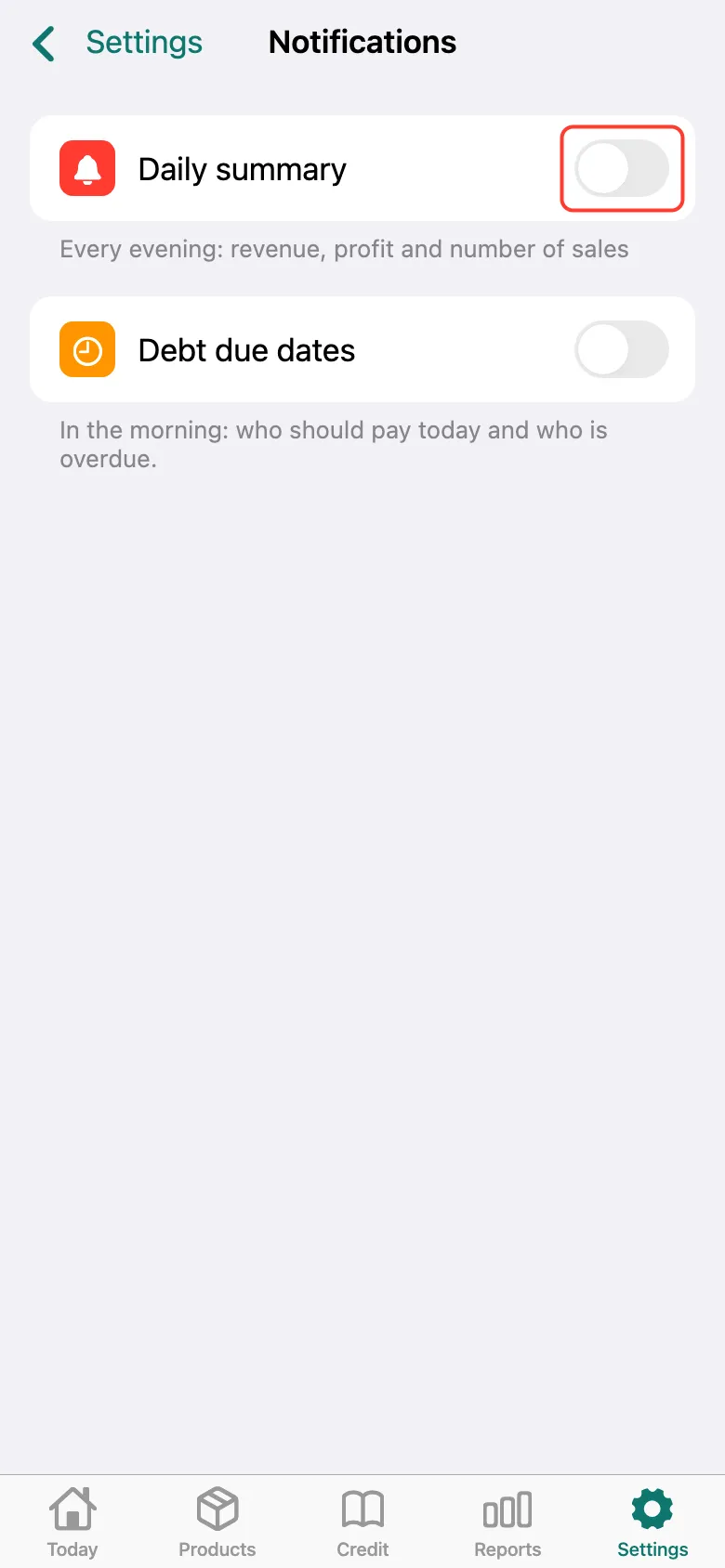
Turn on Daily summary. The phone asks for permission to send notifications — allow it.
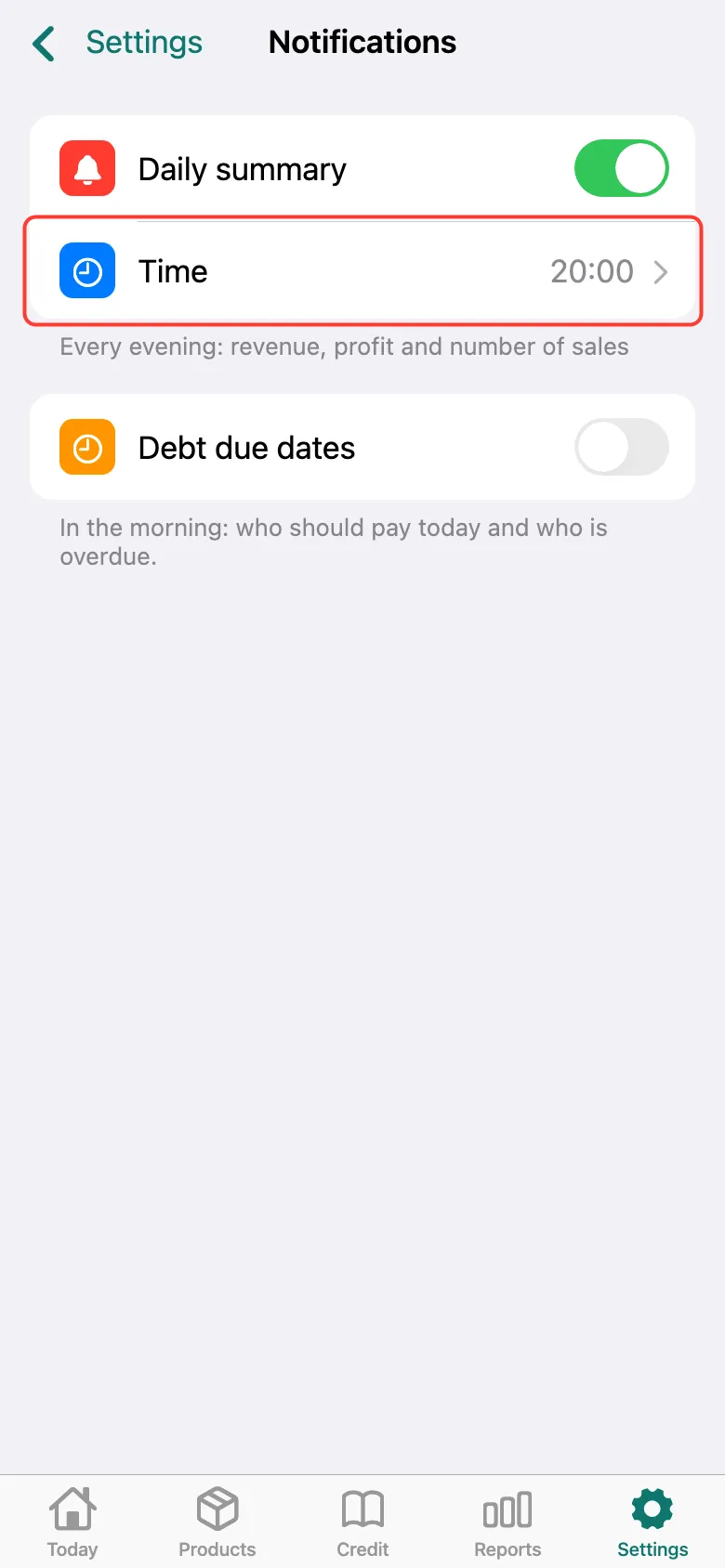
Time appears below — 20:00 by default. Tap to pick your own. You can also turn on Debt due dates here — a morning reminder of who should pay today.
What next
Didn’t work? Message us on Telegram