How to allow or forbid staff discounts
Only the people you allow can give discounts — and you see every discount on the receipt.
ProThis is a Pro feature.
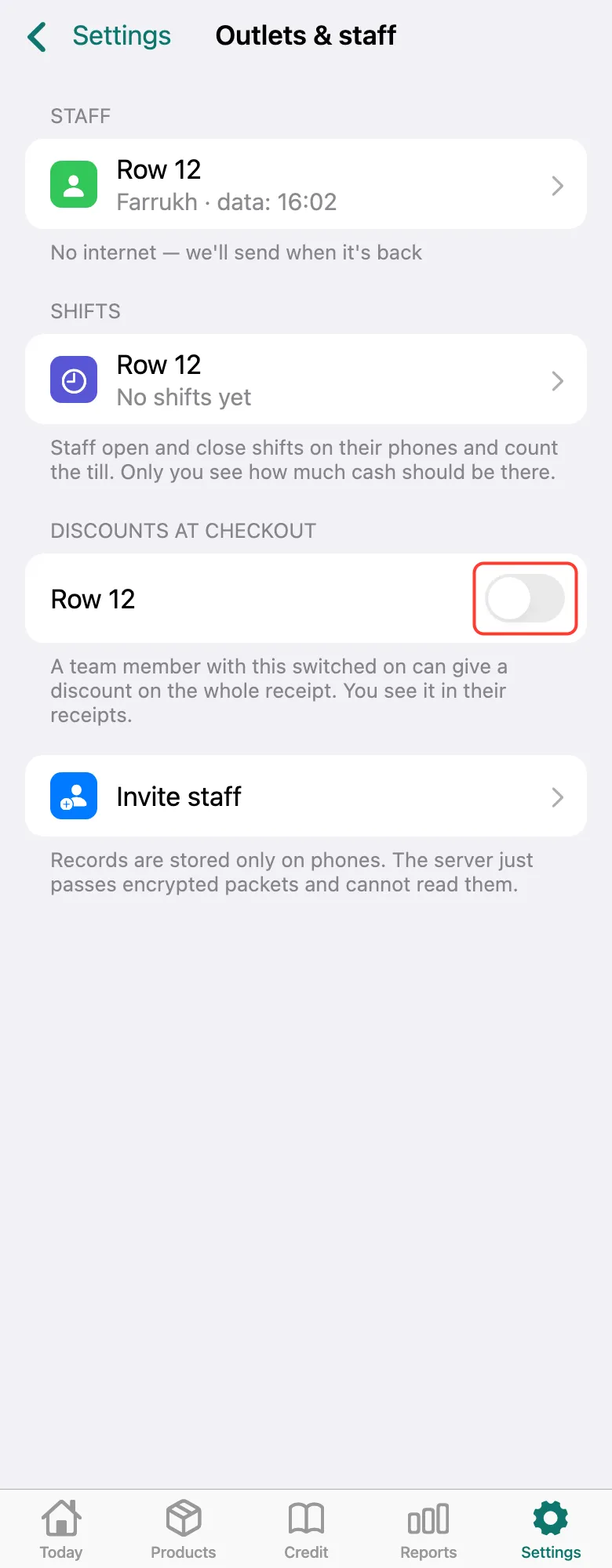
Open Settings → Outlets & staff. Under Discounts at checkout, turn on the switch next to the staff outlet — they get a Discount row on the receipt. Turn it off — the row disappears. Discounts are off right after connecting.
What next
Didn’t work? Message us on Telegram