How to keep track of what you owe suppliers
You’ll know how much you owe and to whom — separately from what customers owe you.
Open the Credit tab and switch to I owe at the top.
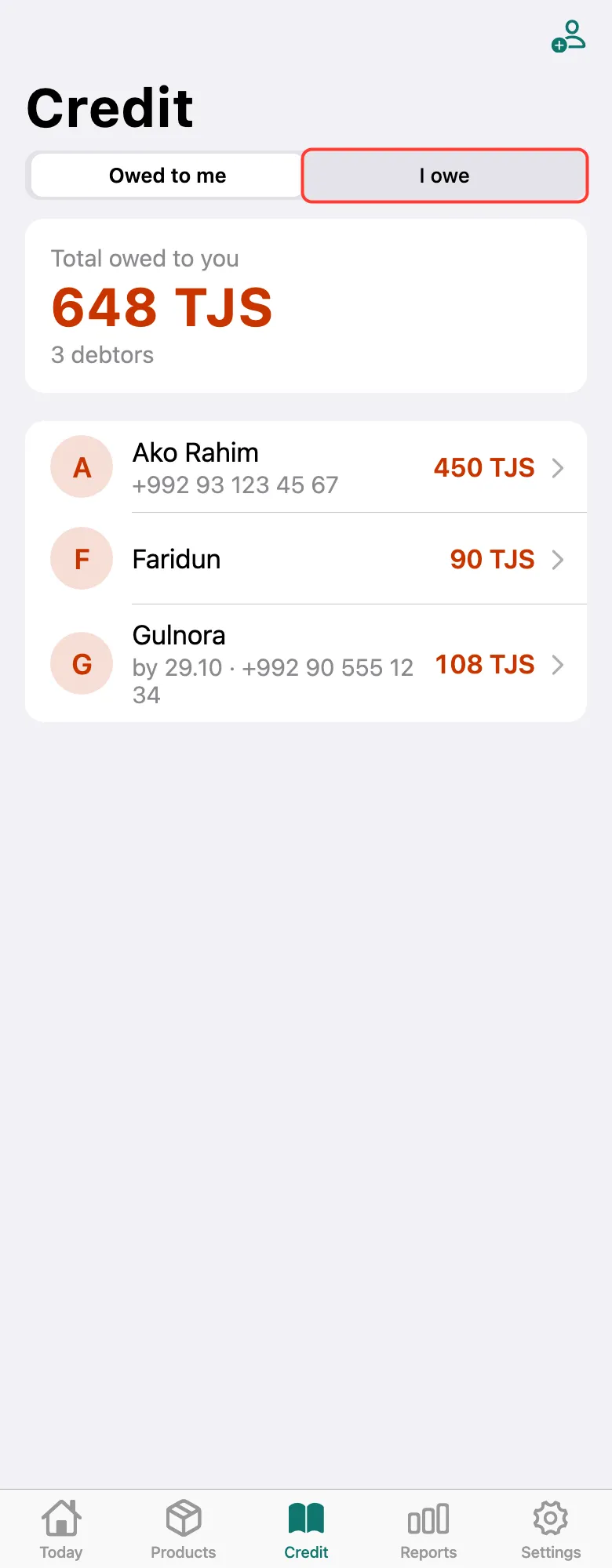
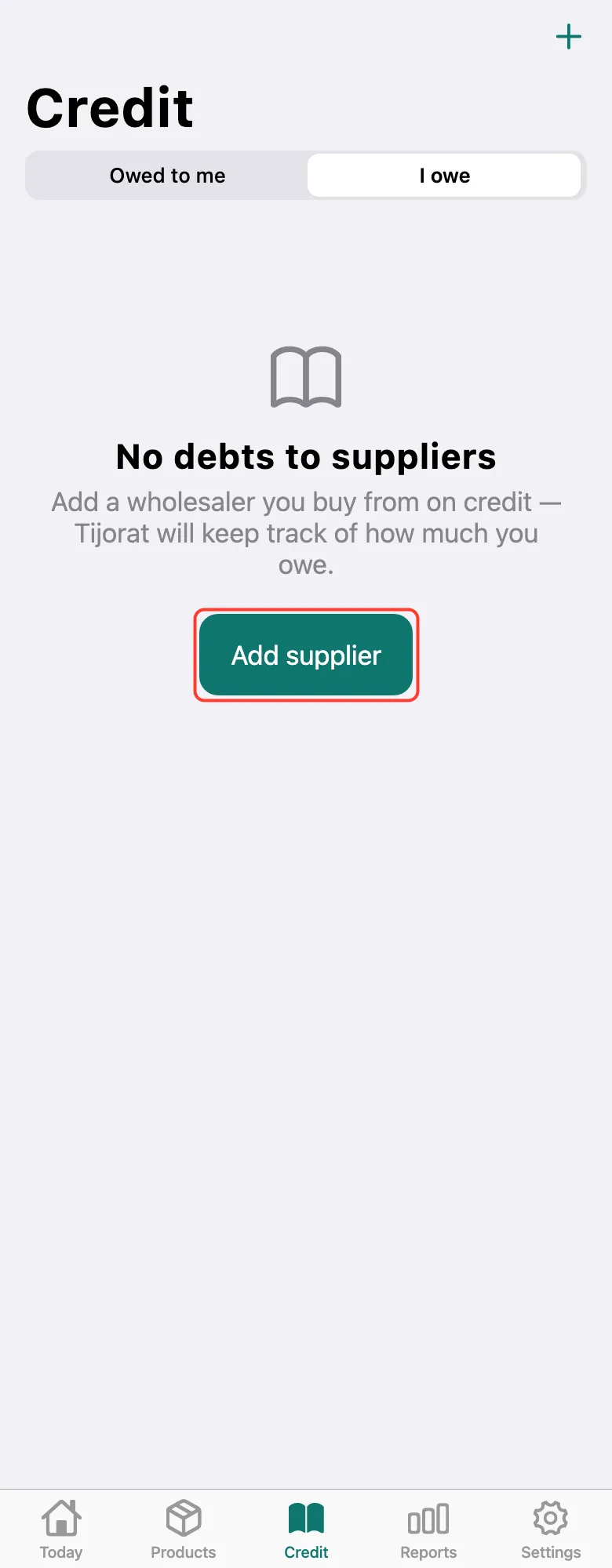
No suppliers yet — tap Add supplier, enter the name and tap Save.
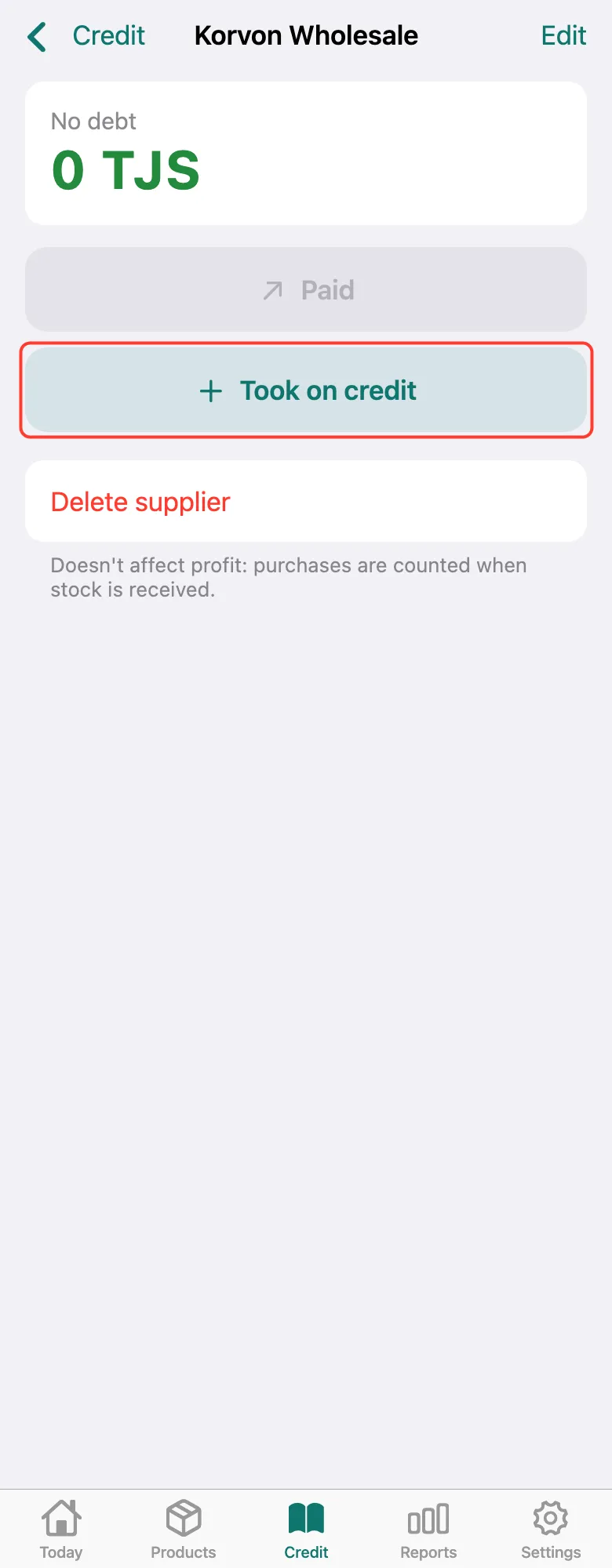
The new supplier opens right away. Took goods on credit from them — tap Took on credit.
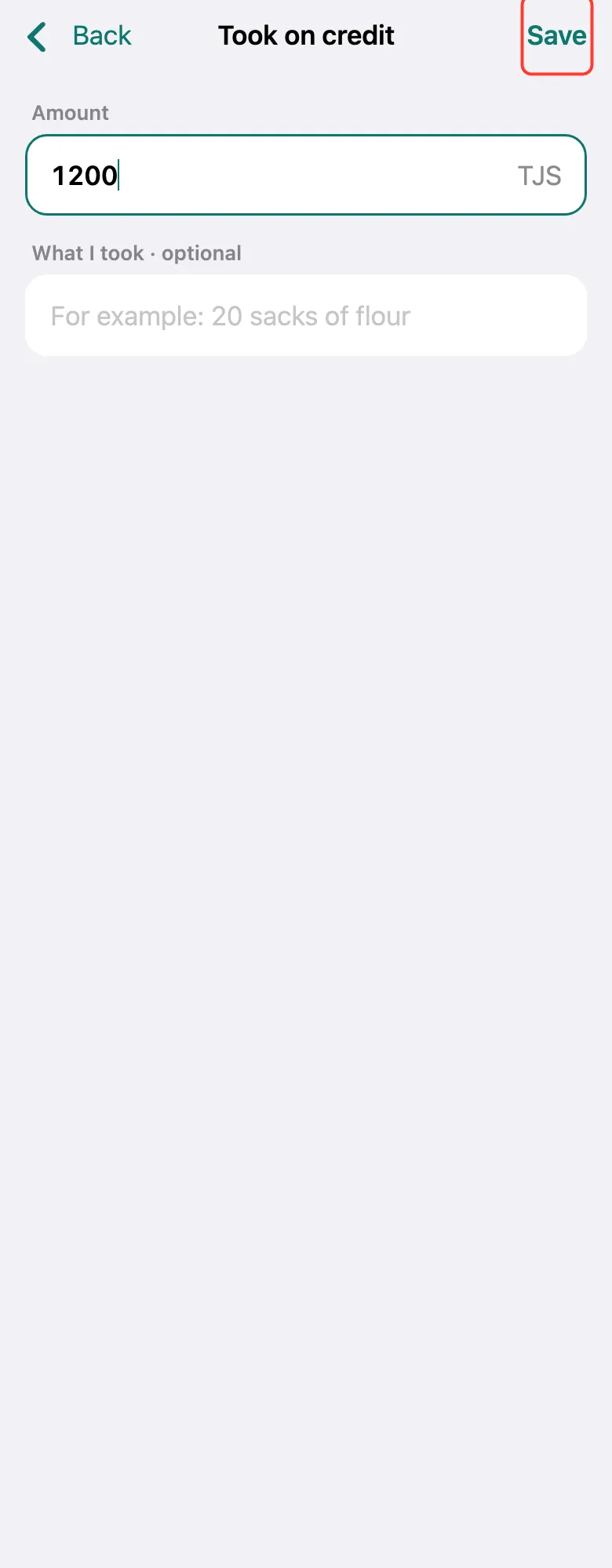
Enter the Amount and, if you like, What I took — for example, “20 sacks of flour”. Tap Save.
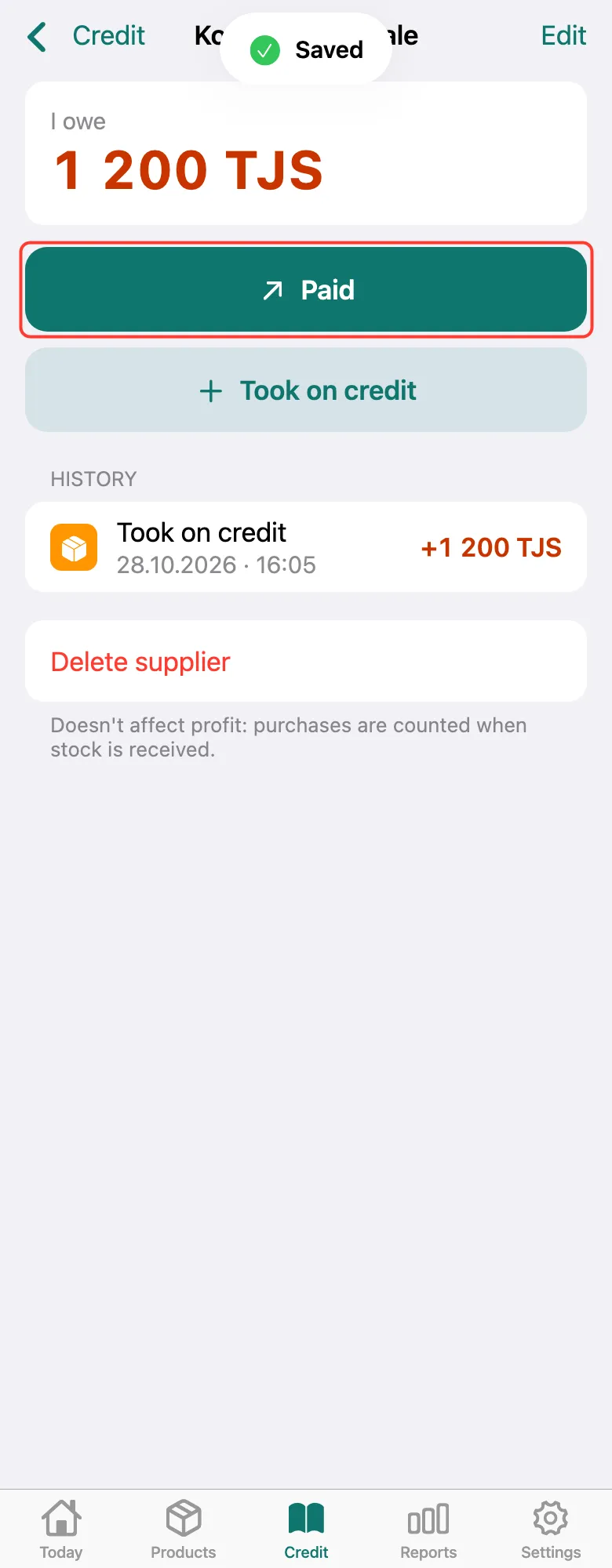
The top shows how much you owe this supplier. Paid them — tap Paid and enter the amount. Supplier debts don’t reduce profit: purchases count through stock in.
What next
Didn’t work? Message us on Telegram